Slide 1 of 1 from 2 Arrows Core Concept PowerPoint Template
2 Arrows Diagram Core Concept PowerPoint
Two Arrows Core Concept Diagram
- Diagram
- Arrow Sequence
- Concept Explanation Slide
- 16:9
- 100% Editable
What’s on This Slide
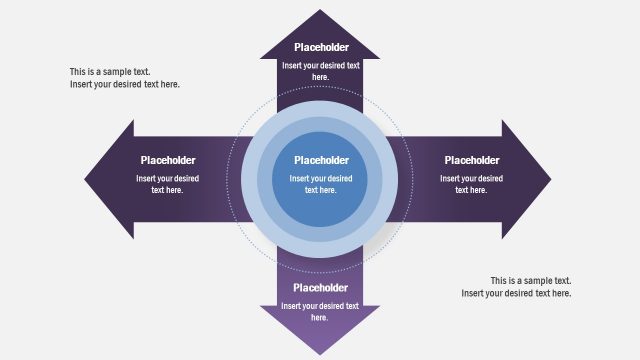
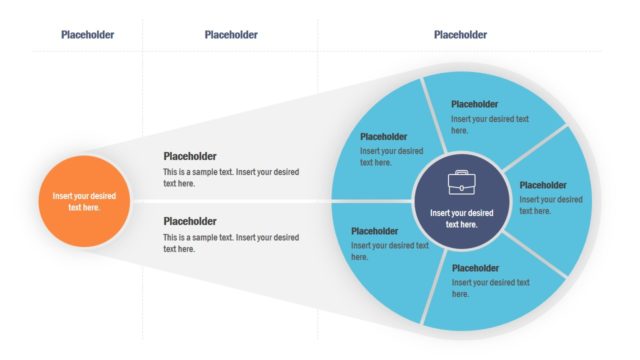
The layout features two large arrows pointing outward from a central circle. The arrows are positioned horizontally, with the left arrow extending from the left side and the right arrow extending from the right side. Each arrow contains three text placeholders aligned centrally, with a circular shape in the middle that has a smaller circle inside. The background is light with a subtle gradient. Text placeholders are present at the top and bottom, indicating areas for additional information. The visual hierarchy emphasizes the central circle.
How to Use It
This layout serves as a core concept diagram, illustrating two main ideas or steps leading to a central theme. It is suitable for presentations that require a clear visual representation of processes or concepts. This structure fits well in a sequence where the introduction of a concept is followed by detailed explanations. It can be used in business contexts to outline core values or strategic steps in a project, making it ideal for workshops or strategic planning sessions.
Text Placeholders & Capacity
Keep your copy within these limits so it fits without resizing. Node body slots can hold about 30 characters each.
| Placeholder | Count | Max characters (approx.) |
|---|---|---|
| Item body | 6 | 30 |
| Slide title | 1 | 50 |
| Footer | 1 | 50 |
Slide Keywords
Download unlimited PowerPoint templates, charts and graphics for your presentations with our annual plan.
DOWNLOADReturn to 2 Arrows Core Concept PowerPoint Template.