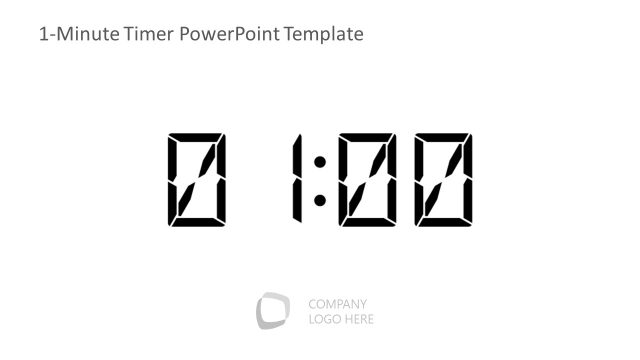
Slide 1 of 1 from 20-Minute Timer PowerPoint Template
Customizable 20-Minute Timer PPT Template
20-Minute Countdown Timer Slide
- Text Layout
- Other
- Timing Slide
- 16:9
- 100% Editable
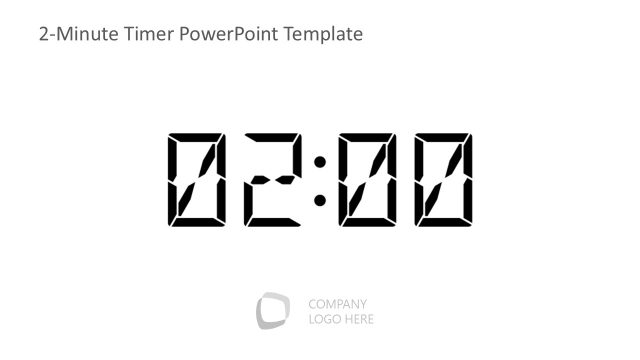
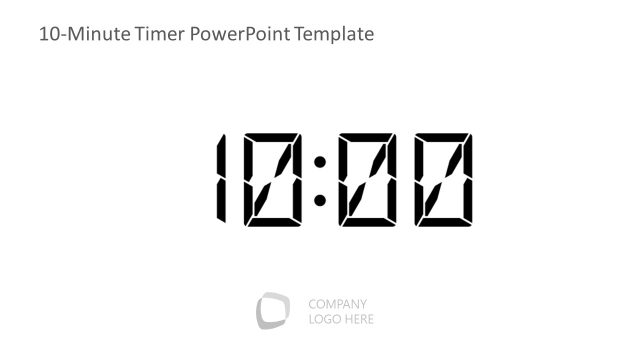
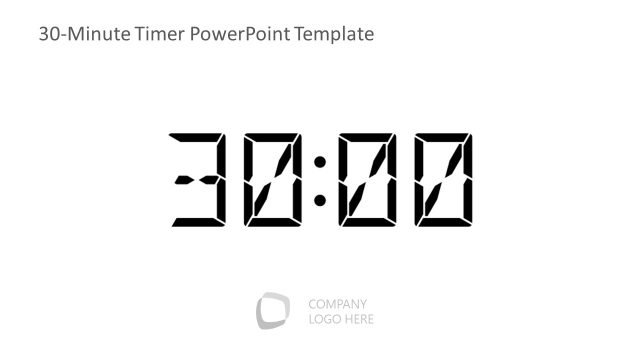
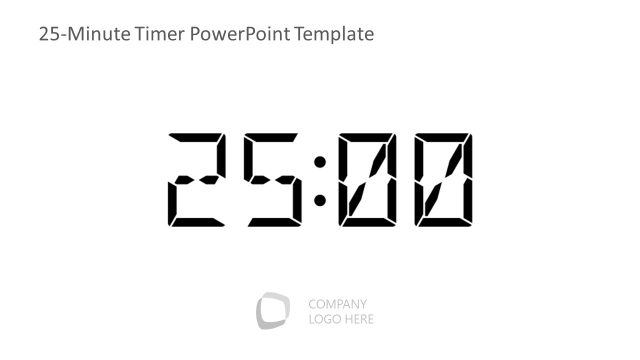
The 20-Minute Countdown Timer slide from the 20-Minute Timer PowerPoint Template offers a clear, bold digital timer ideal for timed presentations and workshops. This slide layout enhances time management in corporate presentations by visually tracking session duration, featuring editable shapes and a minimalist design that supports focus on the countdown. It integrates seamlessly into slide decks for training sessions, ensuring precise control over segment timing with a professional appearance.
What’s on This Slide
The layout features a large digital timer displaying '20:00' prominently in the center. The timer uses a bold, digital font, ensuring high visibility. Below the timer, there is a placeholder for a company logo, positioned in the bottom left corner. The background is plain white, providing a clean and uncluttered look. The overall composition emphasizes the timer, making it the focal point of the slide. There are no additional visual elements or text placeholders apart from the logo space, which maintains a minimalist design.
How to Use It
This layout serves as a countdown timer for presentations, ideal for managing time during discussions or activities. It fits well at the beginning of a session to set expectations or during timed segments. In a business context, it can be used in workshops, meetings, or training sessions where time management is crucial. This slide is effective for emphasizing time constraints and enhancing audience engagement by visually tracking time.
Text Placeholders & Capacity
Keep your copy within these limits so it fits without resizing. Text slots are limited, roughly 5-6 words each.
| Placeholder | Count | Max characters (approx.) |
|---|---|---|
| Slide title | 1 | 30 |
| Footer | 1 | 20 |
Slide Keywords
Download unlimited PowerPoint templates, charts and graphics for your presentations with our annual plan.
DOWNLOADReturn to 20-Minute Timer PowerPoint Template.