Slide 2 of 2 from 30-Second Timer PowerPoint Template
30-Second Timer Presentation Template
30-Second Timer Display Slide
- Text Layout
- Single Statement
- Timing Slide
- 16:9
- 100% Editable
The Countdown Timer Display slide from the 30-Second Timer PowerPoint Template provides a clear and bold digital timer ideal for managing time in business presentations, workshops, or competitive events. This slide layout enhances focus on timing with its high-contrast design and minimal elements, making it a practical choice for slide decks requiring precise pacing and time awareness.
What’s on This Slide
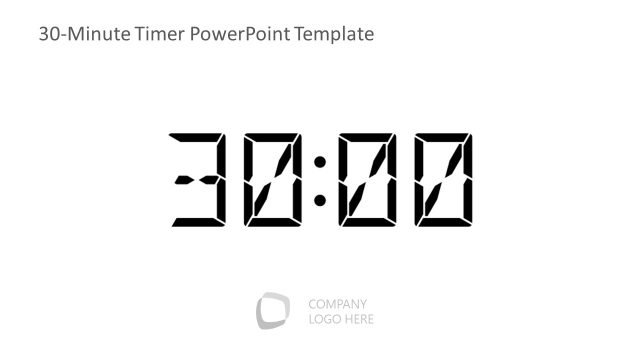
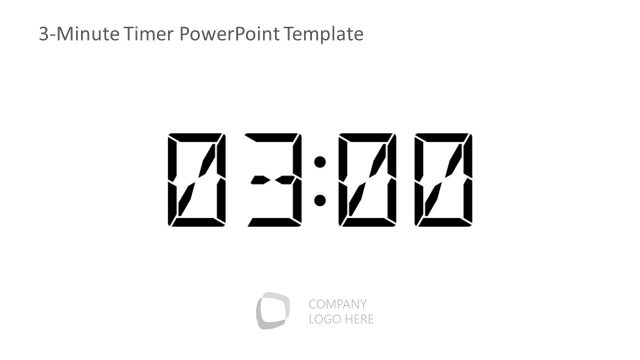
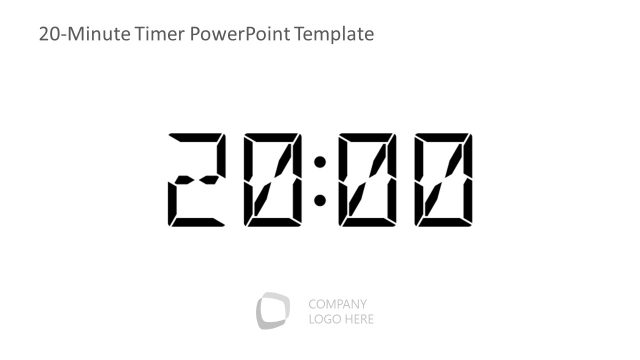
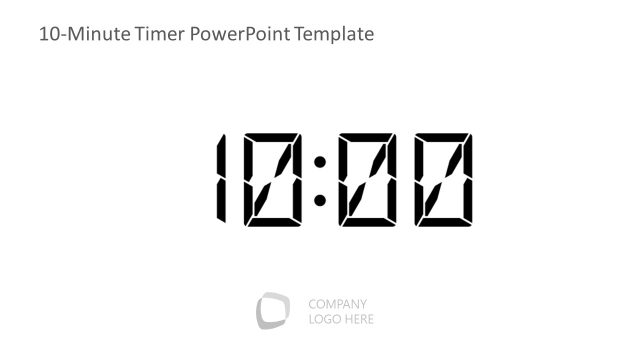
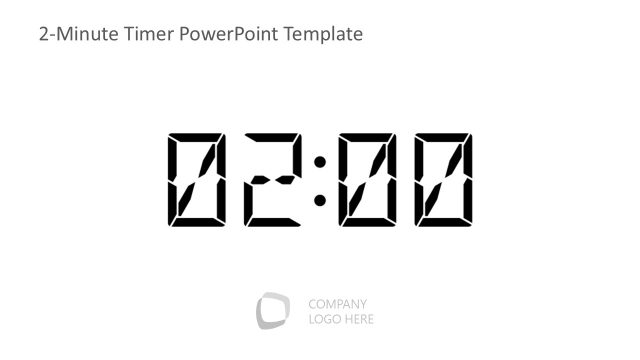
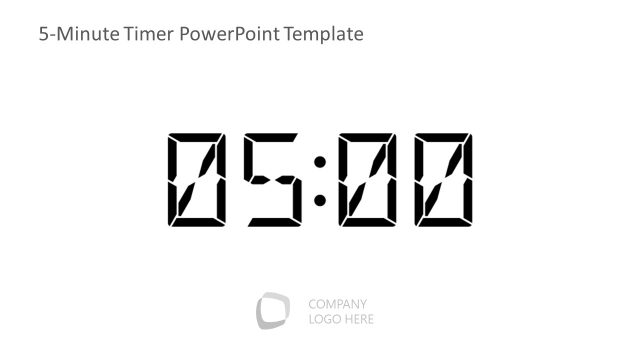
The slide features a large digital timer displaying '00:30' centrally positioned. The timer is composed of bold, segmented numerals that are easily readable. Above the timer, there is a title placeholder aligned to the top center, while a logo placeholder is located in the bottom left corner. The overall background is white, providing high contrast with the black timer display. The visual hierarchy emphasizes the timer, making it the focal point of the slide. There are no additional graphical elements or icons present.
How to Use It
This layout serves as a countdown timer, suitable for presentations requiring time management or pacing. It fits well in scenarios such as timed discussions, workshops, or presentations where time limits are essential. Positioned at the end of a sequence, it can signal the conclusion of a segment or prompt urgency. This slide is effective for emphasizing time constraints in various business contexts, including meetings, training sessions, or competitive events.
Text Placeholders & Capacity
Keep your copy within these limits so it fits without resizing. The title slot can hold about 5 words, while the body slot is tight with roughly 2 words.
| Placeholder | Count | Max characters (approx.) |
|---|---|---|
| Slide title | 1 | 30 |
| Body paragraph | 1 | 10 |
Slide Keywords
Download unlimited PowerPoint templates, charts and graphics for your presentations with our annual plan.
DOWNLOADReturn to 30-Second Timer PowerPoint Template.