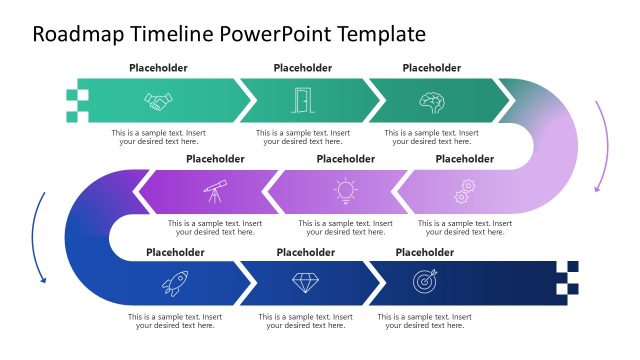
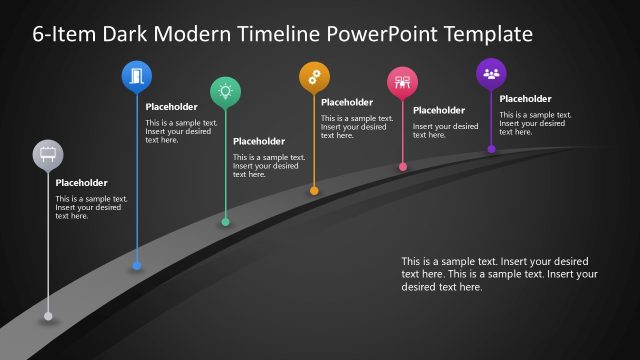
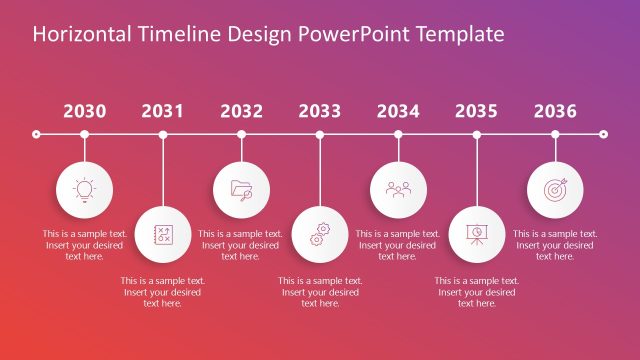
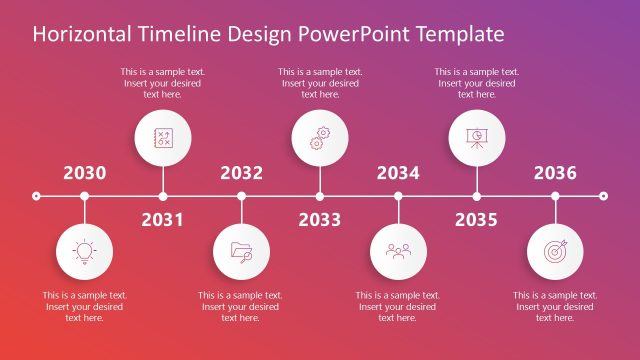
Demonstrate the events in the long-term business development plan with our 2-Row Timeline PowerPoint Template concisely. A timeline is a visual tool to depict various events of a process or plan. This 2-row timeline template has multiple use cases:
- Professionals can use this template to present the company’s development history and showcase their success story at corporate events.
- If you want to implement a new system in the company, this template allows you to list the steps and execution plan comprehensively.
- Marketers can use this diagram template to discuss their advertising plan and create a strong brand image and identity.
- In the investor sessions, professionals can use this row timeline to illustrate their business expansion plan or franchising process, thereby raising more funds.
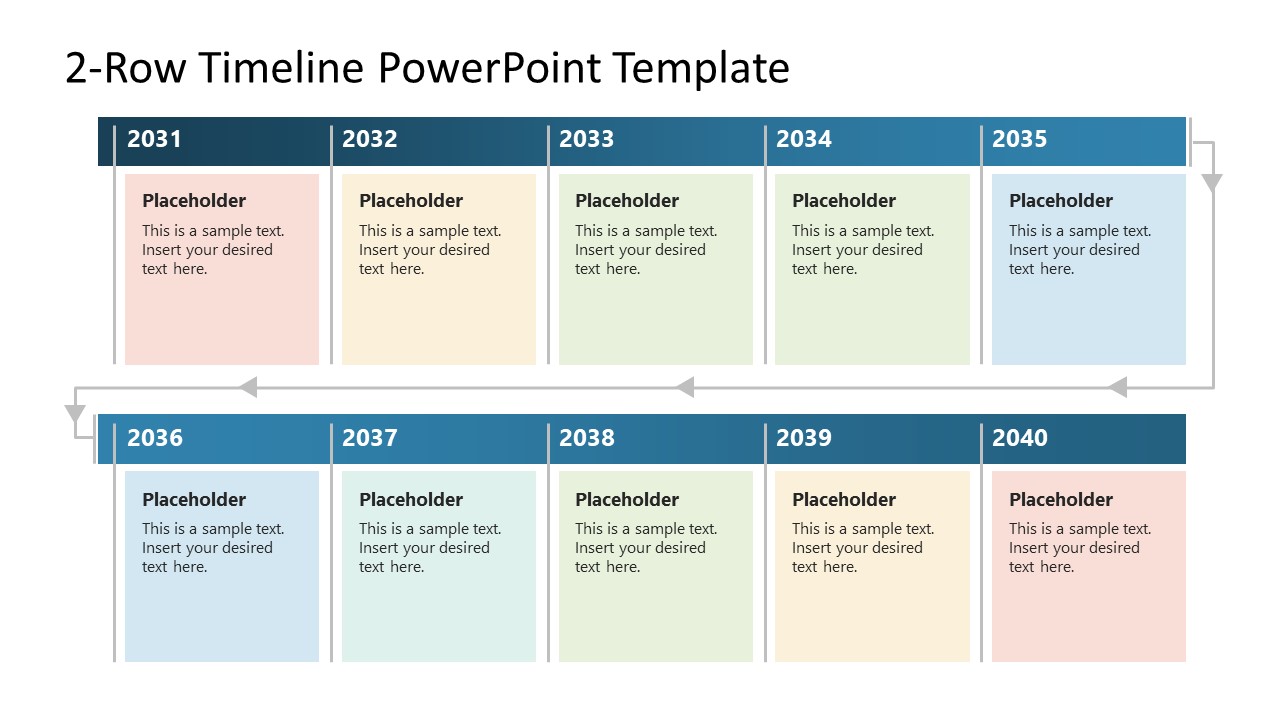
Our 2-Row Timeline PowerPoint Template has a single slide that shows a two-row diagram. Each row has a long blue bar at its top and five blocks arranged along it. Each block has a line on its left side. A line with arrow shapes starts from the end of the top row and takes two bends to meet the line of the first block from the lower row. This indicates the continuation of the process, i.e., after step 5, there is step 6 or event 6 as the first component of the second row. The template slide features a white background with blue title bars and pastel-colored blocks. Moreover, each segment of the two-row diagram has placeholder text to mention the action plan details step by step. The title bar has year numbers to visualize the 10-year plan, but you can change it based on the process or plan you want to display.
Furthermore, we have an extensive collection of timeline PPT templates with varying designs. Download the 2-row timeline template for your presentations today!
What’s inside this template
Example presentation scenarios
- A project manager can present a multi-year implementation plan by replacing each year card with phase names, owner notes, and the key activity for that period.
- A founder can explain an expansion roadmap to investors using the two-row timeline to show how the plan moves from the first five milestones to the next five.
- A marketing manager can map a campaign calendar by assigning each pastel card to a launch activity, channel focus, or brand-building milestone.
- A human resources leader can show a career development path or training sequence by turning the ten timeline blocks into progression steps.
Features
- 100% editable presentation template
- Compatible with Microsoft PowerPoint and Google Slides
- 16:9 aspect ratio slides
- Scalable vector shapes, icons and illustrations
- AI-Ready for Microsoft Copilot and Claude
- Instant access and download
Frequently asked questions
Q: How should I present the timeline so the audience understands the sequence quickly?
A: Start by naming the overall time span in the title, then explain that the top row covers the first half and the bottom row continues the sequence. Keep each milestone card to one headline and one short detail. Use the connector arrows as a speaking cue when moving from the fifth block to the sixth.
Q: Who benefits most from this two-row timeline format?
A: This format works best for presenters who need one concise view of a long plan, such as strategy leaders, project managers, marketers, or founders. It is especially useful when the audience needs to compare ten milestones or periods without reading a dense schedule, table, or multi-slide roadmap.
Q: Why use two rows instead of one long horizontal timeline?
A: The two-row structure reduces horizontal crowding and keeps the text cards large enough to read on screen. The arrow path acts like a visual bridge, telling the audience that the second row continues the same sequence. This improves pacing because the presenter can pause after the first five milestones before explaining the next five.
2-Row Timeline PowerPoint Template
1-slide 16:9 presentation template for a two-row timeline and 10-year action plan
The 2-Row Timeline PowerPoint Template is a 1-slide 16:9 timeline diagram for Microsoft PowerPoint and Google Slides. It shows a two-row sequence with year header bars, ten editable milestone cards, and connector arrows for long-term planning, implementation roadmaps, company history, or marketing schedules.
- Category
- Timelines & Planning
- Rating

 Loading...
- Aspect ratio
- 16:9
- Item ID
- 23207-01
 Microsoft PowerPoint
  Microsoft Copilot
  Claude for PowerPoint
 Other formats supported
Subscribe today and get immediate
access to download our PowerPoint templates.