2-Option Comparison PowerPoint Template
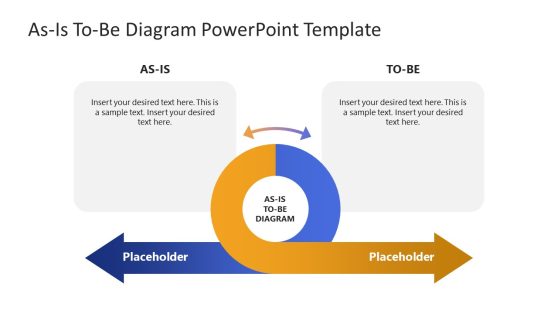
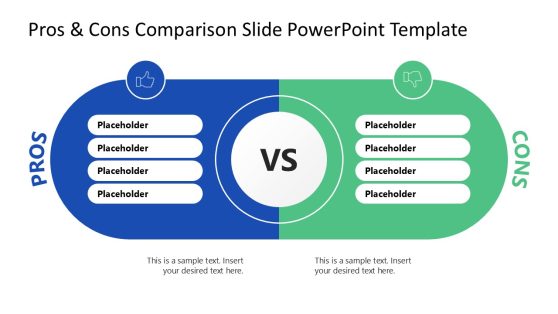
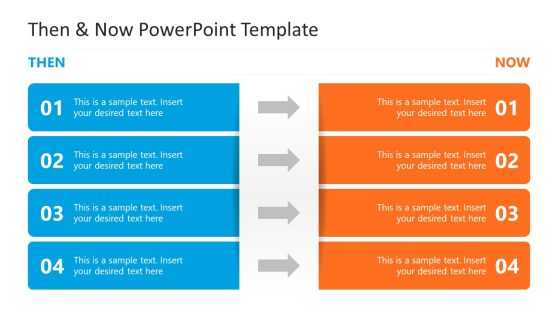
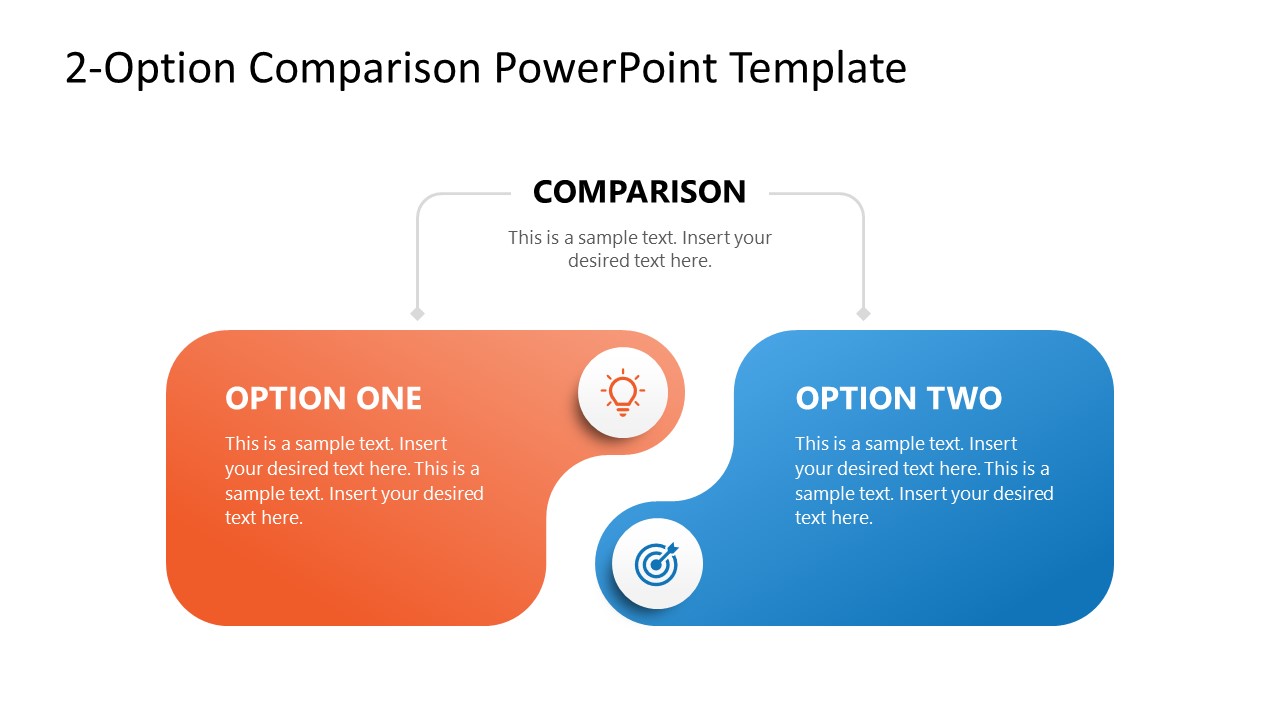
Visualizing the relationship between two competing variables requires more than a basic split-screen. This 2-Option Comparison PowerPoint Template utilizes an interlocking “jigsaw” geometry designed to highlight the friction or alignment between distinct data sets. Whether you are conducting a Competitive Benchmarking session or a Current-State vs. Future-State gap analysis, this layout provides a clear focal point for stakeholder decision-making by mapping two options onto a single, unified plane.
The design is engineered to facilitate high-clarity comparisons across various professional workstreams:
- Competitive Benchmarking: Compare your product’s feature set with that of a primary market rival to identify unique value propositions.
- A/B Testing & Campaign Analysis: Map performance deltas across marketing channels, such as Performance Max vs. Search Ads, to optimize budget allocation.
- Methodology Evaluation: Present a side-by-side breakdown of project execution frameworks (e.g., Agile vs. Waterfall) to determine the best fit for project scope.
- Strategic Pivots: Compare a legacy business model against a proposed digital transformation initiative to visualize necessary operational shifts.
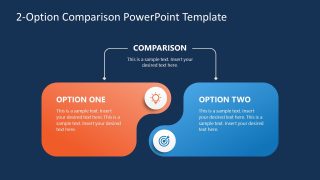
This comparison presentation template focuses on the Bimodal Information Hierarchy, using high-contrast orange and blue nodes to clearly delineate Option A and Option B without creating visual clutter. The PPTX file includes a premium dark theme specifically optimized for high-end digital environments and low-light presentation rooms, ensuring your data remains the focal point. Every component, from the target and lightbulb icons to the rounded containers, is a fully editable vector asset, allowing for precise scaling in 16:9 widescreen format across any Microsoft PowerPoint version. This PPT layout eliminates the need for manual reformatting, enabling you to transition from high-level Binary Analysis to a granular deep dive while maintaining complete visual continuity.
Stop presenting data in isolation. Download the 2-Option Comparison PowerPoint Template to bring a balanced, analytical perspective to your next strategic review.

You must be logged in to download this file.
DOWNLOAD- Category
- Diagrams
- Rating

 Loading...
- Size
- 16x9
- Item ID
- 23519-01
- Colors
Subscribe today and get immediate
access to download our PowerPoint templates.