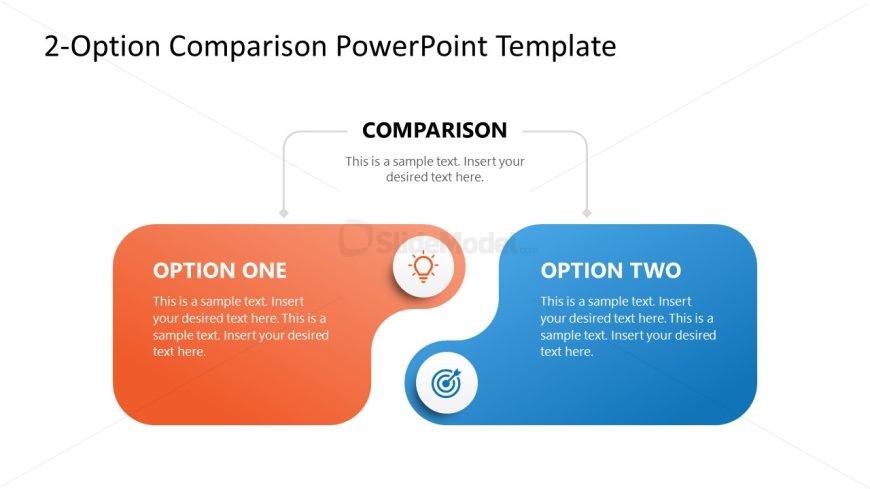
Slide 1 of 2 from 2-Option Comparison PowerPoint Template
Editable 2-Option Comparison PPT Presentation Template
Two-Option Comparison Diagram for Presentations
- Diagram
- Comparison Split
- Comparison Slide
- 16:9
- 100% Editable
The Two-Option Comparison Diagram from the 2-Option Comparison PowerPoint Template offers a clear layout for contrasting two strategies or products side by side. This slide template features editable shapes and vector icons to visually distinguish options, making it suitable for business presentations that require straightforward performance analysis or strategic evaluation within a slide deck.
What’s on This Slide
The slide features a two-option comparison layout with two rounded rectangles positioned side by side. The left rectangle, colored orange, contains a lightbulb icon and the label 'OPTION ONE' at the top, followed by a text placeholder below. The right rectangle, colored blue, includes a target icon and the label 'OPTION TWO' at the top, also followed by a text placeholder. Above these rectangles is a central header labeled 'COMPARISON.' The overall layout is balanced, with a clear visual hierarchy emphasizing the two options.
How to Use It
This layout serves as a direct comparison tool, ideal for evaluating two distinct options or strategies. It fits well in a presentation sequence following a problem statement or introduction, guiding the audience through decision-making. Suitable scenarios include product comparisons, strategic options, or performance evaluations, allowing presenters to clearly delineate differences and advantages between two choices.
Text Placeholders & Capacity
Keep your copy within these limits so it fits without resizing. Node body slots can hold approximately 30 words each, with tight spacing.
| Placeholder | Count | Max characters (approx.) |
|---|---|---|
| Item heading | 2 | 30 |
| Item body | 2 | 150 |
| Chart title | 1 | 50 |
Slide Keywords
Download unlimited PowerPoint templates, charts and graphics for your presentations with our annual plan.
DOWNLOADReturn to 2-Option Comparison PowerPoint Template.