Slide 2 of 2 from 2-Option Comparison PowerPoint Template
2-Option Comparison PowerPoint Slide with Dark Background
Two-Option Comparison Diagram for Presentations
- Diagram
- Comparison Split
- Comparison Slide
- 16:9
- 100% Editable
The Two-Option Comparison Diagram from the 2-Option Comparison PowerPoint Template provides a clear visual format for contrasting products or strategies. This slide layout uses editable shapes and vector icons to highlight key differences, making it suitable for business presentations and marketing decisions. Its design supports effective communication in pitch decks and corporate presentations by visually separating two choices with distinct colors and icons.
What’s on This Slide
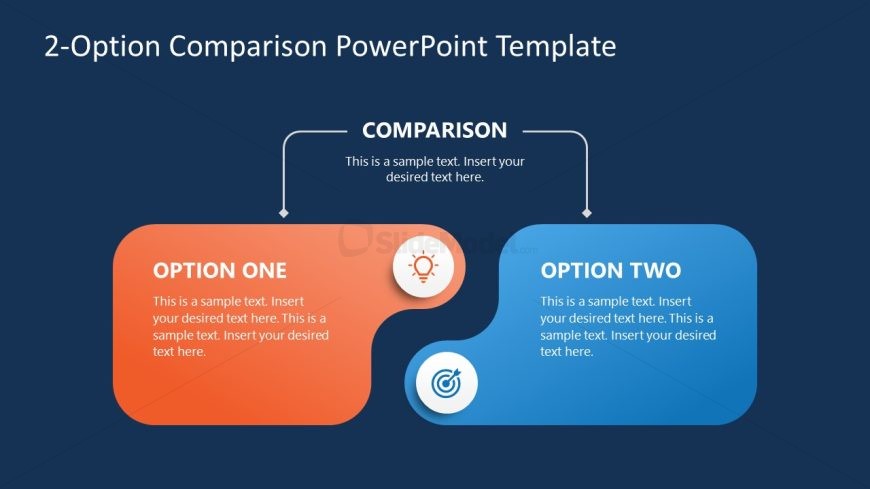
The layout features two large, rounded rectangular shapes positioned at the bottom left and right of the slide. The left shape is orange labeled 'OPTION ONE' and the right shape is blue labeled 'OPTION TWO.' Above these shapes is a central header labeled 'COMPARISON' with a connecting line leading to both options. Each option contains a placeholder for text aligned to the left, with additional text placeholders beneath. Icons representing a lightbulb and a target are included within the option shapes. The background is a dark blue color.
How to Use It
This layout serves as a two-option comparison diagram, ideal for contrasting products, strategies, or concepts. It fits well in presentations that require a clear visual distinction between two choices. This structure is useful in business contexts like product launches, marketing strategies, or decision-making processes. It can effectively highlight advantages and disadvantages, making it suitable for persuasive presentations.
Text Placeholders & Capacity
Keep your copy within these limits so it fits without resizing. Body slots can hold approximately 20-30 words each.
| Placeholder | Count | Max characters (approx.) |
|---|---|---|
| Slide title | 1 | 40 |
| Item heading | 2 | 20 |
| Item body | 2 | 120 |
| Callout | 2 | 20 |
| Body paragraph | 1 | 80 |
Slide Keywords
Download unlimited PowerPoint templates, charts and graphics for your presentations with our annual plan.
DOWNLOADReturn to 2-Option Comparison PowerPoint Template.