Slide 2 of 2 from 2-Arrow Comparison PowerPoint Template
Concept Design of 2 Arrows PowerPoint
2-Arrow Comparison Concept for Presentations
- Diagram
- Comparison Split
- Comparison Slide
- 16:9
- 100% Editable
What’s on This Slide
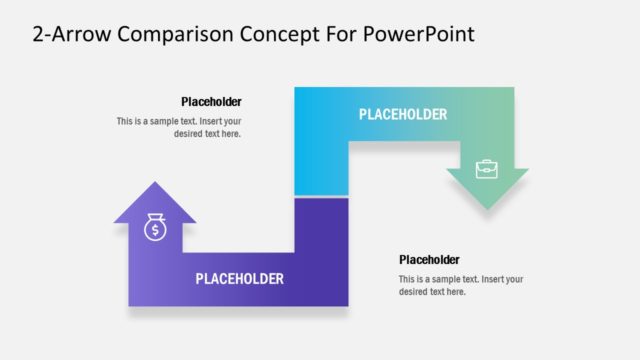
The layout features two arrows positioned diagonally across a purple background. The left arrow points upward and contains a dollar sign icon, while the right arrow points downward and includes a briefcase icon. Each arrow has a corresponding text placeholder positioned above or beside it, aligned to the left and right respectively. The text placeholders are visually distinct, with the left arrow in a darker purple and the right arrow in a gradient from teal to light blue. The overall composition emphasizes a clear directional flow between the two arrows.
How to Use It
This layout serves as a comparison tool, allowing users to visually contrast two concepts or options. It is effective for illustrating differences in benefits, costs, or features in business presentations. Positioned as the second slide in a sequence, it can follow a problem statement or introduction, leading into a more detailed discussion or analysis. This format is suitable for financial comparisons, product features, or strategic options in various business contexts.
Text Placeholders & Capacity
Keep your copy within these limits so it fits without resizing. Node body slots can accommodate roughly 10-12 words each.
| Placeholder | Count | Max characters (approx.) |
|---|---|---|
| Item heading | 2 | 30 |
| Item body | 2 | 60 |
Slide Keywords
Download unlimited PowerPoint templates, charts and graphics for your presentations with our annual plan.
DOWNLOADReturn to 2-Arrow Comparison PowerPoint Template.