Slide 2 of 2 from 12 Item Circular Technology Diagram for PowerPoint
PowerPoint Circular Diagram of 12 Items
12 Item Circular Technology Diagram Overview
- Diagram
- Circular Cycle
- Process Slide
- 16:9
- 100% Editable
What’s on This Slide
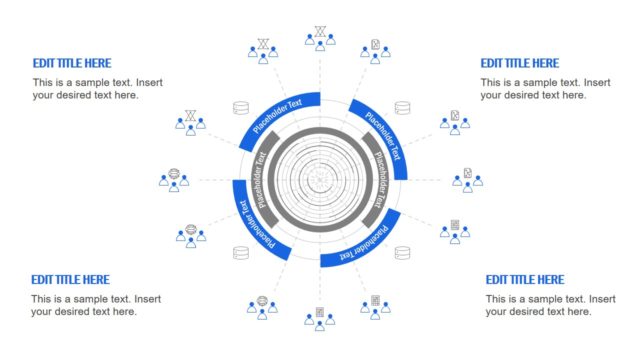
The layout features a central circular diagram with multiple concentric rings. Around the outer edge, there are twelve evenly spaced nodes, each represented by icons and connected by dashed lines. The icons depict various technology-related elements, such as databases and people. Each node has a blue circular label for placeholder text, indicating where titles or descriptions can be inserted. The background is a dark color, enhancing the visibility of the elements. Text placeholders are positioned at the top and bottom, aligned to the left and right, respectively.
How to Use It
This layout serves as a circular process diagram, ideal for illustrating a technology framework or workflow. It fits well in presentations discussing IT infrastructure, network processes, or technology cycles. Use it to visually represent steps in a process or components of a system in a clear, engaging manner. This slide is particularly useful in business contexts where complex information needs to be simplified for better understanding.
Text Placeholders & Capacity
Keep your copy within these limits so it fits without resizing. Node labels can hold about 3-4 words each.
| Placeholder | Count | Max characters (approx.) |
|---|---|---|
| Slide title | 1 | 30 |
| Body paragraph | 4 | 50 |
| Item heading | 12 | 20 |
Slide Keywords
Download unlimited PowerPoint templates, charts and graphics for your presentations with our annual plan.
DOWNLOADReturn to 12 Item Circular Technology Diagram for PowerPoint.