Slide 1 of 2 from 12 Item Circular Technology Diagram for PowerPoint
12 Item PowerPoint Circular Diagram
12 Item Circular Technology Diagram Overview
- Diagram
- Circular Cycle
- Process Slide
- 16:9
- 100% Editable
What’s on This Slide
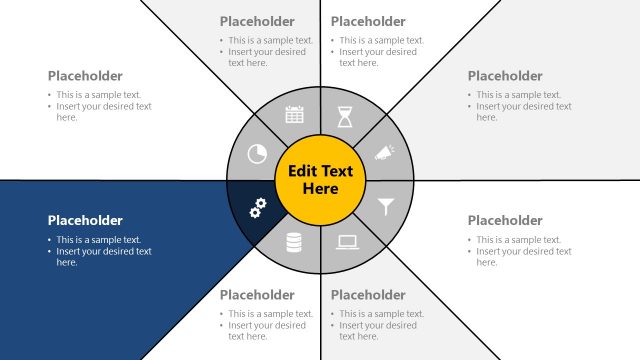
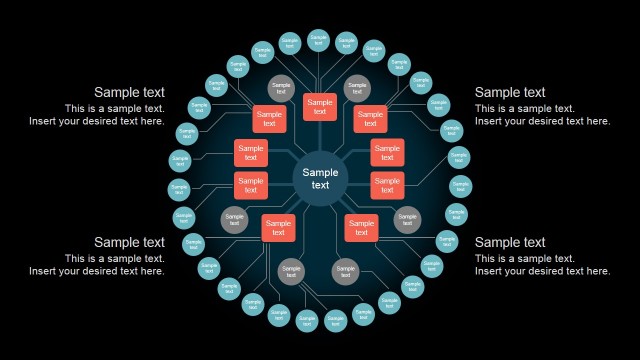
The layout features a central circular diagram with concentric rings. Surrounding the central area are twelve evenly spaced nodes, each containing icons representing various elements. The nodes are connected to the center by dashed lines, indicating a flow or relationship. Each node has a text placeholder for titles and another for descriptions, positioned above and below the icons, respectively. The color scheme includes blue for the outer rings and gray for the inner circle. The overall design is symmetrical, emphasizing the circular process concept.
How to Use It
This layout serves as a circular process diagram, ideal for illustrating workflows or systems with multiple components. It fits well in presentations discussing IT infrastructure, network processes, or technology cycles. Use it to visually represent interconnected steps or stages in a process. This structure is effective in business contexts where clarity in complex relationships is needed, such as project management or operational overviews.
Text Placeholders & Capacity
Keep your copy within these limits so it fits without resizing. Body slots can accommodate roughly 8-10 words each.
| Placeholder | Count | Max characters (approx.) |
|---|---|---|
| Slide title | 1 | 30 |
| Body paragraph | 12 | 50 |
| Item heading | 12 | 20 |
Slide Keywords
Download unlimited PowerPoint templates, charts and graphics for your presentations with our annual plan.
DOWNLOADReturn to 12 Item Circular Technology Diagram for PowerPoint.