Slide 11 of 11 from 10 Steps Triangular Segments PowerPoint Diagram
10 Step Triangular Segments PowerPoint
10 Steps Triangular Segments PowerPoint Diagram
- Diagram
- Segmented Wheel
- Process Slide
- 16:9
- 100% Editable
What’s on This Slide
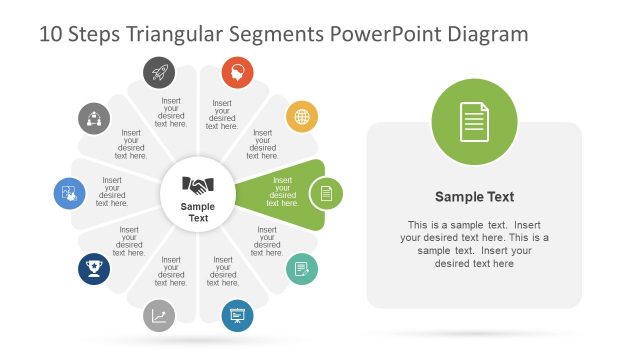
The layout features a central circular node surrounded by ten triangular segments arranged in a radial pattern. Each segment contains an icon and a text placeholder, with the icons representing various themes. The central node includes a handshake icon and a larger text placeholder labeled 'Sample Text.' To the right, there is a rectangular container with a rocket icon and additional text placeholders. The overall color scheme includes multiple colors for the segments, while the background is white, enhancing visual clarity and focus on the elements.
How to Use It
This layout serves as a process diagram, illustrating ten steps in a circular format. It fits well in presentations that require a structured overview of sequential actions or phases. Common applications include project management, strategic planning, or educational contexts where step-by-step processes need to be communicated. The design allows for easy customization of content while maintaining a clear visual hierarchy.
Text Placeholders & Capacity
Keep your copy within these limits so it fits without resizing. Node body slots can hold about 30 characters each, while the central and right slots can hold more text.
| Placeholder | Count | Max characters (approx.) |
|---|---|---|
| Item body | 10 | 30 |
| Item body | 1 | 50 |
| Item body | 1 | 150 |
Slide Keywords
Download unlimited PowerPoint templates, charts and graphics for your presentations with our annual plan.
DOWNLOAD