Slide 3 of 12 from 10 Steps Arrows Bars PowerPoint Diagram
Arrow Bars 1 Step PowerPoint Diagram
Arrow Options Diagram for PowerPoint
- Diagram
- Arrow Sequence
- Process Slide
- 16:9
- 100% Editable
What’s on This Slide
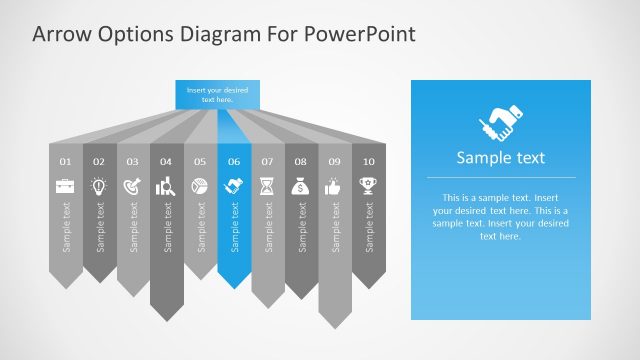
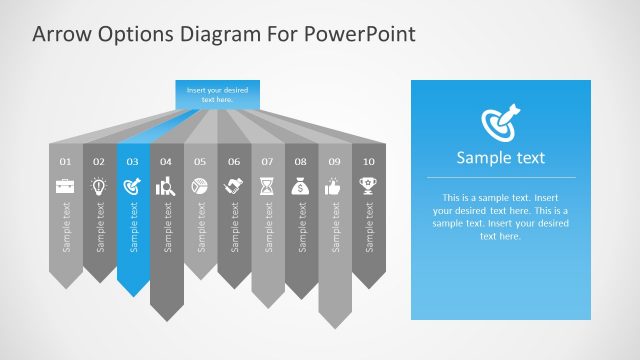
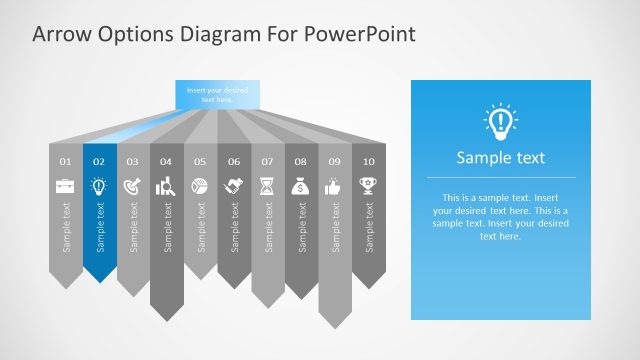
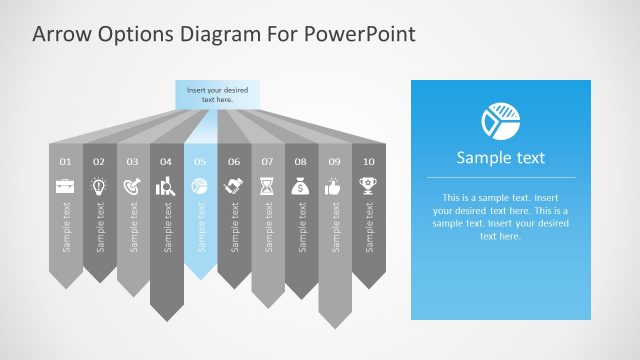
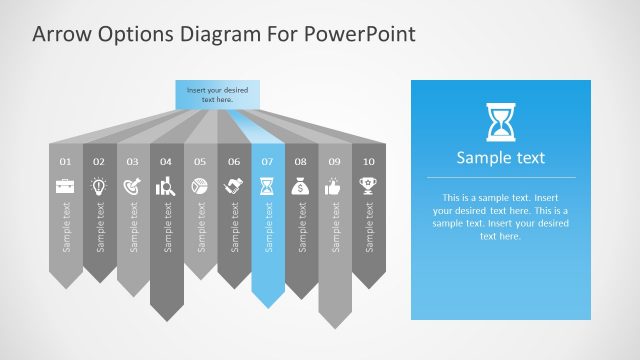
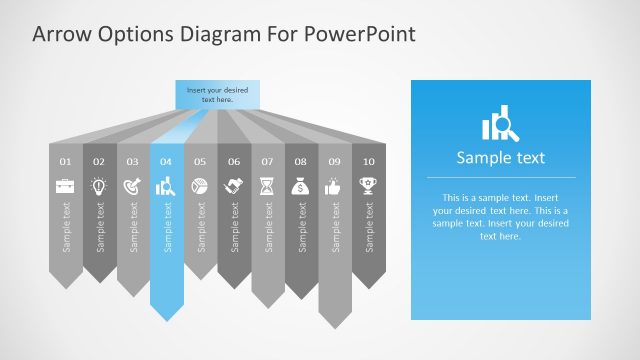
The layout features a series of ten downward-pointing arrows arranged in a staggered manner from left to right. Each arrow contains a number and a placeholder for text, with the first arrow in blue and the rest in gray. To the right, a rectangular blue box includes additional text placeholders. The arrows are evenly spaced, with a consistent width and height. The background is light gray, providing contrast to the darker arrow shapes. The visual hierarchy emphasizes the first arrow, while the text placeholders are centrally aligned within their respective shapes.
How to Use It
This layout serves as a sequential process diagram, ideal for illustrating steps or stages in a project. It fits well in presentations that require a clear, linear flow of information. Common scenarios include project management updates, product development stages, or training sessions. The layout can be used to highlight key actions or milestones, making it useful for both internal and client-facing presentations.
Text Placeholders & Capacity
Keep your copy within these limits so it fits without resizing. Node body slots can hold roughly 10-15 words each.
| Placeholder | Count | Max characters (approx.) |
|---|---|---|
| Item heading | 10 | 20 |
| Item body | 10 | 50 |
| Body paragraph | 1 | 200 |
Slide Keywords
Download unlimited PowerPoint templates, charts and graphics for your presentations with our annual plan.
DOWNLOADReturn to 10 Steps Arrows Bars PowerPoint Diagram.