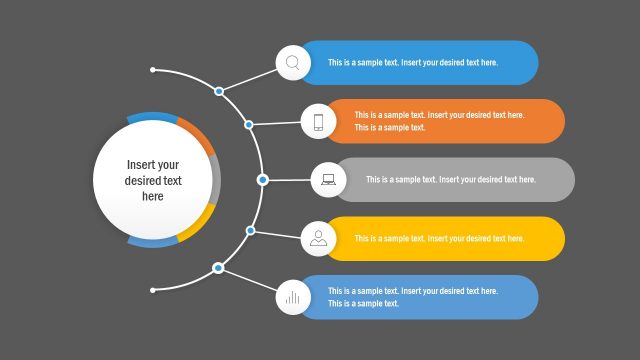
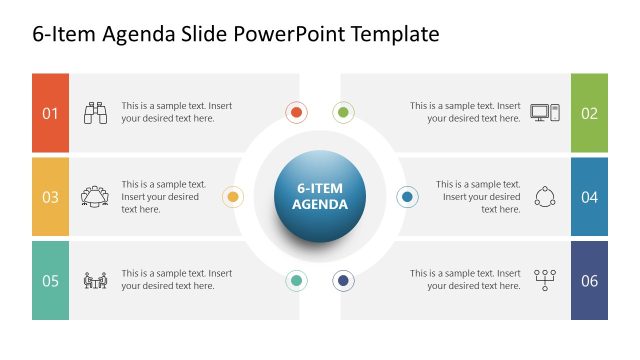
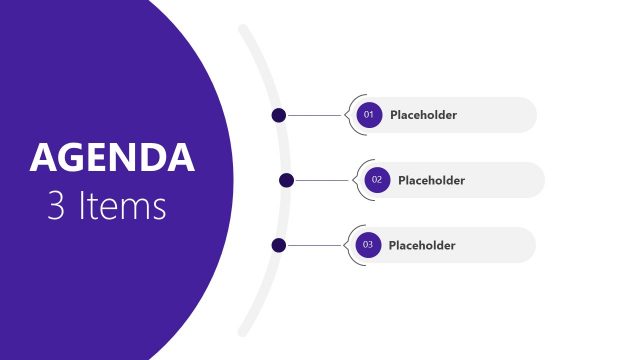
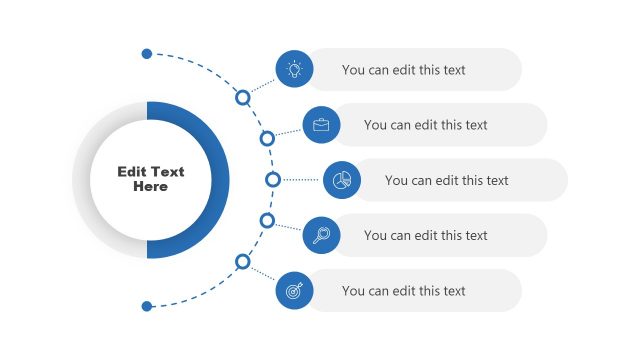
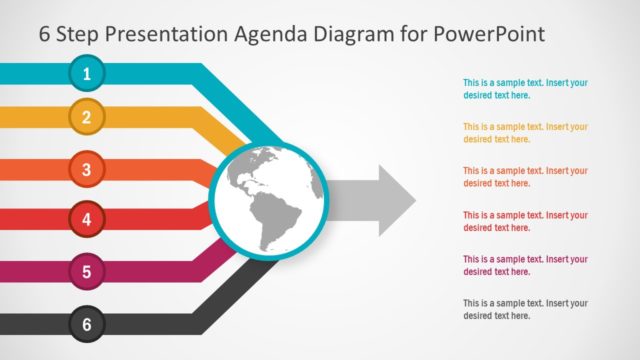
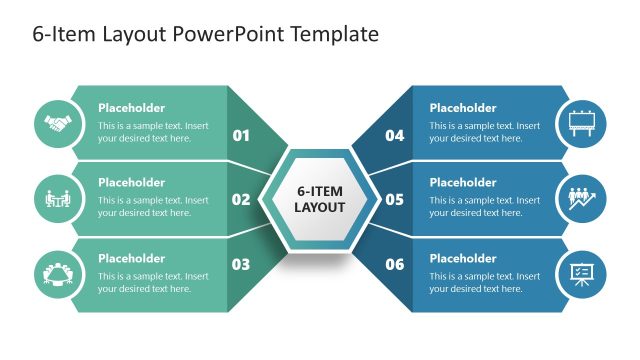
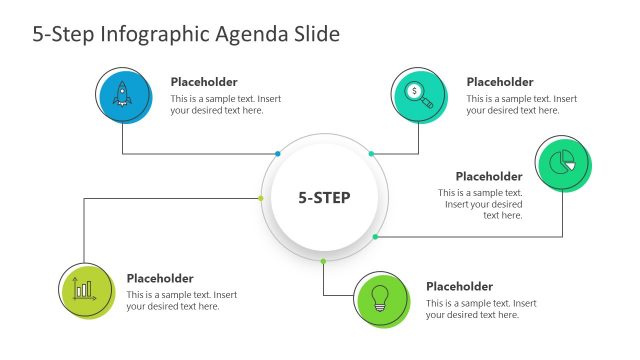
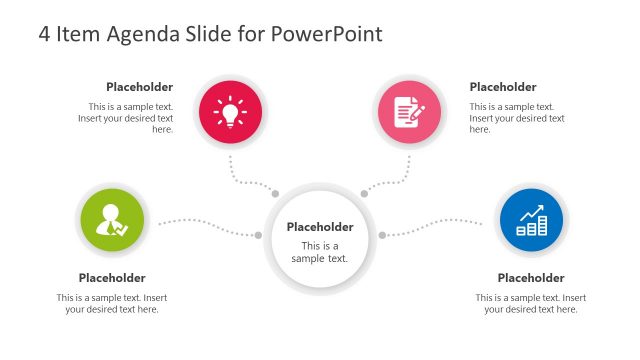
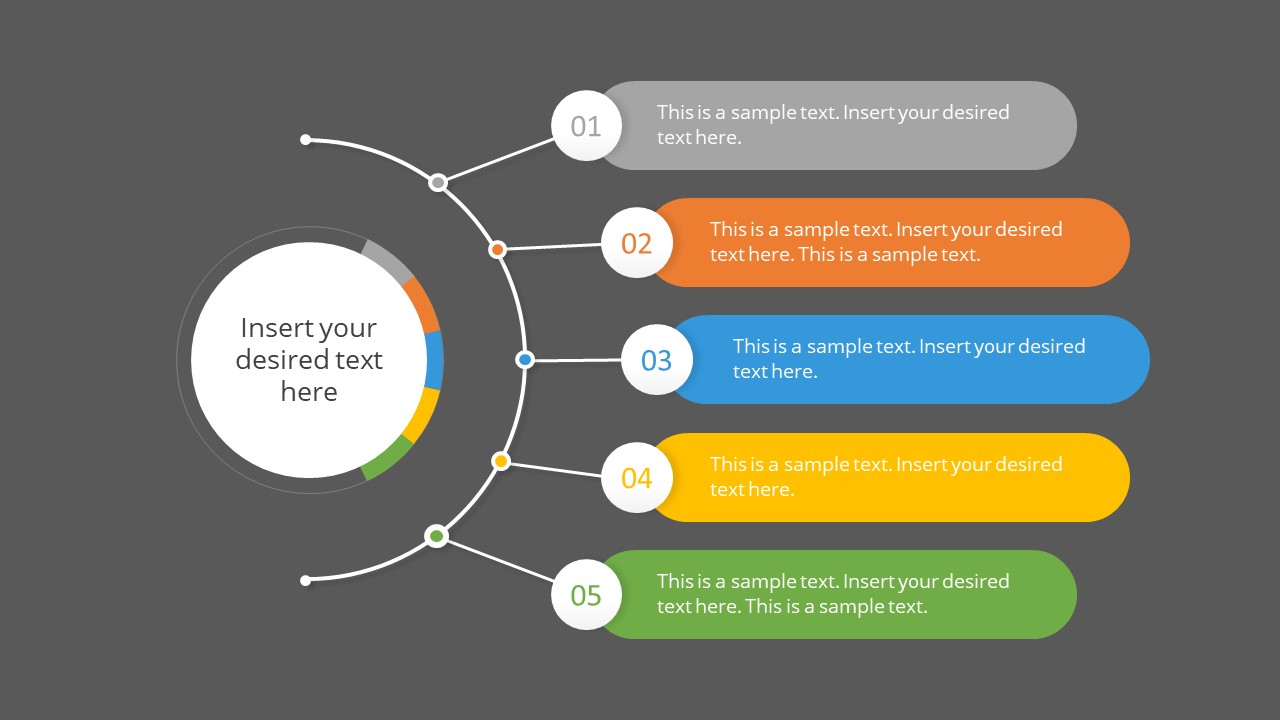
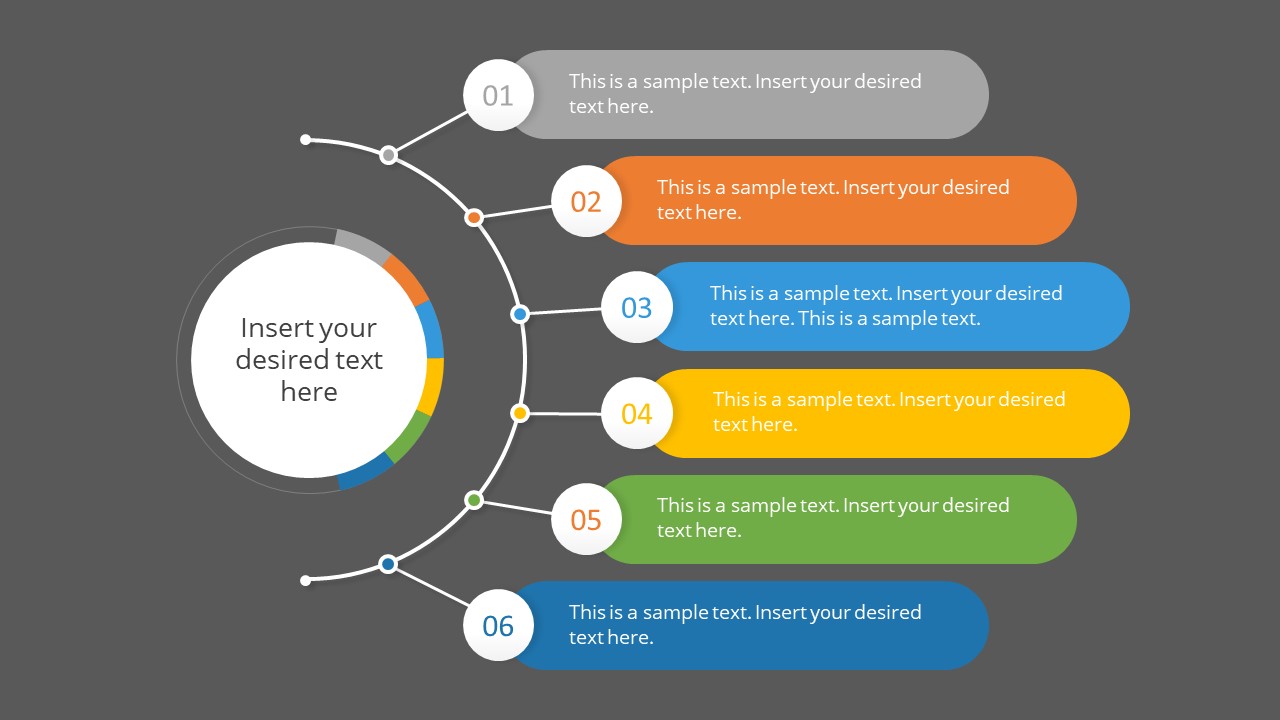
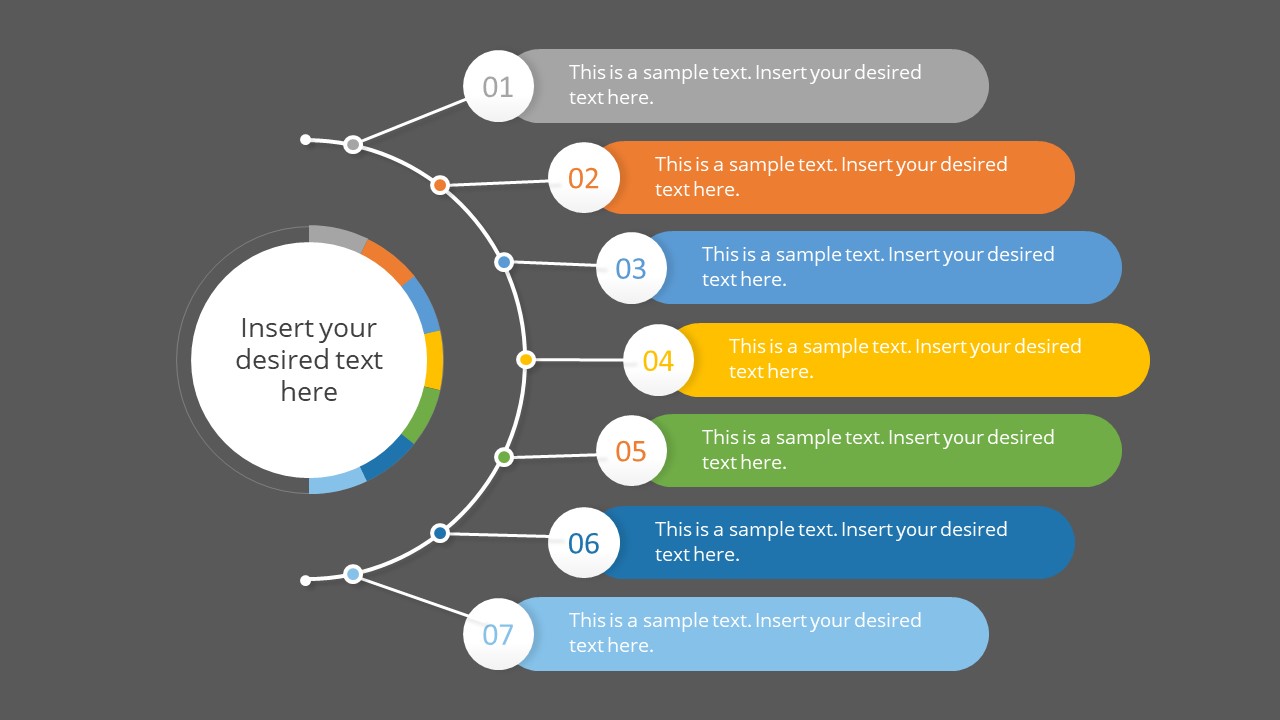
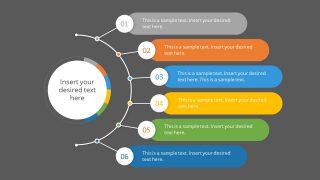
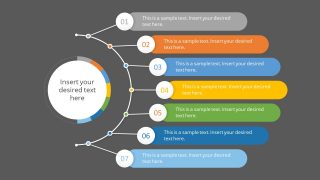
1 to 7 Item Agenda Slides Template for PowerPoint has a curved bullet point design. This is a simple agenda PowerPoint to present table of contents for any given topic. There are seven appendix slide options for 1 to 7 agenda components. You can choose a template based on your presentation agenda components. These are easy-to-use templates containing editable elements. PowerPoint templates have a gray background color that you can change from the Format Background menu.
The agenda slide helps the presenter highlight key points and ensures they don’t miss out on any important discussion. The presenter can time each agenda point while rehearsing to complete the speech on time without forgetting critical aspects. At the same time, it enables the audience to gather the main presentation points listed on a single slide. Furthermore, the number units list out a logical sequence of these points and highlight topics in text placeholders.
The PowerPoint agenda slide appears at the beginning of the presentation. It is a prepared table of contents template, listing activities to be discussed. Unlike a lengthy list of contents at the start, the curved design of multiple labels will appeal to the audience. You can also conclude an entire presentation with key takeaway points at the end.
What’s inside this template
Example presentation scenarios
- A consultant can open a client presentation by using the seven-item agenda layout to preview workstreams, recommendations, and decision points.
- A project manager can use the three-item or four-item agenda layout to frame a status meeting around progress, risks, next steps, and ownership.
- A trainer can introduce a workshop with the numbered label list, assigning each agenda point to a module or learning activity.
- An executive presenter can close a strategy deck by replacing the agenda text with key takeaways in the six-item curved connector layout.
Features
- 100% editable presentation template
- Compatible with Microsoft PowerPoint and Google Slides
- 16:9 aspect ratio slides
- Scalable vector shapes, icons and illustrations
- AI-Ready for Microsoft Copilot and Claude
- Instant access and download
Frequently asked questions
Q: How should a presenter use these agenda slides without overloading the audience?
A: Select the slide with the exact number of discussion points and keep each rounded label to a short phrase. Use the center circle for the meeting theme or presentation title, not a paragraph. The curved connector already signals sequence, so the presenter can explain timing and priorities verbally instead of adding extra text.
Q: Who benefits most from this style of agenda slide?
A: This template fits presenters who need to orient an audience before a structured session, such as consultants, project managers, trainers, and team leads. It works best when the message is a topic overview, appendix list, or section roadmap rather than a data argument. The one-to-seven options make it easy to match the real agenda length.
Q: Why use a circular hub and curved connector instead of a plain bullet list?
A: The center circle creates a visual anchor for the main theme, while the curved connector turns separate labels into a guided path. This helps the audience see the agenda as a connected sequence. The color-coded rounded labels make each topic easy to scan and support quick verbal transitions between sections.
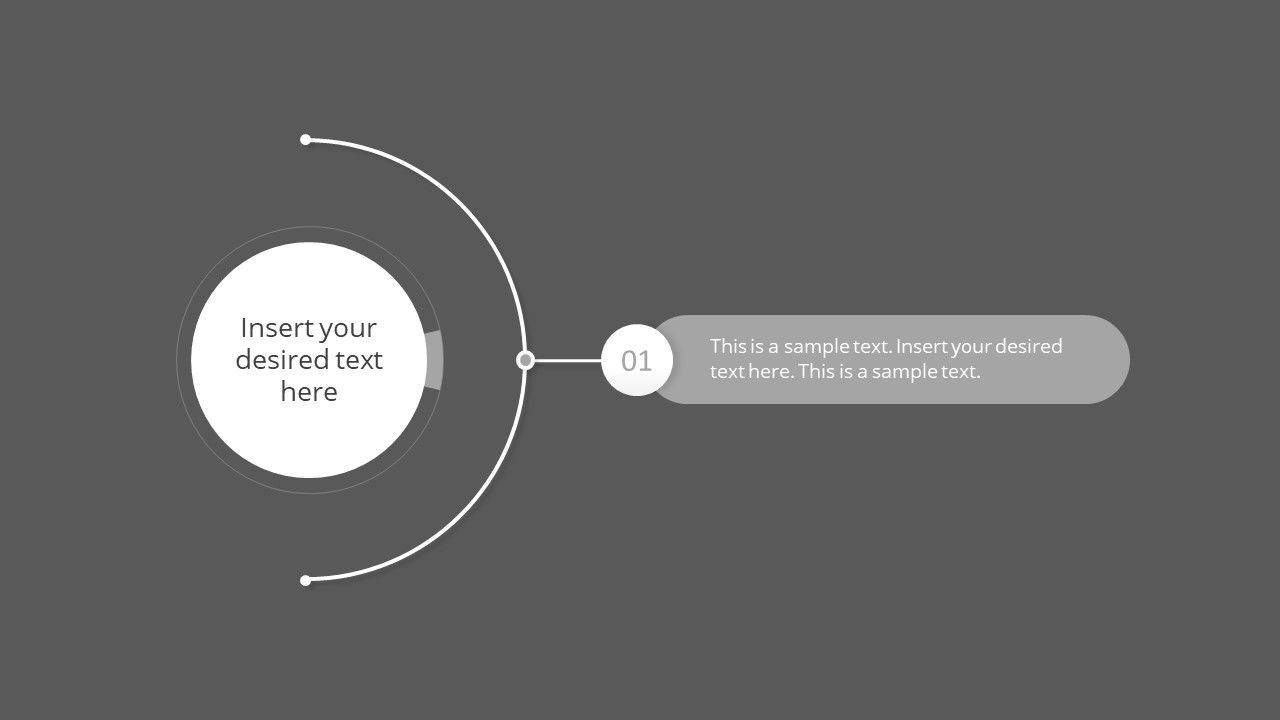
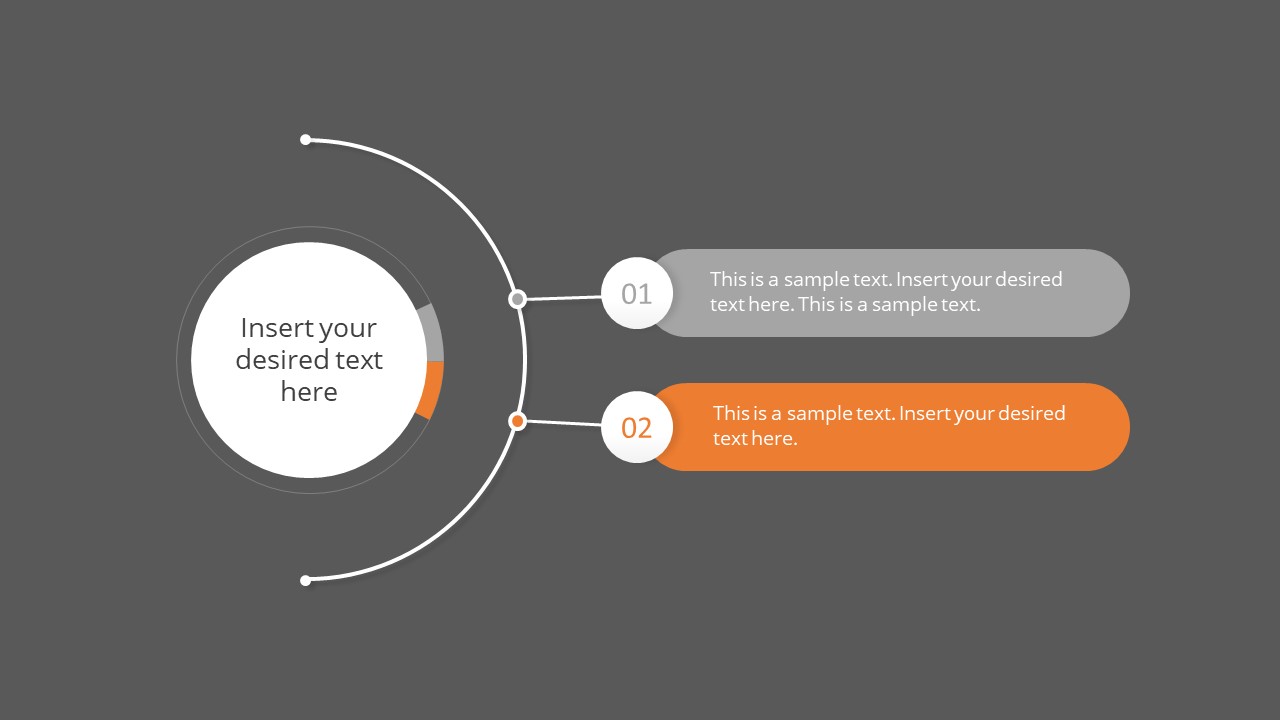
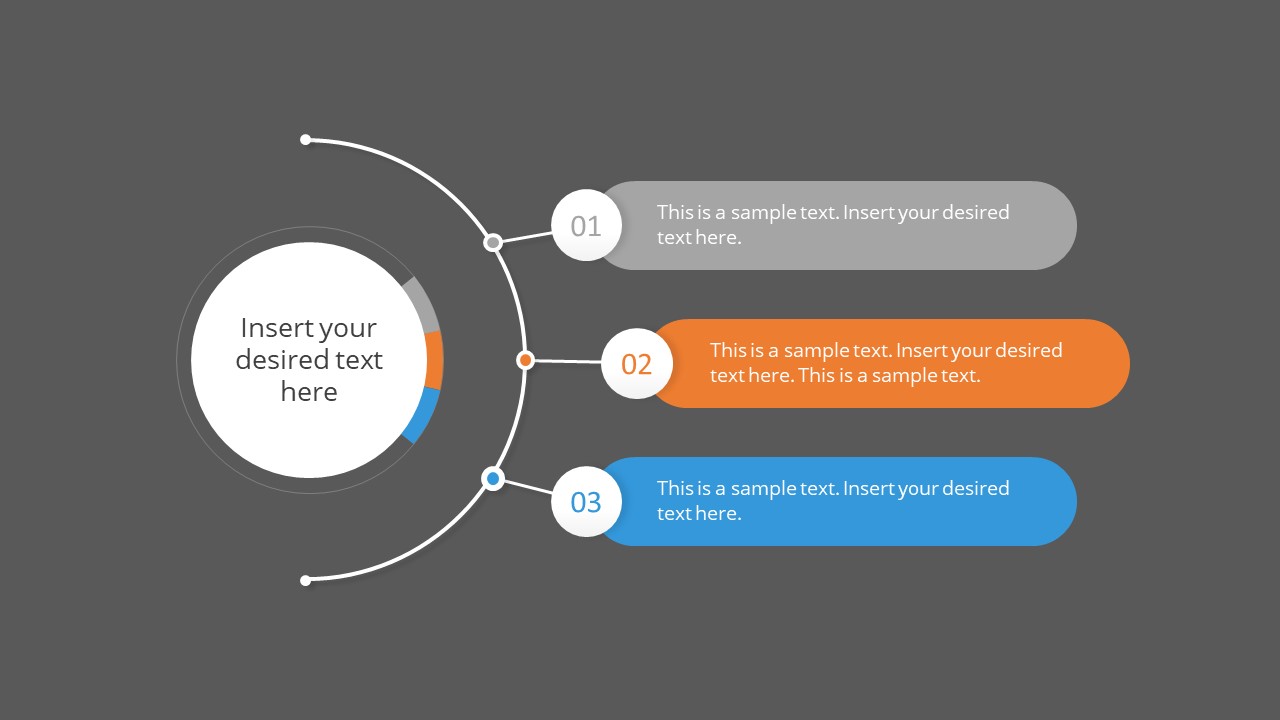

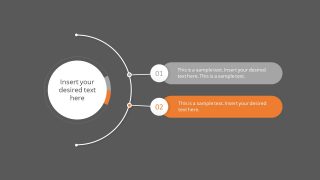
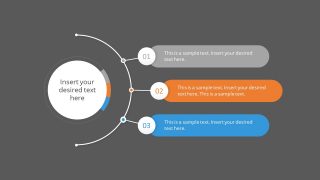
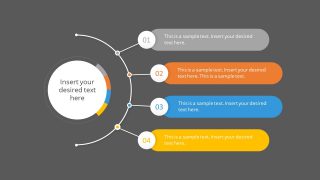
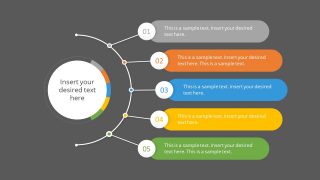
1 to 7 Item Agenda Slides Template for PowerPoint
7-slide agenda presentation template with curved connectors, numbered labels, and table of contents layouts
The 1 to 7 Item Agenda Slides Template for PowerPoint is a 7-slide agenda and table of contents deck for Microsoft PowerPoint and Google Slides. It provides circular hub agendas, curved connector diagrams, numbered label lists, and one-to-seven item variants for presenters who need to outline topics, appendices, or meeting sections.
- Category
- Multi-purpose
- Rating


 Loading...
- Aspect ratio
- 16:9, 4:3
- Item ID
- 20615-01
 Microsoft PowerPoint
  Microsoft Copilot
  Claude for PowerPoint
 Other formats supported
Subscribe today and get immediate
access to download our PowerPoint templates.