Slide 1 of 2 from Free Simple Venn Diagram PowerPoint Template
White Background Slide for Free Simple Venn Diagram Template
Simple Venn Diagram PowerPoint Template
- Diagram
- Venn
- Comparison Slide
- 16:9
- 100% Editable
What’s on This Slide
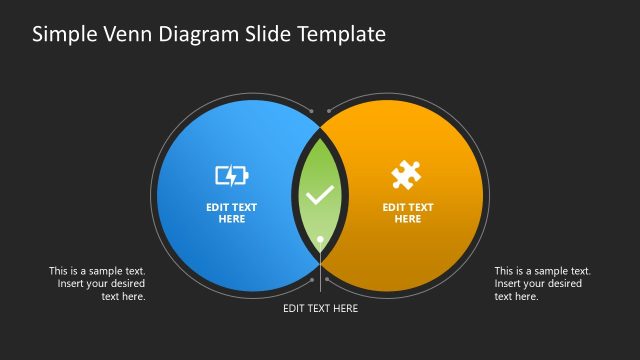
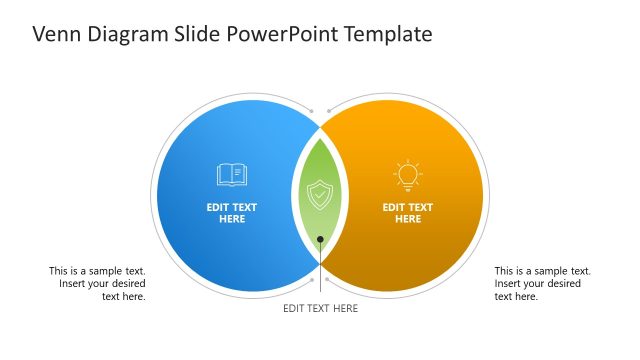
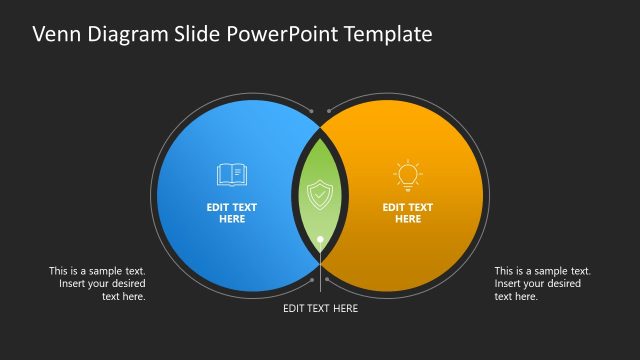
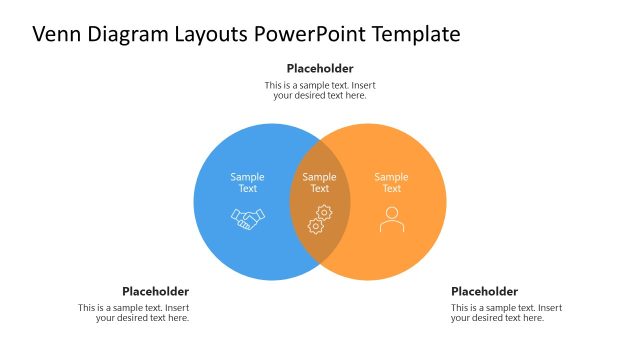
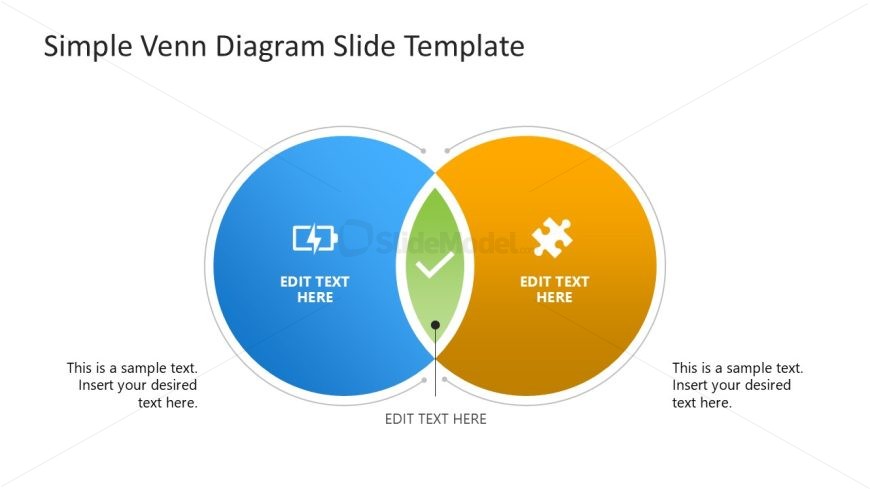
The layout features two overlapping circles positioned centrally, one blue and one orange. Each circle contains a placeholder for text, with a central green area also featuring a text placeholder. Icons representing different concepts are placed within the circles. The title is positioned at the top center, while additional text placeholders are located at the bottom left and right. The overall composition is symmetrical, with clear visual separation between the circles and the central area, allowing for easy identification of shared and unique elements.
How to Use It
This layout serves as a comparison tool, illustrating relationships between two concepts. It is suitable for presentations that require visual representation of overlapping ideas, benefits, or features. This slide fits well in a sequence discussing problem-solving or decision-making processes, where understanding intersections is crucial. It can be used in business contexts such as product comparisons, strategic planning, or team collaboration discussions, providing clarity on shared and distinct attributes.
Text Placeholders & Capacity
Keep your copy within these limits so it fits without resizing. Node slots can hold around 10-15 words each.
| Placeholder | Count | Max characters (approx.) |
|---|---|---|
| Slide title | 1 | 30 |
| Item body | 3 | 50 |
| Body paragraph | 2 | 60 |
Slide Keywords
Download unlimited PowerPoint templates, charts and graphics for your presentations with our annual plan.
DOWNLOADReturn to Free Simple Venn Diagram PowerPoint Template.