Slide 2 of 2 from Free Simple Venn Diagram PowerPoint Template
Free Simple Venn Diagram Template Slide
Simple Venn Diagram Slide Template
- Diagram
- Venn
- Comparison Slide
- 16:9
- 100% Editable
The Simple Venn Diagram slide from the Free Simple Venn Diagram PowerPoint Template offers a clear visual tool for business presentations, enabling effective product comparisons and market analysis. This slide layout uses editable shapes and vector icons to highlight overlapping concepts, making it suitable for strategic planning and corporate presentations that require clear comparison visuals.
What’s on This Slide
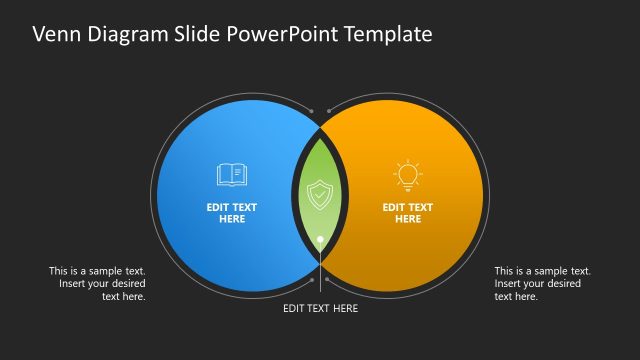
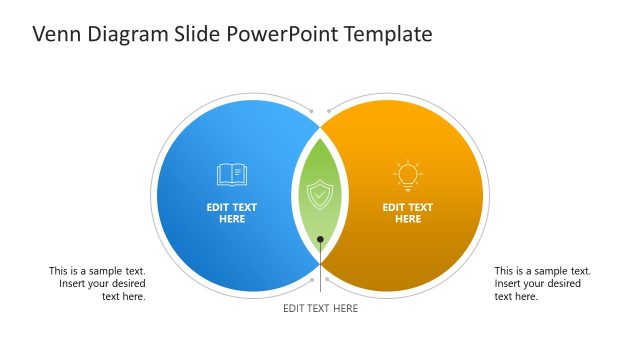
The slide features two overlapping circles positioned centrally, with a dark background. The left circle is blue, containing a placeholder for text and an icon of a refresh symbol. The right circle is orange, also with a text placeholder and a puzzle piece icon. The intersection of the circles includes a green check mark icon and another text placeholder. Below the circles, there are additional text placeholders aligned to the left and right. The visual hierarchy is clear, with the circles being the main focus and the text placeholders supporting the content.
How to Use It
This layout serves as a Venn diagram to illustrate relationships between two concepts. It fits well in presentations discussing comparisons, overlaps, or shared characteristics. This structure is useful in business scenarios such as product comparisons, market analysis, or strategic planning, where visualizing the intersection of ideas is essential. It can be used effectively to highlight similarities and differences in a clear and engaging manner.
Text Placeholders & Capacity
Keep your copy within these limits so it fits without resizing. Each text slot can accommodate concise phrases or short sentences.
| Placeholder | Count | Max characters (approx.) |
|---|---|---|
| Slide title | 1 | 30 |
| Item body | 3 | 30 |
| Body paragraph | 2 | 50 |
Slide Keywords
Download unlimited PowerPoint templates, charts and graphics for your presentations with our annual plan.
DOWNLOADReturn to Free Simple Venn Diagram PowerPoint Template.