Slide 1 of 3 from Simple Chevron Diagram for PowerPoint
chevron-diagram-1
Simple Chevron Diagram for 4 Steps Presentation
- Diagram
- Chevron Sequence
- Process Slide
- 16:9
- 100% Editable
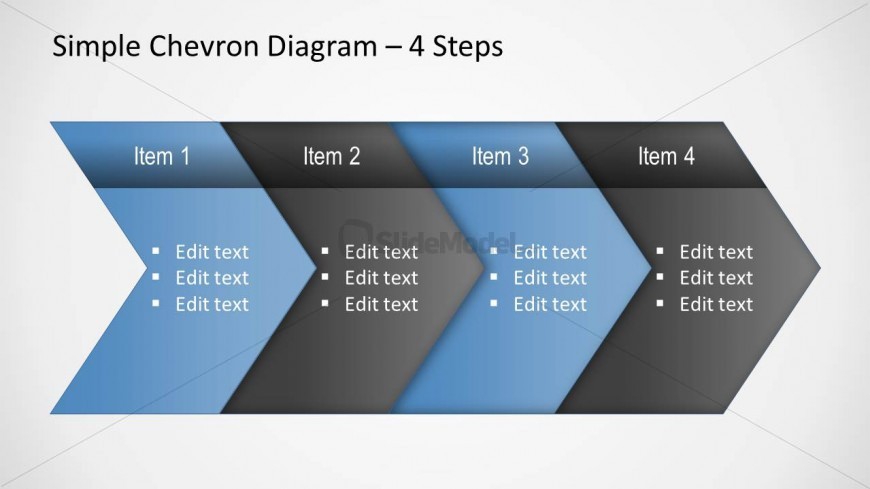
The Simple Chevron Diagram - 4 Steps slide from the Simple Chevron Diagram for PowerPoint template offers a clear, editable slide layout ideal for illustrating project timelines or marketing strategies. This slide template uses vector icons and editable shapes in a horizontal chevron sequence, making it a practical choice for business presentations and pitch deck templates that require a straightforward process visualization.
What’s on This Slide
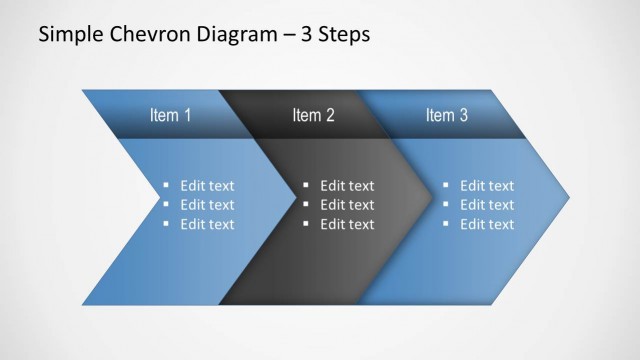
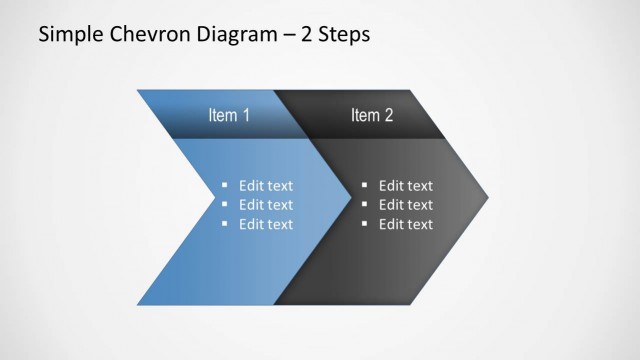
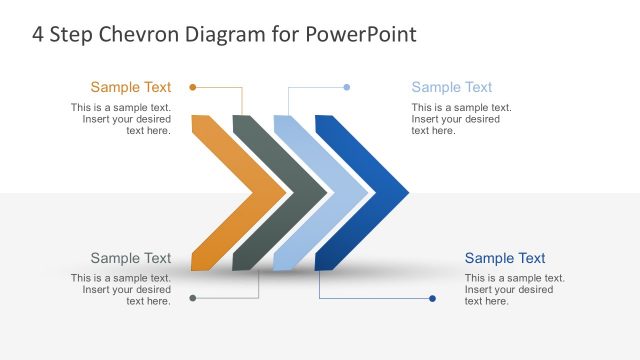
The layout features a horizontal chevron diagram divided into four segments. Each segment is a chevron shape, alternating between blue and gray colors. The first segment is labeled 'Item 1,' followed by 'Item 2,' 'Item 3,' and 'Item 4.' Below each chevron, there are placeholders for text, aligned to the left, allowing for multiple lines of content. The title is positioned at the top center, indicating the diagram's purpose. The background is a light gradient, enhancing the visual hierarchy of the chevrons.
How to Use It
This layout serves as a sequential representation of a process or steps, ideal for illustrating workflows or stages in a project. It fits well in presentations that require a clear, linear progression of ideas. Business scenarios include project timelines, product development stages, or marketing strategies. The structured format aids in conveying information succinctly, making it easy for audiences to follow along. It is particularly effective in team meetings or strategy sessions.
Text Placeholders & Capacity
Keep your copy within these limits so it fits without resizing. Text slots are spacious, allowing for detailed content in each section.
| Placeholder | Count | Max characters (approx.) |
|---|---|---|
| Slide title | 1 | 40 |
| Item heading | 4 | 20 |
| Body paragraph | 4 | 50 |
Slide Keywords
Download unlimited PowerPoint templates, charts and graphics for your presentations with our annual plan.
DOWNLOADReturn to Simple Chevron Diagram for PowerPoint.