Slide 3 of 3 from Simple Chevron Diagram for PowerPoint
chevron-diagram-3
Simple Chevron Diagram - 2 Steps
- Diagram
- Chevron Sequence
- Process Slide
- 16:9
- 100% Editable
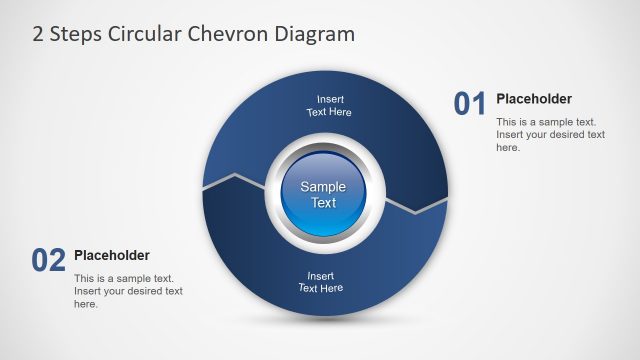
The Simple Chevron Diagram - 2 Steps slide from the Simple Chevron Diagram for PowerPoint template offers a clear visual layout for illustrating two-phase processes. This slide is designed with editable shapes and text placeholders, making it suitable for business presentations, project overviews, and training materials. Its straightforward design supports effective communication of sequential steps within a corporate presentation or pitch deck template using professional slide templates.
What’s on This Slide
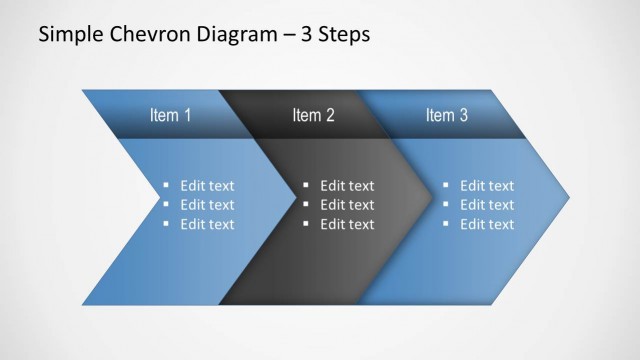
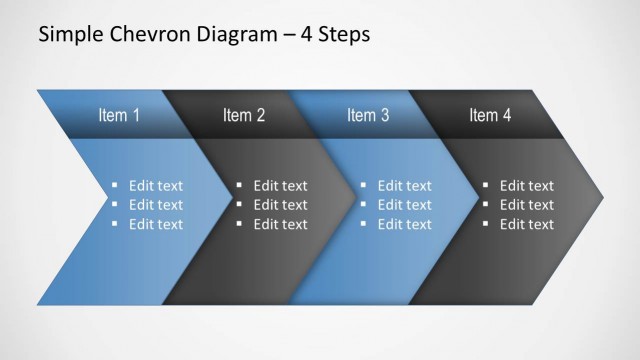
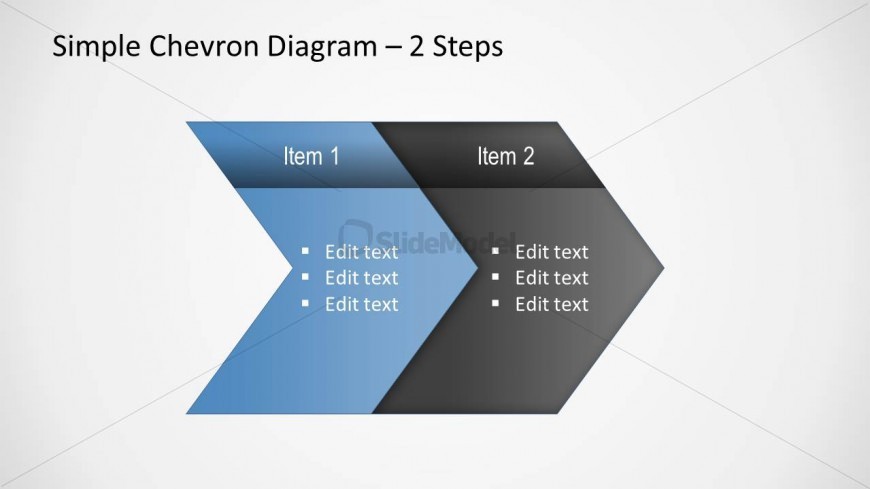
The layout features two chevron shapes aligned horizontally, with the first chevron in blue and the second in dark gray. Each chevron contains a title placeholder labeled 'Item 1' and 'Item 2' respectively, positioned at the top of each shape. Below each title, there are four text placeholders arranged vertically, allowing for bullet-point entries. The background is light gray, providing contrast to the chevrons. The overall composition is symmetrical, emphasizing the two-step process represented by the chevrons.
How to Use It
This layout serves as a two-step process diagram, ideal for outlining sequential actions or phases in a presentation. It fits well in a business context where processes need clear visual representation, such as project outlines or strategic plans. This structure is effective for summarizing key points or steps in a workflow, making it suitable for training sessions or project updates. It can be used individually or as part of a series of slides to maintain consistency in visual storytelling.
Text Placeholders & Capacity
Keep your copy within these limits so it fits without resizing. Node body slots can hold up to 20 characters each.
| Placeholder | Count | Max characters (approx.) |
|---|---|---|
| Slide title | 1 | 30 |
| Item heading | 2 | 10 |
| Item body | 8 | 20 |
Slide Keywords
Download unlimited PowerPoint templates, charts and graphics for your presentations with our annual plan.
DOWNLOADReturn to Simple Chevron Diagram for PowerPoint.