Slide 15 of 23 from Free Ultra Analysis Slide Template
Table PowerPoint Template Design
Comparison Layout with Icons for Presentations
- Text Layout
- List Blocks
- Comparison Slide
- 16:9
- 100% Editable
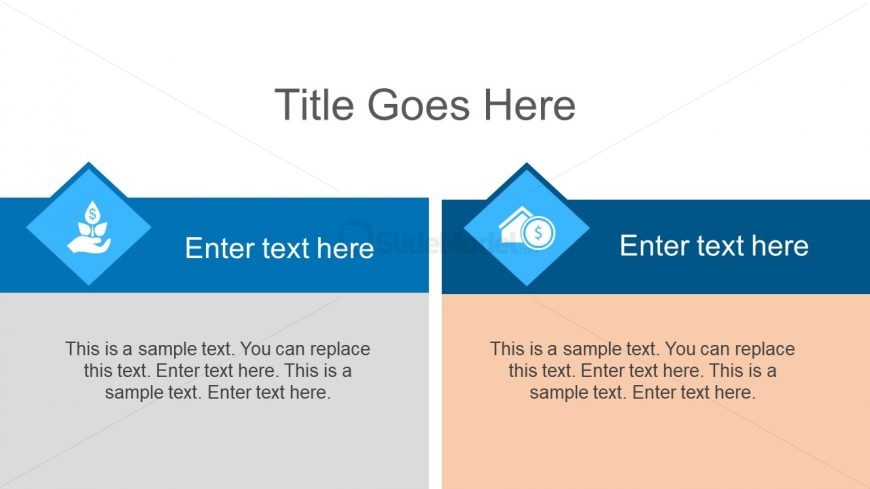
The Comparison Layout with Icons slide from the Free Ultra Analysis Slide Template offers a clear two-column design ideal for contrasting product features or strategies. This slide template integrates editable shapes and vector icons to visually separate concepts, enhancing clarity in business presentations or pitch deck templates. Its structured format supports effective communication of benefits versus drawbacks, making it a practical choice for corporate presentation needs.
What’s on This Slide
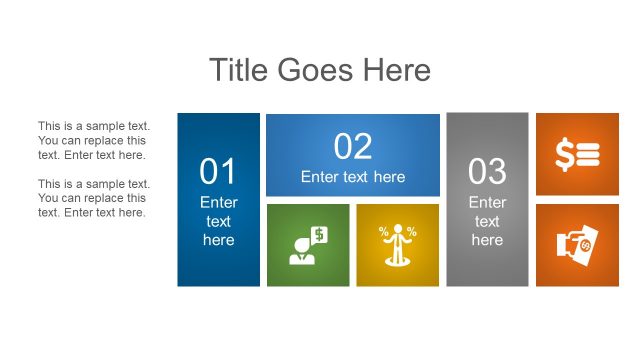
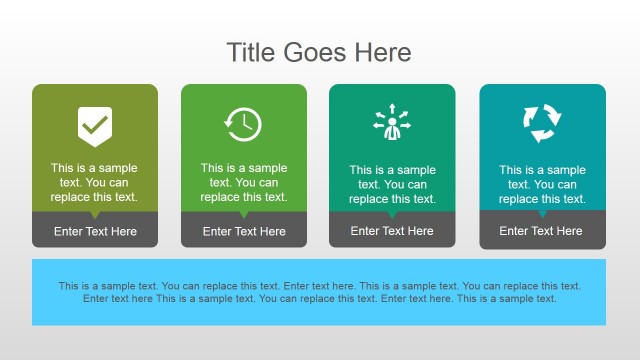
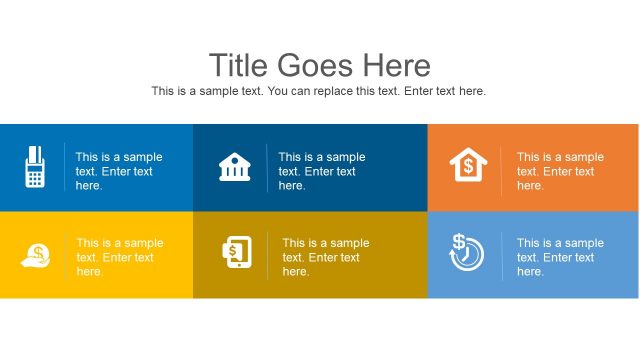
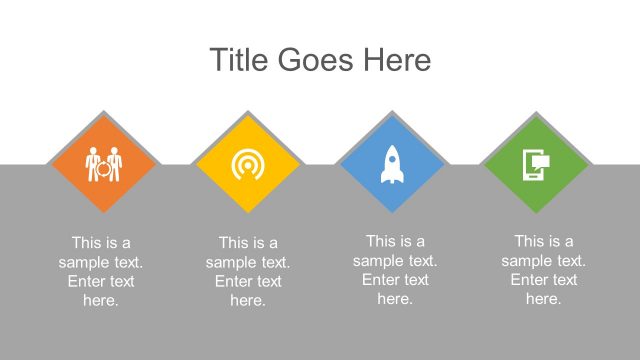
The slide features a two-column layout with a title at the top center. The left column contains a blue diamond-shaped icon above a text placeholder, while the right column has a similar diamond-shaped icon in a different color. Each column has a text placeholder for a title and a body paragraph, aligned centrally. The background is light, with a subtle gradient. The icons represent different concepts, and the overall structure allows for clear visual separation between the two sections, enhancing readability.
How to Use It
This layout serves as a comparison tool, ideal for presenting two related concepts side by side. It fits well in a presentation sequence after introducing a problem or concept, allowing for a clear contrast. Suitable scenarios include comparing product features, contrasting strategies, or showcasing benefits versus drawbacks. This slide can be used in business meetings, marketing presentations, or educational contexts to facilitate discussion and decision-making.
Text Placeholders & Capacity
Keep your copy within these limits so it fits without resizing. Body slots can hold about 30-40 words each.
| Placeholder | Count | Max characters (approx.) |
|---|---|---|
| Slide title | 1 | 30 |
| Item heading | 2 | 25 |
| Item body | 2 | 150 |
Slide Keywords
Download unlimited PowerPoint templates, charts and graphics for your presentations with our annual plan.
DOWNLOADReturn to Free Ultra Analysis Slide Template.