Slide 22 of 23 from Free Ultra Analysis Slide Template
Creative Cycle Process Slide PPT
Process Flow Slide with Icons and Text
- Diagram
- Process Flow
- Process Slide
- 16:9
- 100% Editable
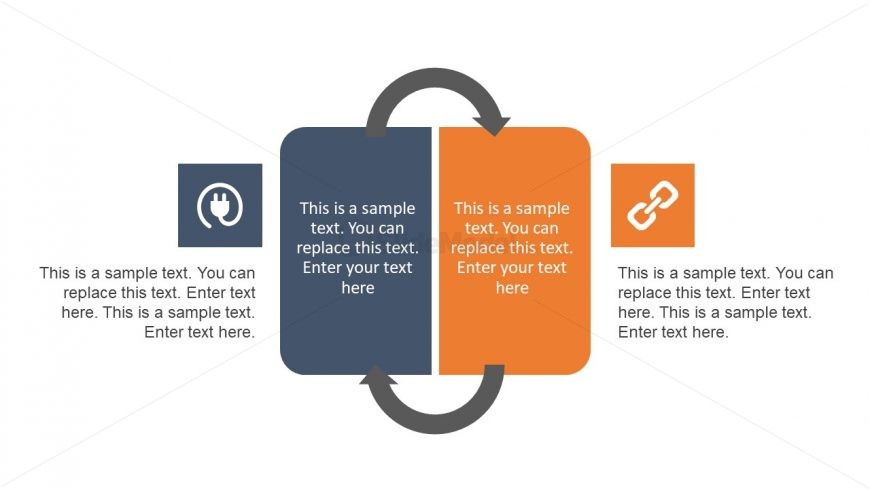
The Process Flow with Icons slide from the Free Ultra Analysis Slide Template offers a clear diagram layout ideal for illustrating workflows and project stages. This slide uses editable shapes and vector icons to visually connect two key concepts with a central circular flow, making it suitable for business presentations and comparative analysis. Its design supports effective communication in corporate presentations and pitch deck templates by emphasizing process relationships.
What’s on This Slide
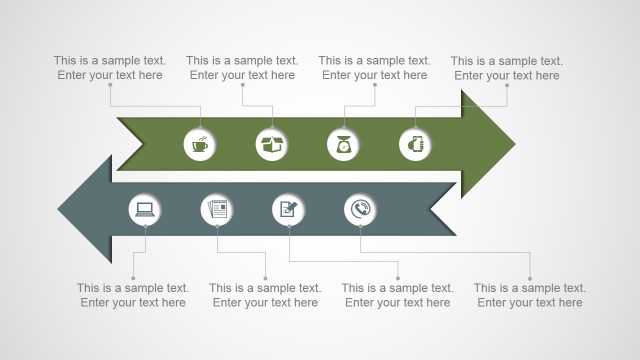
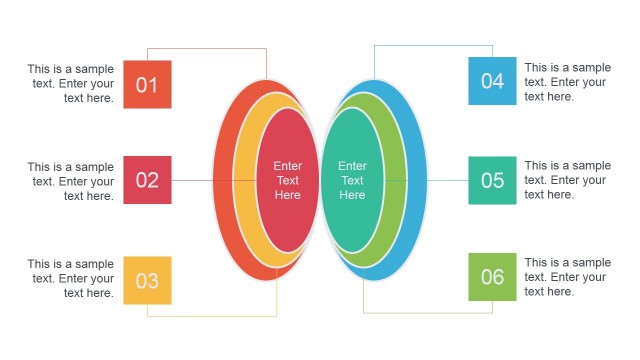
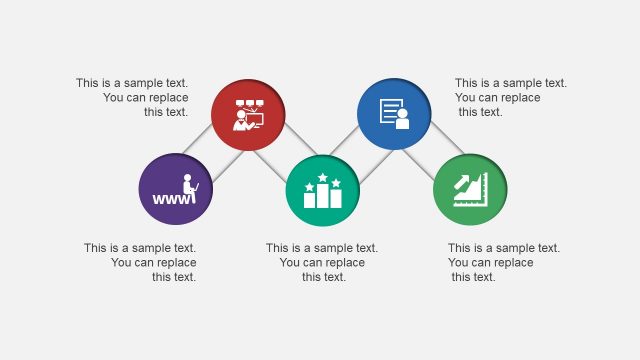
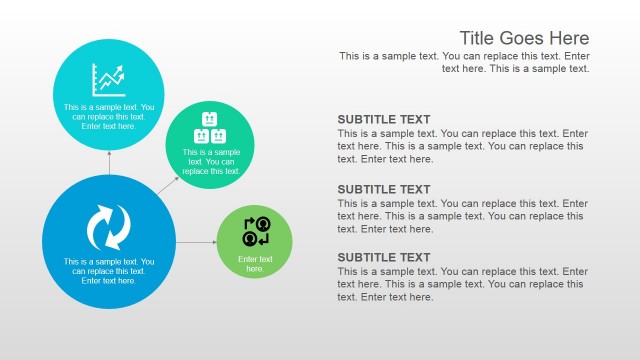
The layout features a central circular flow connecting two rectangular nodes on either side. The left node contains an icon representing a plug, with accompanying text below it. The right node features a chain icon, also with text underneath. The flow direction is indicated by a curved arrow that connects the two nodes. Each node has a similar size, and the text placeholders are aligned centrally within the rectangles, allowing for clear visibility. The background is a light color, enhancing the contrast with the darker and brighter node colors.
How to Use It
This layout serves as a process flow diagram, ideal for illustrating relationships or sequences between two concepts. It fits well in a presentation sequence following a problem statement and before a solution overview. This structure is useful in business contexts such as explaining workflows, project stages, or comparative analyses. It can effectively highlight connections and transitions between two key ideas or processes.
Text Placeholders & Capacity
Keep your copy within these limits so it fits without resizing. Node body slots can accommodate roughly 25-30 words each.
| Placeholder | Count | Max characters (approx.) |
|---|---|---|
| Item body | 2 | 150 |
| Item heading | 2 | 50 |
Slide Keywords
Download unlimited PowerPoint templates, charts and graphics for your presentations with our annual plan.
DOWNLOADReturn to Free Ultra Analysis Slide Template.