Slide 5 of 38 from Free Timeline Infographics
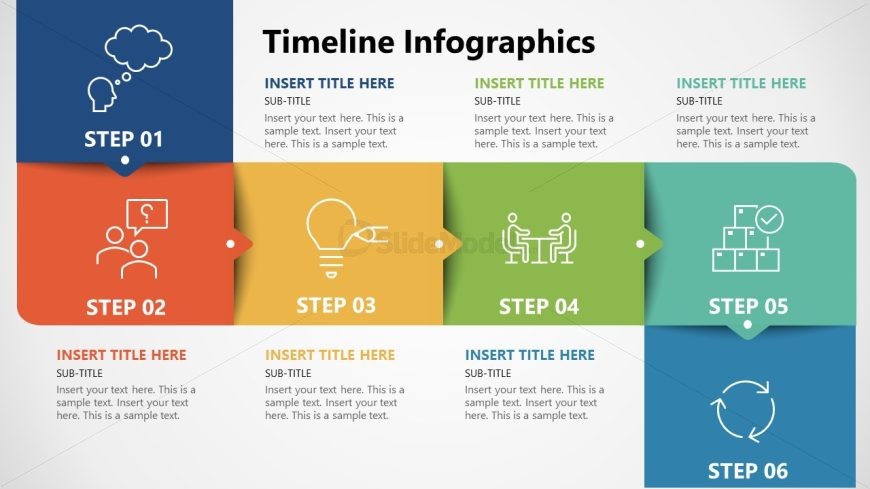
Six Steps Process Diagram Timeline Infographics
Free Timeline Infographics for Presentations
- Diagram
- Timeline Horizontal
- Process Slide
- 16:9
- 100% Editable
What’s on This Slide
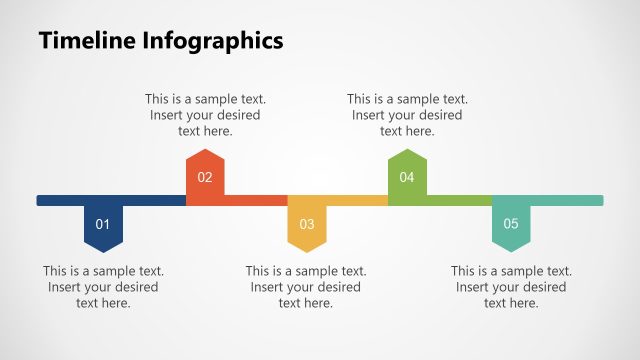
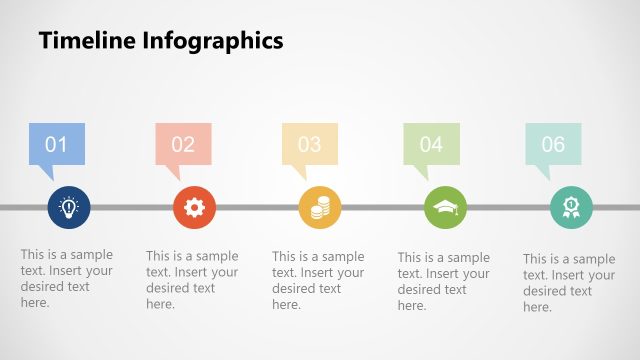
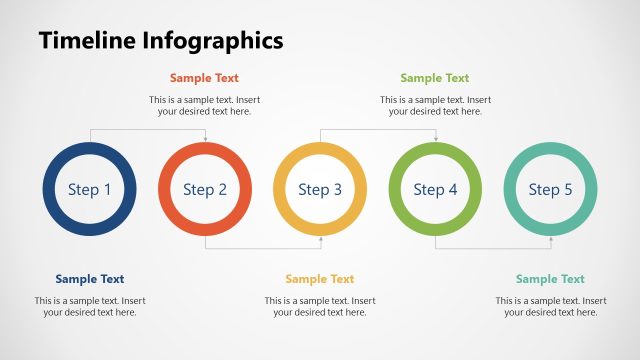
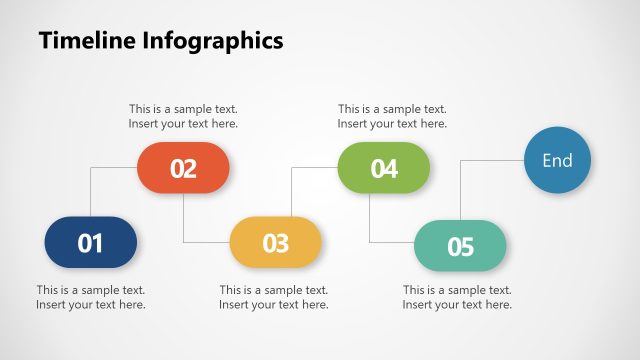
The layout features a horizontal arrangement of six colored sections, each representing a step in a timeline. Each section contains an icon, a step label, and placeholders for a title and subtitle. The sections are visually distinct, with varying background colors: blue, orange, yellow, green, light blue, and dark blue. Icons include a thought bubble, question mark, light bulb, people, checkmark, and circular arrow. Text placeholders are centrally aligned within each section, maintaining a clear visual hierarchy. The overall composition is balanced and structured, emphasizing the sequential nature of the steps.
How to Use It
This layout serves as a timeline infographic, ideal for presenting sequential steps or processes. It fits well in a presentation sequence after introducing a problem or concept, guiding the audience through a structured narrative. Suitable scenarios include project timelines, process overviews, or strategic planning presentations. Each section can be customized to highlight different phases or milestones, making it versatile for various business contexts. The clear visual separation of steps aids in audience comprehension and retention of information.
Text Placeholders & Capacity
Keep your copy within these limits so it fits without resizing. Node body slots can hold about 100 characters each.
| Placeholder | Count | Max characters (approx.) |
|---|---|---|
| Slide title | 1 | 30 |
| Subtitle | 6 | 50 |
| Item heading | 6 | 10 |
| Item body | 6 | 100 |
Slide Keywords
Download unlimited PowerPoint templates, charts and graphics for your presentations with our annual plan.
DOWNLOADReturn to Free Timeline Infographics.