Slide 26 of 38 from Free Timeline Infographics
Editable Free Timeline Infographics Slide with Dialogue Box Icons
Timeline Infographics for Presentations
- Diagram
- Timeline Horizontal
- Timeline Slide
- 16:9
- 100% Editable
What’s on This Slide
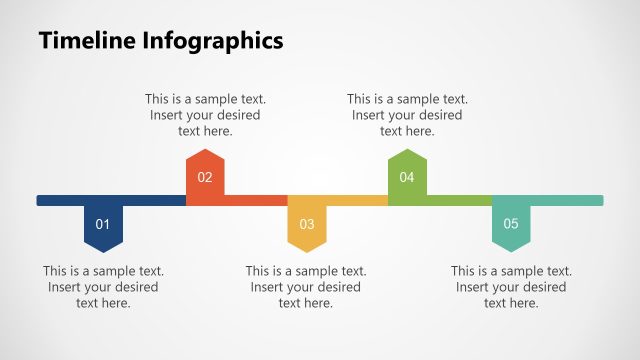
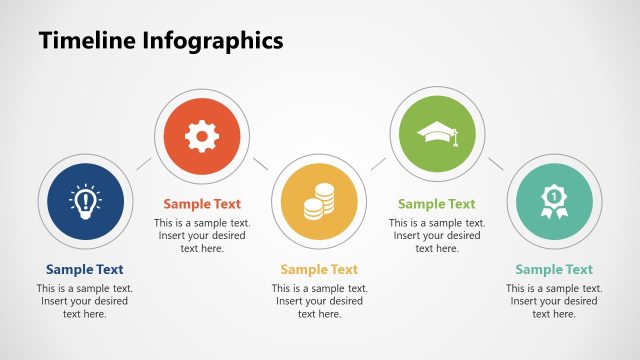
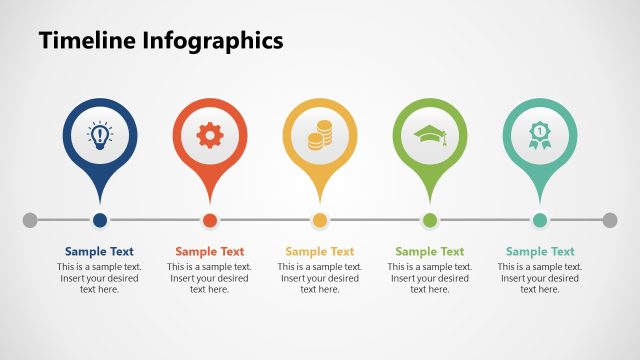
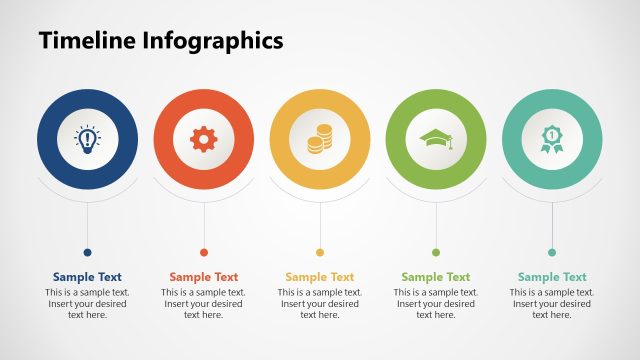
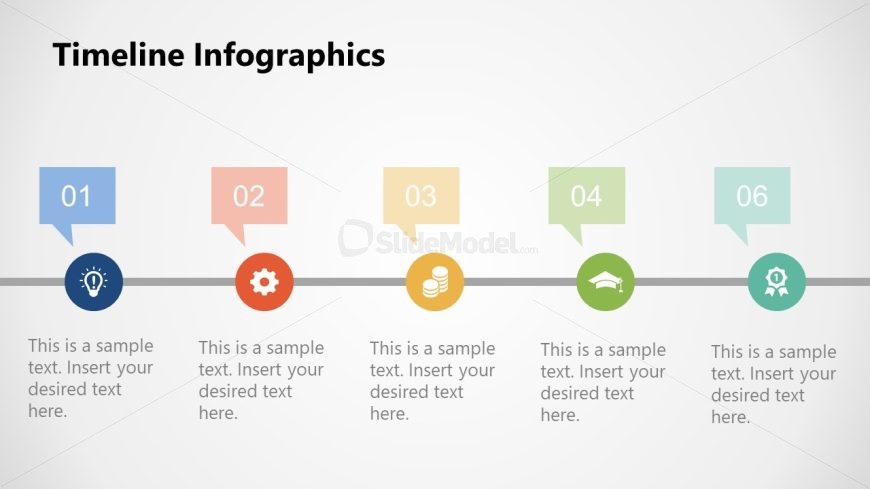
The layout features a horizontal timeline with six distinct nodes. Each node is represented by a colored shape containing a number, with corresponding icons below. The nodes are evenly spaced along a central line, creating a clear flow from left to right. Text placeholders are positioned beneath each node, aligned centrally, allowing for descriptive content. The background is light, enhancing visibility, while the color scheme includes blue, red, orange, green, and teal for the nodes. The overall composition is balanced, emphasizing the sequential nature of the information presented.
How to Use It
This layout serves as a chronological process visualization, ideal for illustrating steps in a project or milestones in a timeline. It fits well in presentations that require a structured approach to displaying sequential information. Common scenarios include project management updates, product development timelines, or educational content outlining key historical events. The design allows for easy comprehension of the progression of ideas or events, making it suitable for both business and academic contexts.
Text Placeholders & Capacity
Keep your copy within these limits so it fits without resizing. Node body slots can hold roughly 10 words each.
| Placeholder | Count | Max characters (approx.) |
|---|---|---|
| Item heading | 6 | 20 |
| Item body | 6 | 50 |
Slide Keywords
Download unlimited PowerPoint templates, charts and graphics for your presentations with our annual plan.
DOWNLOADReturn to Free Timeline Infographics.