Slide 7 of 38 from Free Timeline Infographics
Multisteps Process Timeline Infographics Template
Free Timeline Infographics for Presentations
- Diagram
- Timeline Horizontal
- Process Slide
- 16:9
- 100% Editable
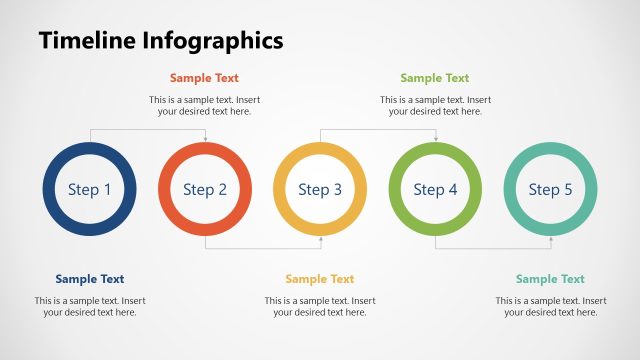
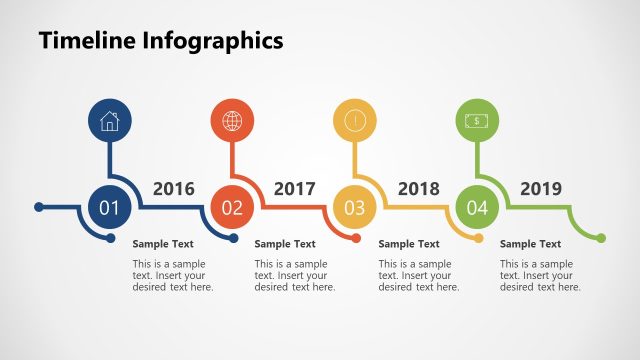
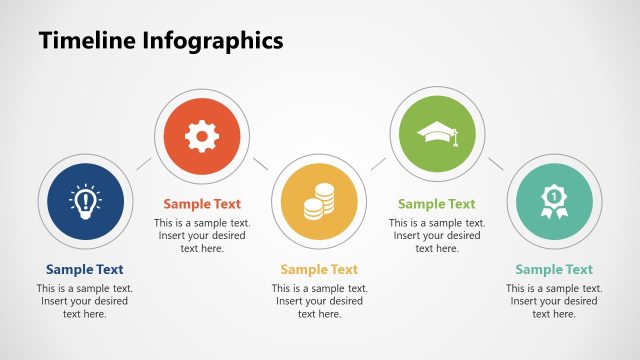
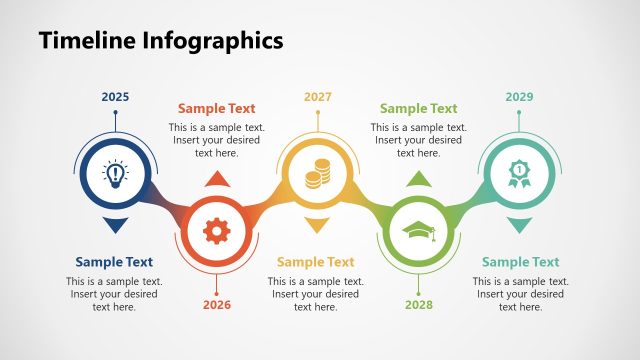
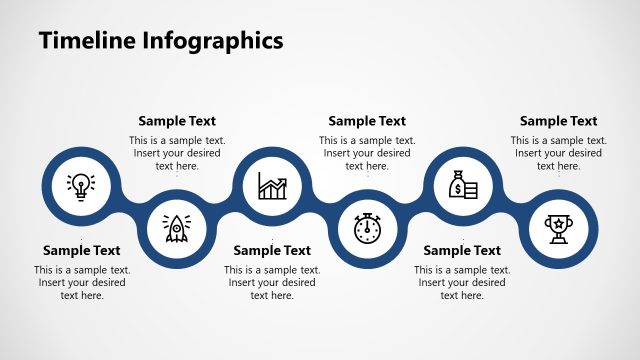
The Timeline Infographics slide from the Free Timeline Infographics template provides a clear visual representation of project timelines and process flows. With five colored oval nodes, this editable slide allows for easy customization to illustrate event sequences effectively. Ideal for business presentations, it enhances audience understanding of chronological events.
What’s on This Slide
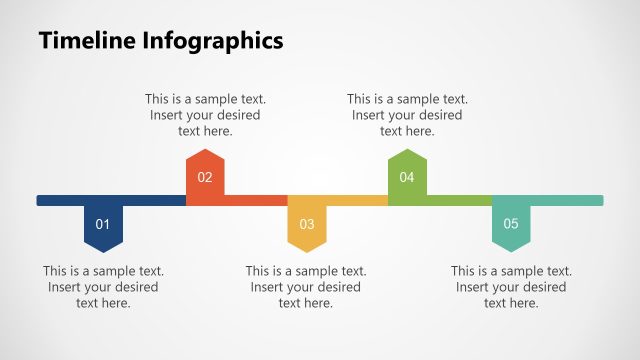
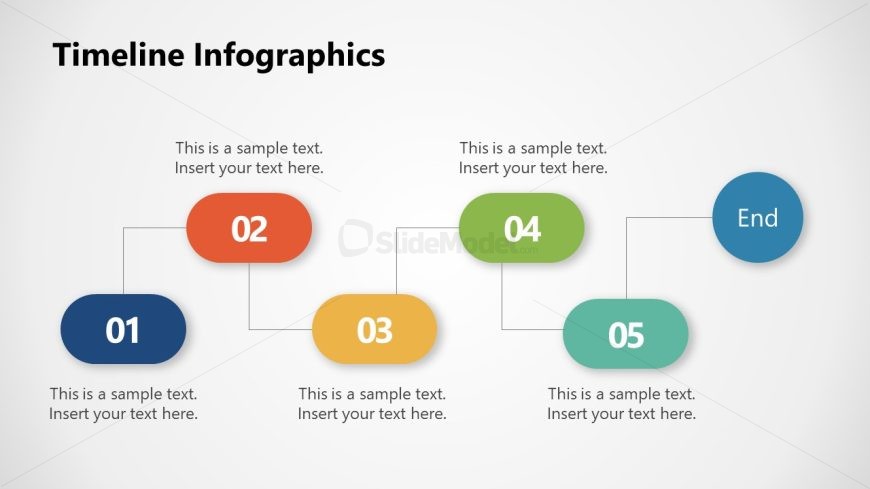
The layout features a horizontal timeline with five nodes, each represented by colored oval shapes. The first node is positioned at the bottom left, labeled '01', with a text placeholder below it. The second node, '02', is centered above it, connected by a line. The third node, '03', is to the right of '02', also with a text placeholder below. The fourth node, '04', is above '03', while the fifth node, '05', is below it. An 'End' node is positioned to the right of '04', with a text placeholder below. All nodes have consistent spacing and alignment.
How to Use It
This layout serves as a timeline infographic, ideal for illustrating sequential processes or project milestones. It fits well in presentations that require a clear depiction of chronological events or stages. Suitable business scenarios include project updates, product development timelines, or historical overviews. This structure helps audiences easily follow the progression of events or tasks. The design can be utilized in both formal and informal contexts, making it versatile for various presentation needs.
Text Placeholders & Capacity
Keep your copy within these limits so it fits without resizing. Node body slots can hold about 10 words each.
| Placeholder | Count | Max characters (approx.) |
|---|---|---|
| Item heading | 5 | 20 |
| Item body | 5 | 50 |
| Slide title | 1 | 30 |
Slide Keywords
Download unlimited PowerPoint templates, charts and graphics for your presentations with our annual plan.
DOWNLOADReturn to Free Timeline Infographics.