Slide 4 of 8 from Free Three Topics Business Template
Free Corporate PowerPoint Chart Template
Multi-Chart Comparison Layout for Presentations
- Chart
- Combo Chart
- Evaluation Slide
- 16:9
- 100% Editable
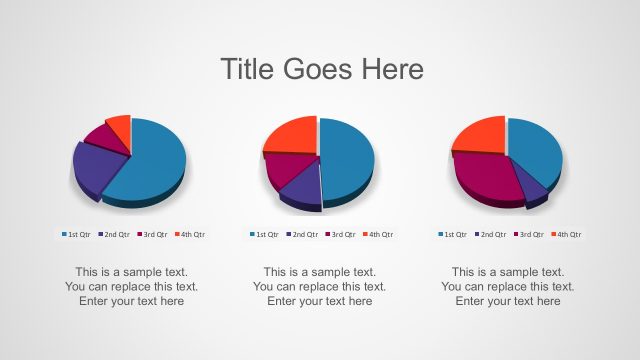
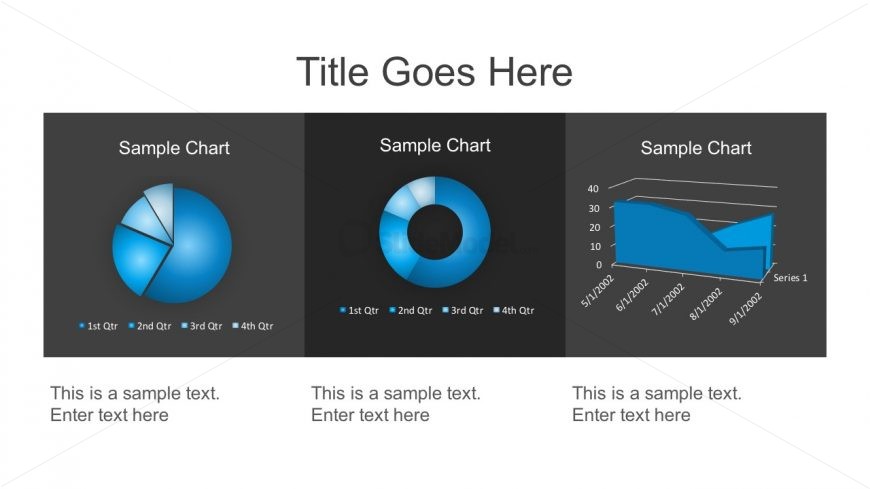
The Multi-Chart Comparison Layout from the Free Three Topics Business Template offers a clear visual analysis for quarterly performance reviews and sales comparisons. This slide features editable shapes and vector icons within three distinct charts—a pie chart, donut chart, and line chart—arranged horizontally for effective trend analysis. Designed for business presentations, it supports side-by-side data evaluation using professional slide templates compatible with PowerPoint and Google Slides.
What’s on This Slide
The layout features three distinct chart areas arranged horizontally. The leftmost section contains a pie chart with a legend for four quarters, positioned at the top. The center section displays a donut chart, also with a quarter legend, and is visually similar in size to the pie chart. The right section presents a line chart with a horizontal axis labeled with dates, showing a trend over time. Below each chart, there are text placeholders for descriptions, aligned centrally beneath each chart. The background is dark, enhancing the visibility of the charts.
How to Use It
This layout serves as a multi-chart comparison, ideal for presenting data across different categories or time periods. It fits well in a presentation sequence after introducing a problem or topic, allowing for a clear visual analysis of data. Business scenarios include quarterly performance reviews, sales comparisons, or trend analyses. The layout effectively communicates multiple data points side by side, facilitating easy comparison for the audience.
Text Placeholders & Capacity
Keep your copy within these limits so it fits without resizing. Node body slots can hold roughly 10-12 words each.
| Placeholder | Count | Max characters (approx.) |
|---|---|---|
| Slide title | 1 | 30 |
| Item heading | 3 | 20 |
| Item body | 3 | 50 |
Slide Keywords
Download unlimited PowerPoint templates, charts and graphics for your presentations with our annual plan.
DOWNLOADReturn to Free Three Topics Business Template.