Slide 7 of 26 from Free SWOT Infographics
Square Diagram Slide for SWOT Analysis Presentation
SWOT Analysis Infographics for Presentations
- Diagram
- Matrix Quadrant
- Strategic Analysis Slide
- 16:9
- 100% Editable
The SWOT Analysis Infographics slide from the Free SWOT Infographics template offers a structured four-quadrant layout for effective strategic analysis. This slide is ideal for business strategy evaluations, project assessments, and team brainstorming sessions, allowing users to clearly present strengths, weaknesses, opportunities, and threats in a visually appealing format. With editable shapes and distinct colors, it enhances communication during strategic planning.
What’s on This Slide
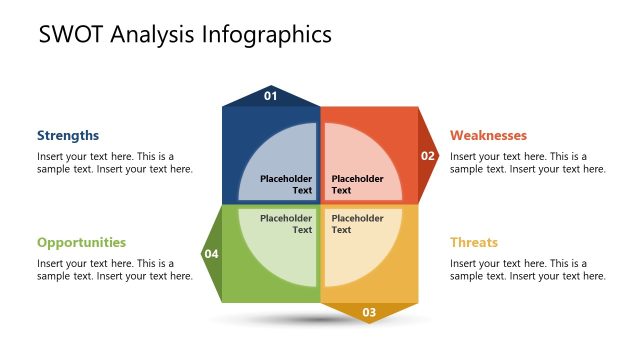
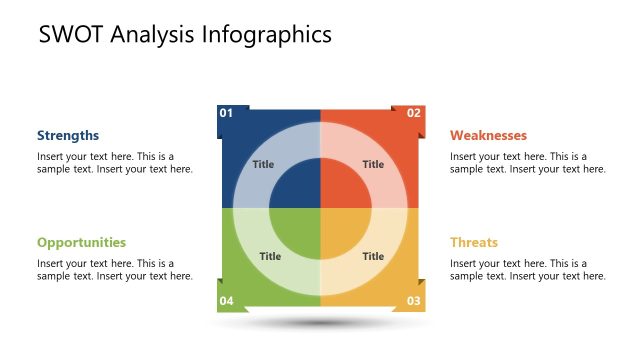
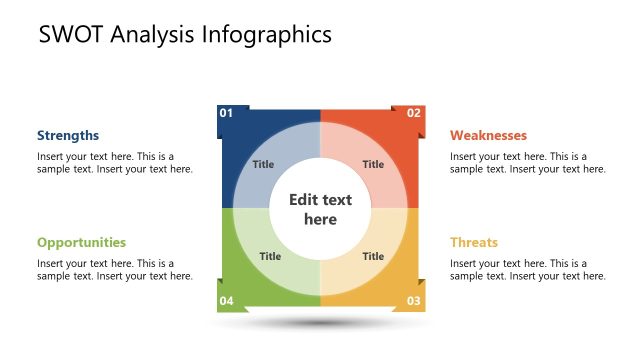
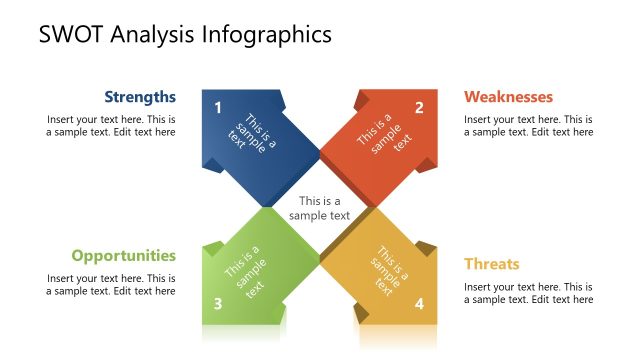
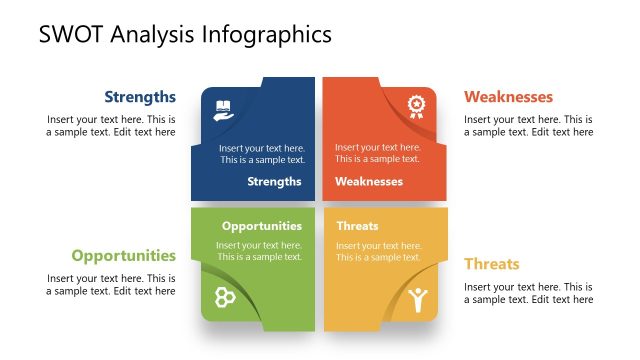
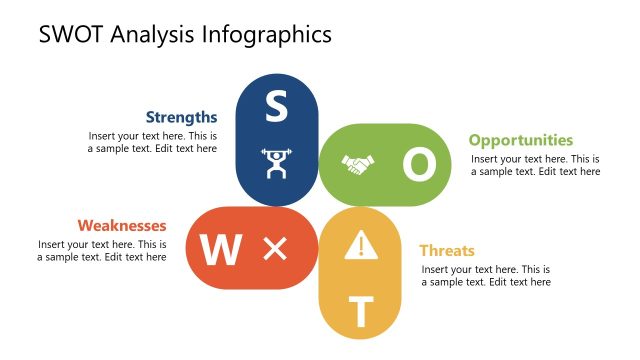
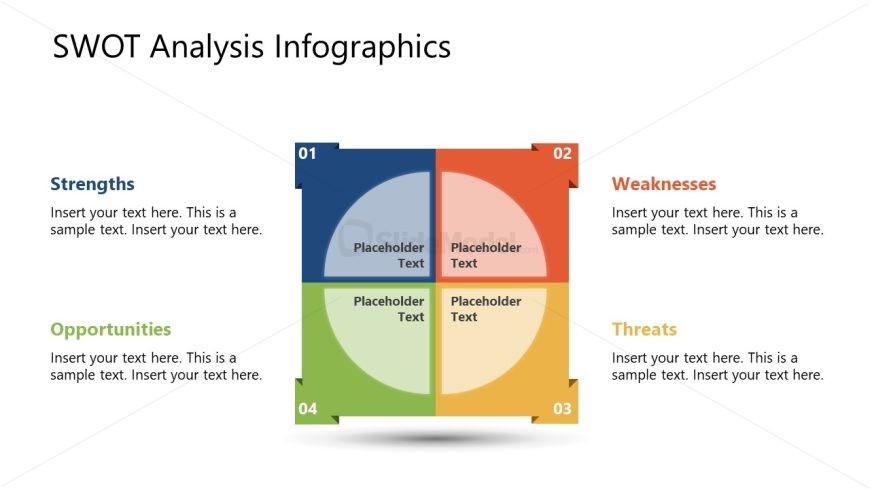
The slide features a four-quadrant layout, with each quadrant representing a component of SWOT analysis: Strengths, Weaknesses, Opportunities, and Threats. The quadrants are arranged in a square formation, with rounded corners. Each quadrant contains a circular node for text, with placeholders positioned centrally within each section. The top left quadrant is labeled 'Strengths,' the top right 'Weaknesses,' the bottom left 'Opportunities,' and the bottom right 'Threats.' The background is white, while the quadrants use distinct colors: blue, orange, green, and yellow. Text placeholders are aligned to the center of each node.
How to Use It
This layout serves as a SWOT analysis framework, ideal for evaluating business strategies or project assessments. It fits well in a presentation sequence after introducing a problem or context, providing a structured way to analyze internal and external factors. This format is useful for team discussions, strategic planning sessions, or stakeholder presentations. It allows for clear communication of strengths, weaknesses, opportunities, and threats, facilitating decision-making processes in various business scenarios.
Text Placeholders & Capacity
Keep your copy within these limits so it fits without resizing. Each node can hold roughly 100 characters of text.
| Placeholder | Count | Max characters (approx.) |
|---|---|---|
| Slide title | 1 | 30 |
| Item heading | 4 | 20 |
| Item body | 4 | 100 |
Slide Keywords
Download unlimited PowerPoint templates, charts and graphics for your presentations with our annual plan.
DOWNLOADReturn to Free SWOT Infographics.