Slide 18 of 26 from Free SWOT Infographics
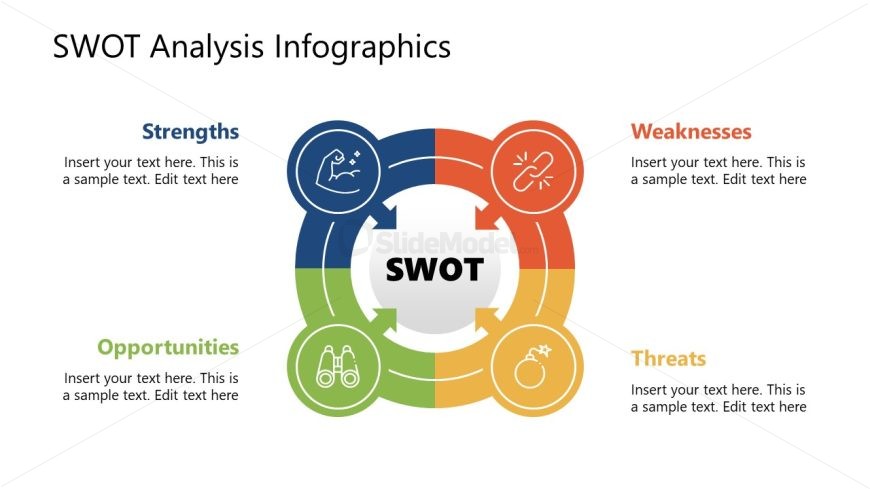
Segmented Circular Slide with Icons and Arrows
SWOT Analysis Infographics for Presentations
- Diagram
- Matrix Quadrant
- Strategic Analysis Slide
- 16:9
- 100% Editable
What’s on This Slide
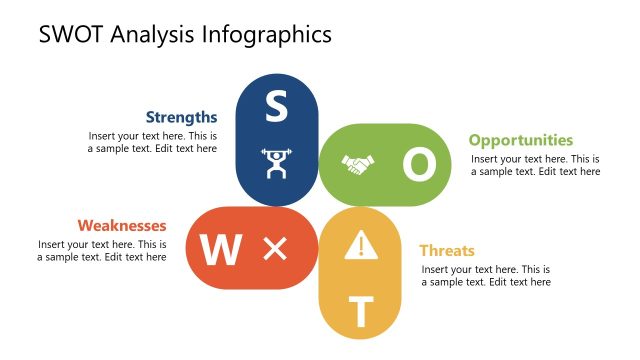
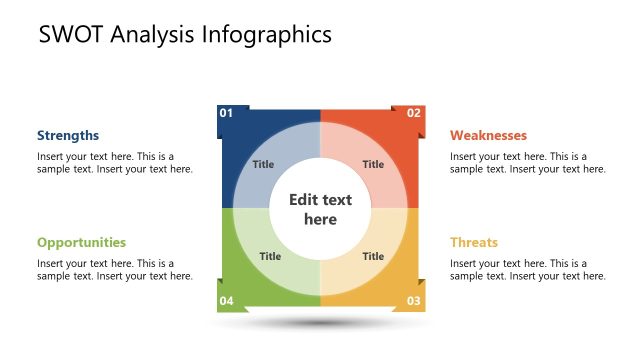
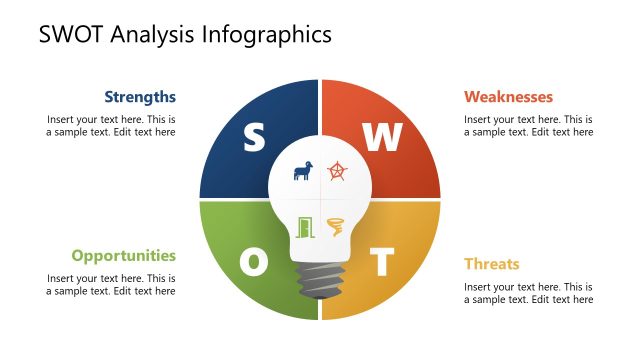
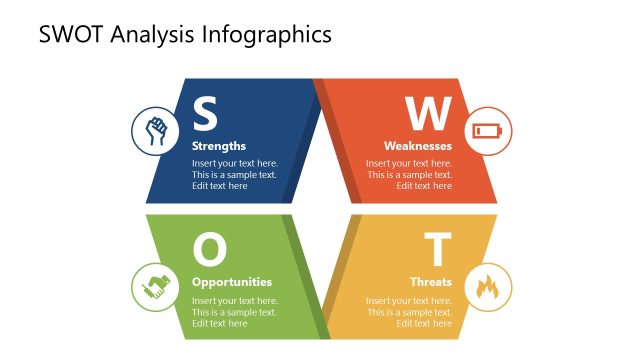
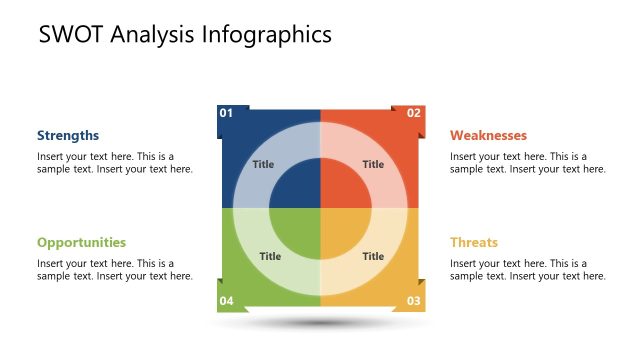
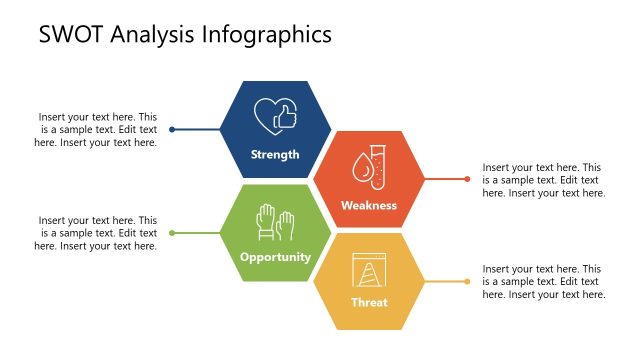
The layout features a central circular node labeled 'SWOT,' surrounded by four quadrants representing strengths, weaknesses, opportunities, and threats. Each quadrant is color-coded: blue for strengths, orange for weaknesses, green for opportunities, and red for threats. Icons accompany each section, visually reinforcing their themes. Text placeholders are positioned within each quadrant, aligned to the center, allowing for easy editing. The overall composition is balanced, with a clear visual hierarchy emphasizing the central SWOT node. The background is white, enhancing clarity.
How to Use It
This layout serves as a structured SWOT analysis tool, ideal for business presentations. It fits well after a problem-framing slide, summarizing key insights about strengths, weaknesses, opportunities, and threats. This format is useful for strategic planning sessions, competitive analysis, and team discussions. It allows for easy customization of content, making it suitable for various industries and contexts. Presenters can use it to facilitate discussions and highlight strategic priorities effectively.
Text Placeholders & Capacity
Keep your copy within these limits so it fits without resizing. Node body slots can hold about 10 words each.
| Placeholder | Count | Max characters (approx.) |
|---|---|---|
| Slide title | 1 | 30 |
| Item heading | 4 | 20 |
| Item body | 4 | 50 |
Slide Keywords
Download unlimited PowerPoint templates, charts and graphics for your presentations with our annual plan.
DOWNLOADReturn to Free SWOT Infographics.