Slide 23 of 26 from Free SWOT Infographics
Customizable Arrows Diagram Slide for PowerPoint
SWOT Analysis Infographics for Presentations
- Diagram
- Matrix Quadrant
- Strategic Analysis Slide
- 16:9
- 100% Editable
What’s on This Slide
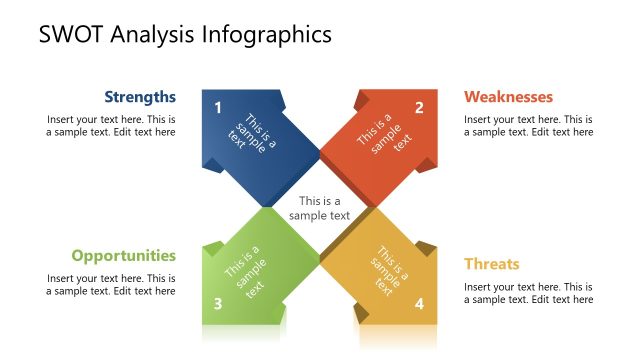
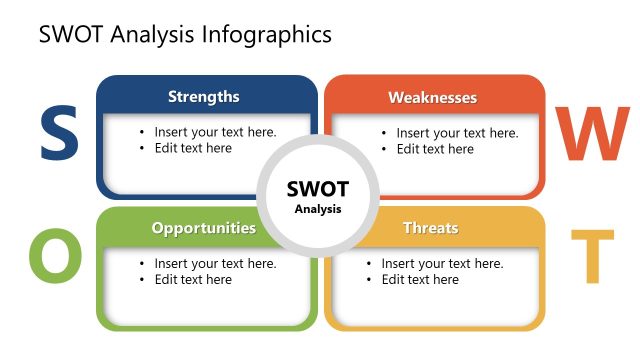
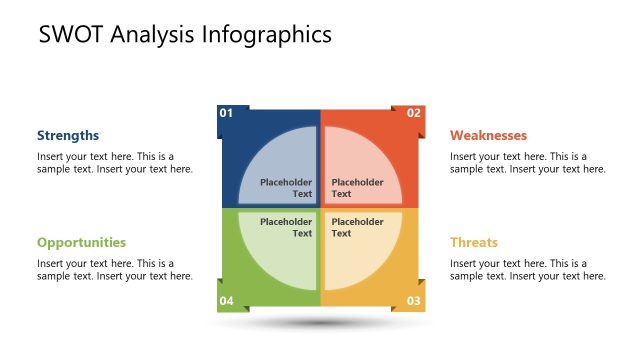
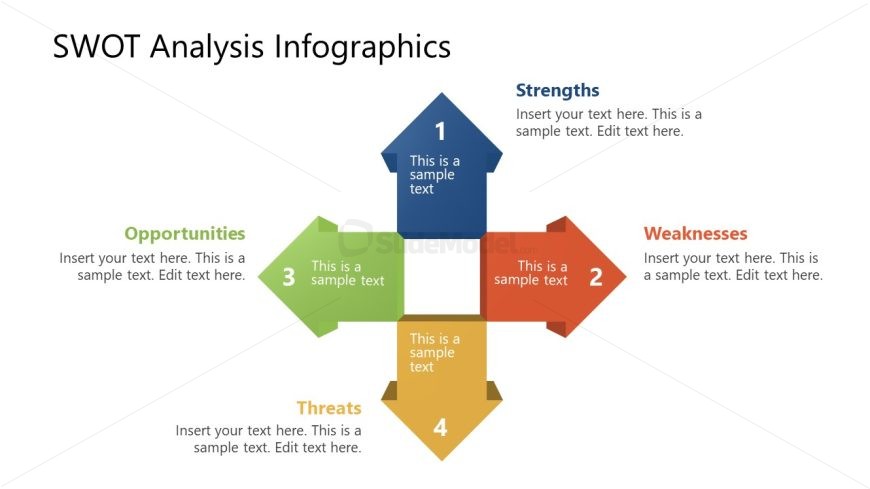
The layout features a central square divided into four quadrants, each representing a component of SWOT analysis: Strengths, Weaknesses, Opportunities, and Threats. Each quadrant is marked with a colored arrow pointing outward, indicating directionality. The top section contains a blue arrow labeled 'Strengths,' while the right section has an orange arrow for 'Weaknesses.' The bottom section features a yellow arrow for 'Threats,' and the left section has a green arrow for 'Opportunities.' Text placeholders are centered within each quadrant, allowing for customization. The overall composition is symmetrical and balanced.
How to Use It
This layout serves as a structured visual for presenting a SWOT analysis. It is suitable for business presentations, strategic planning sessions, or project evaluations. The clear division of quadrants allows for easy comparison and analysis of internal and external factors. This slide fits well in a sequence following a problem statement, providing a framework for discussing strengths and weaknesses before outlining opportunities and threats. It is effective for summarizing strategic insights.
Text Placeholders & Capacity
Keep your copy within these limits so it fits without resizing. Each node can hold approximately 100 characters of text.
| Placeholder | Count | Max characters (approx.) |
|---|---|---|
| Item heading | 4 | 30 |
| Item body | 4 | 100 |
Slide Keywords
Download unlimited PowerPoint templates, charts and graphics for your presentations with our annual plan.
DOWNLOADReturn to Free SWOT Infographics.