Slide 4 of 8 from Free Steps Diagrams for PowerPoint
3 Steps 3D Diagram Free PowerPoint Slides
Step Diagram with Text Boxes for Presentations
- Diagram
- Arrow Sequence
- Process Slide
- 16:9
- 100% Editable
What’s on This Slide
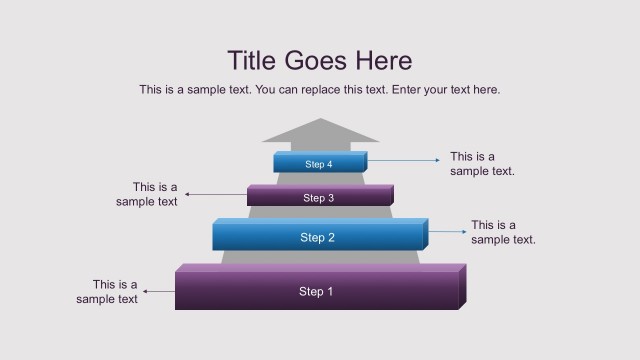
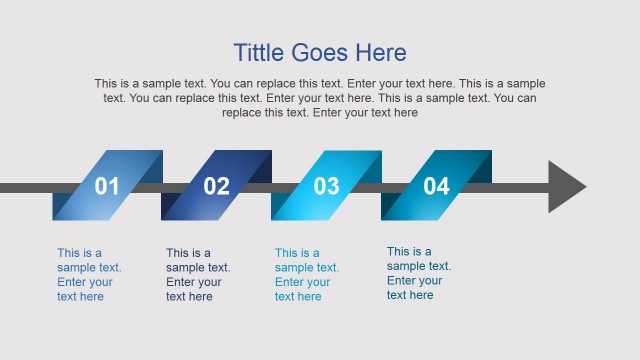
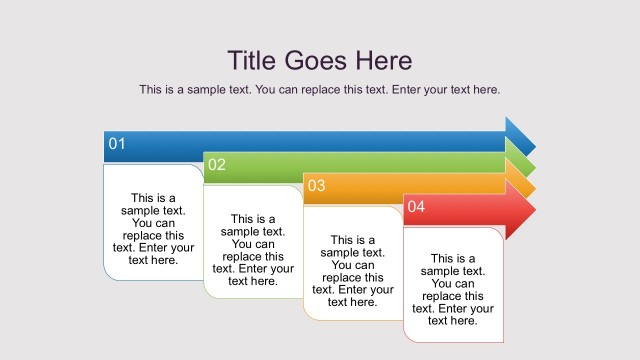
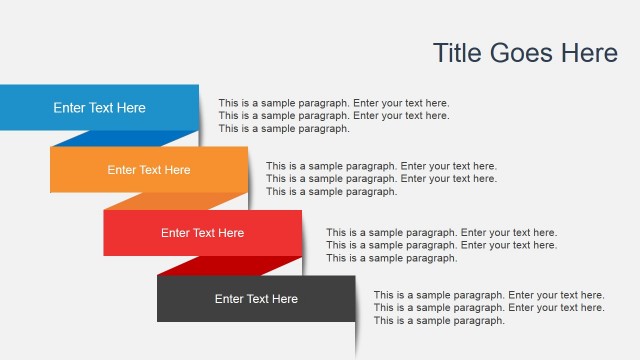
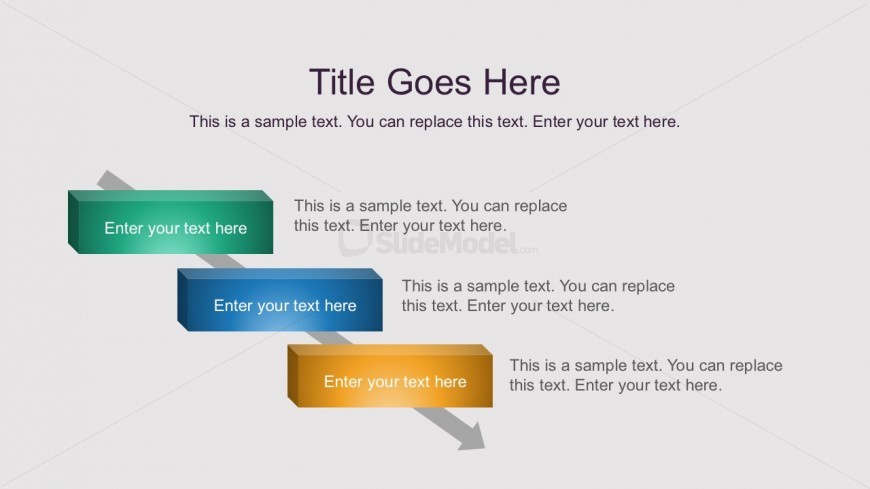
The layout features three horizontal text boxes arranged in a staggered manner from top left to bottom right. Each box is a rectangular shape with rounded corners, colored green, blue, and orange, respectively. The boxes are connected by arrows indicating a flow from one to the next. Above the boxes, there is a title placeholder centered at the top, and a subtitle placeholder is positioned directly below it. Each text box contains a placeholder for sample text, aligned centrally within the boxes. The background is a light gray color, providing contrast to the colored boxes.
How to Use It
This layout serves as a step diagram to illustrate a sequential process or stages in a project. It is suitable for presentations that require a clear depiction of steps, such as project timelines or workflow processes. It fits well in a sequence following an introduction or problem statement slide, providing clarity on the steps to be taken. This structure can be applied in business contexts like project management, training sessions, or strategic planning discussions.
Text Placeholders & Capacity
Keep your copy within these limits so it fits without resizing. Body slots can hold roughly 10 words each.
| Placeholder | Count | Max characters (approx.) |
|---|---|---|
| Slide title | 1 | 30 |
| Body paragraph | 3 | 50 |
Slide Keywords
Download unlimited PowerPoint templates, charts and graphics for your presentations with our annual plan.
DOWNLOADReturn to Free Steps Diagrams for PowerPoint.