Slide 2 of 8 from Free Steps Diagrams for PowerPoint
4 Steps Ladder Diagrams Free PowerPoint
Step Diagram for Presentations
- Diagram
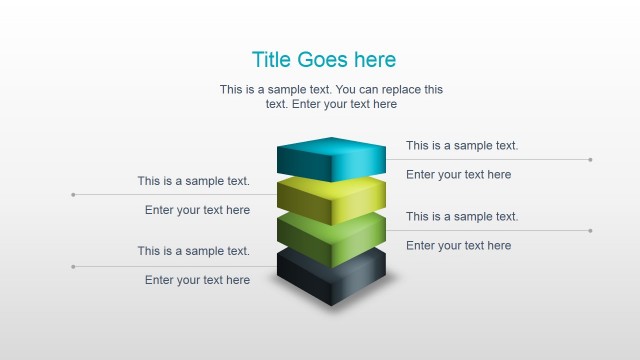
- Layered Stack
- Process Slide
- 16:9
- 100% Editable
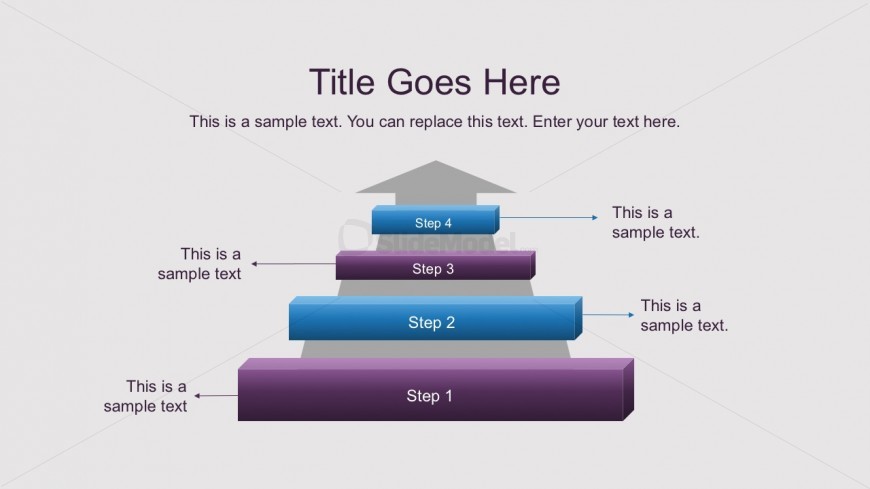
The Step Diagram with Text slide from the Free Steps Diagrams for PowerPoint template offers a clear visual representation of multi-step processes using editable shapes. Ideal for project phases and product development, this slide layout supports business presentations and training sessions by combining vector icons and descriptive text placeholders for effective communication.
What’s on This Slide
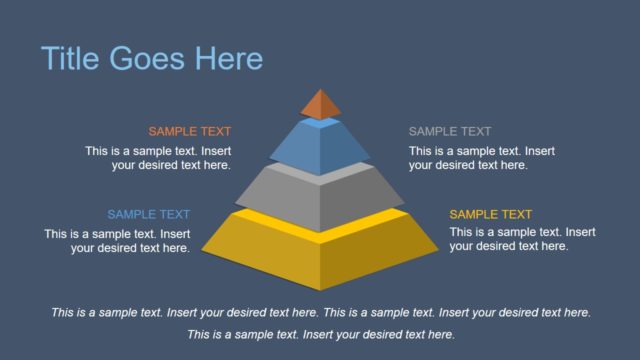
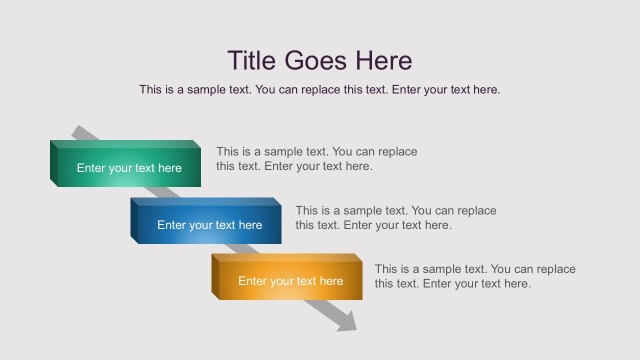
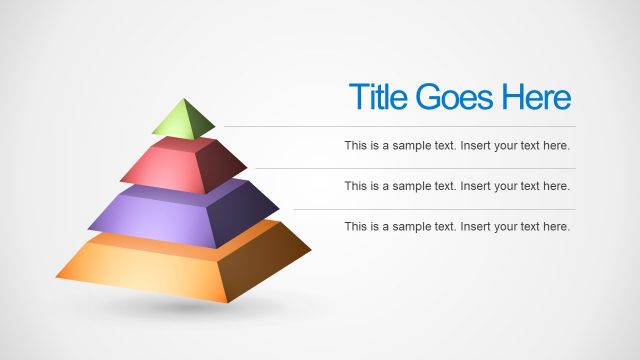
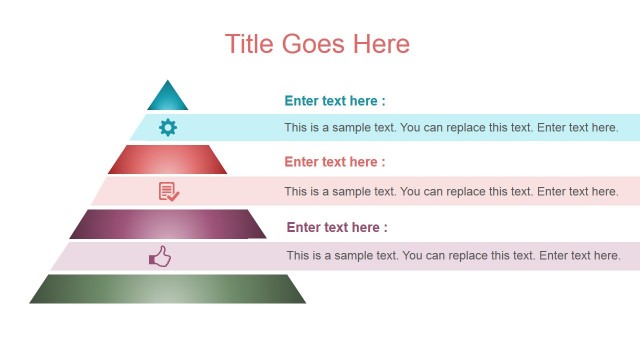
The layout features a vertical step diagram with four distinct steps. Each step is represented by a rectangular block, with the largest block at the bottom, gradually decreasing in size towards the top. The blocks are colored in shades of blue and purple, with the top step being blue. Text placeholders are positioned to the left of each step, aligned horizontally, allowing for descriptive text. A title placeholder is centered at the top, and a subtitle placeholder is below it. The background is a light gray, providing contrast to the colored blocks.
How to Use It
This layout serves as a process flow diagram, illustrating a sequence of steps or stages. It is suitable for presentations that require a clear depiction of a multi-step process, such as project phases or product development stages. This slide fits well after a problem statement slide, leading into a detailed explanation of the steps involved. It can be used in various business contexts, including training sessions, project management discussions, or strategic planning meetings.
Text Placeholders & Capacity
Keep your copy within these limits so it fits without resizing. Body slots can hold roughly 5-7 words each.
| Placeholder | Count | Max characters (approx.) |
|---|---|---|
| Slide title | 1 | 30 |
| Body paragraph | 4 | 35 |
Slide Keywords
Download unlimited PowerPoint templates, charts and graphics for your presentations with our annual plan.
DOWNLOADReturn to Free Steps Diagrams for PowerPoint.