Slide 6 of 8 from Free Steps Diagrams for PowerPoint
Free 4 Steps Funnel Diagrams with Arrow Vectors
Funnel Diagram for Steps Presentation
- Diagram
- Funnel
- Process Slide
- 16:9
- 100% Editable
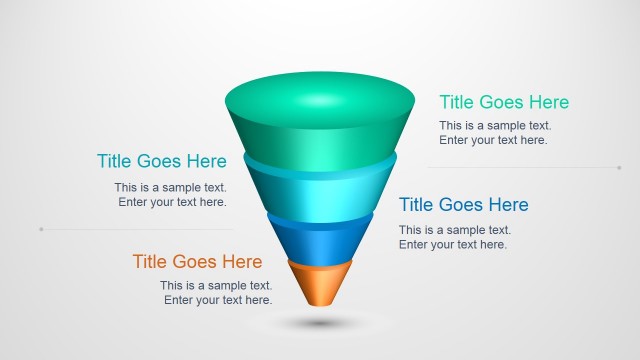
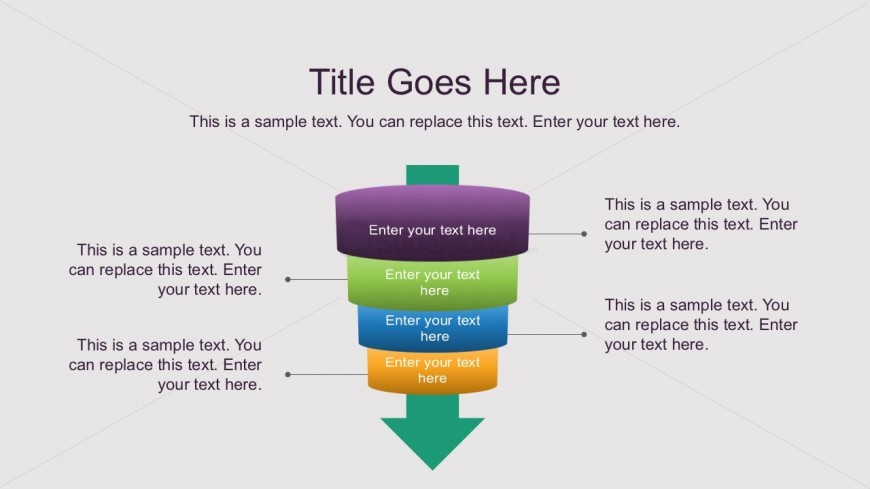
The Funnel Diagram with Text Boxes slide from the Free Steps Diagrams for PowerPoint template visually represents sequential stages in processes like marketing funnels or sales workflows. This slide layout features editable shapes arranged in a layered funnel design, complemented by text placeholders for detailed explanations, making it suitable for business presentations and project management slide decks.
What’s on This Slide
The slide features a funnel diagram centered on the page, composed of five horizontal layers stacked vertically. Each layer is a rounded rectangle with varying colors: purple at the top, followed by green, blue, orange, and a green arrow at the bottom. Text placeholders are positioned within each layer, aligned centrally, and are labeled as 'Enter your text here.' Additional text placeholders are placed to the right of the funnel, aligned vertically and providing space for supplementary information. The background is light gray, enhancing the visibility of the funnel structure.
How to Use It
This layout serves to illustrate a step-by-step process or stages in a funnel format, making it suitable for presentations on workflows, decision-making processes, or project phases. It fits well in a sequence after problem identification slides and before solution proposals. Common scenarios include marketing funnels, sales processes, or project management stages, where clarity in sequential steps is essential for audience understanding.
Text Placeholders & Capacity
Keep your copy within these limits so it fits without resizing. Body slots are tight, roughly 10 words each.
| Placeholder | Count | Max characters (approx.) |
|---|---|---|
| Slide title | 1 | 30 |
| Body paragraph | 5 | 50 |
| Body paragraph | 4 | 50 |
Slide Keywords
Download unlimited PowerPoint templates, charts and graphics for your presentations with our annual plan.
DOWNLOADReturn to Free Steps Diagrams for PowerPoint.