Slide 3 of 8 from Free Smart Chart PowerPoint Templates
Smart Chart Vectors Free PowerPoint
Box Plot Comparison Slide for Presentations
- Chart
- Box Plot
- Evaluation Slide
- 16:9
- 100% Editable
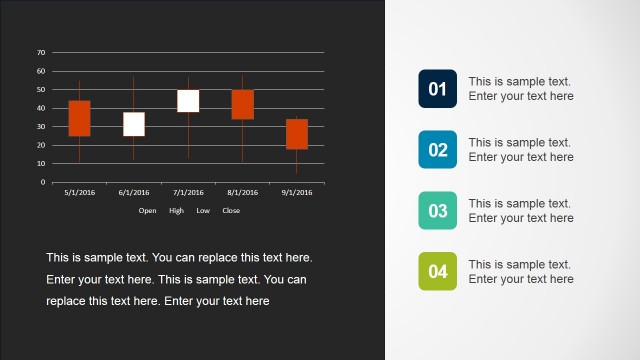
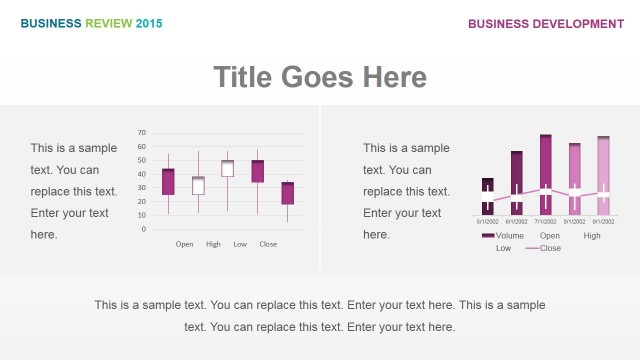
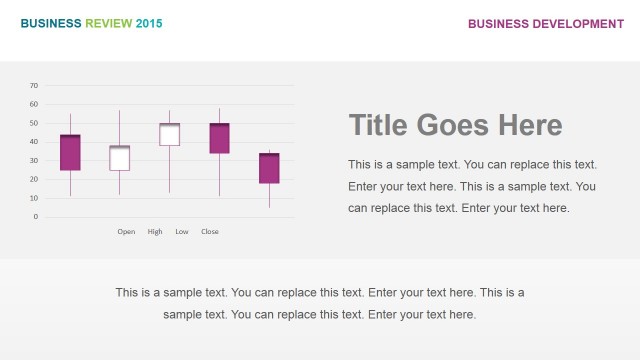
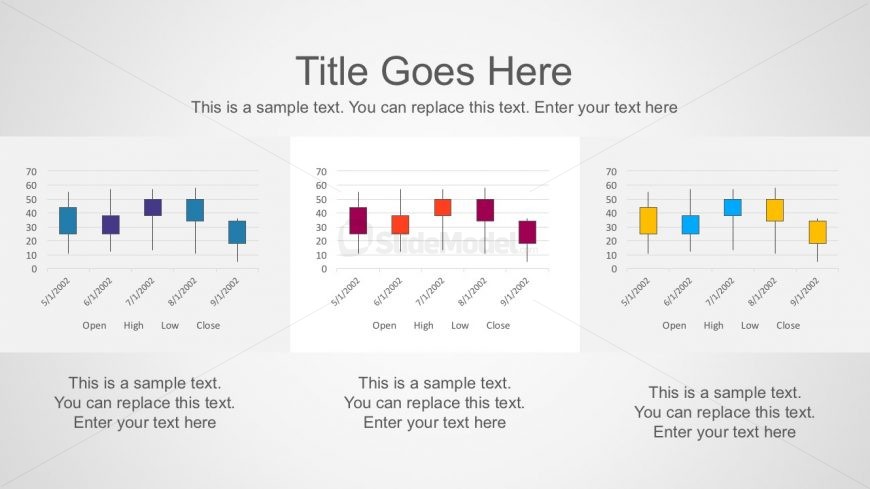
The Box Plot Comparison slide from the Free Smart Chart PowerPoint Templates offers a clear visual method for evaluating financial performance and market trends. This slide layout includes editable shapes and vector icons to highlight variations across categories like Open, High, Low, and Close, making it a practical choice for business presentations and pitch deck templates requiring precise data review.
What’s on This Slide
The layout features three box plots aligned horizontally across the slide. Each plot is positioned centrally, with a title placeholder above them. Below each plot, there are labels for the x-axis, indicating categories like Open, High, Low, and Close. The plots use colored boxes to represent data points, with varying heights. There are text placeholders below each plot for descriptions, aligned centrally. The background is a light gradient, enhancing visibility of the plots. The overall composition is balanced and structured.
How to Use It
This layout serves as a comparative analysis tool, ideal for presenting statistical data across multiple categories. It fits well in a presentation sequence following data introduction slides and preceding detailed analysis. Business scenarios include financial performance reviews, market trend analyses, or project comparisons. This slide can effectively communicate variations in data over time or across different metrics, making it suitable for stakeholders needing clear visual insights.
Text Placeholders & Capacity
Keep your copy within these limits so it fits without resizing. Body slots can hold roughly 10-12 words each.
| Placeholder | Count | Max characters (approx.) |
|---|---|---|
| Slide title | 1 | 30 |
| Body paragraph | 3 | 50 |
| Item heading | 12 | 10 |
Slide Keywords
Download unlimited PowerPoint templates, charts and graphics for your presentations with our annual plan.
DOWNLOADReturn to Free Smart Chart PowerPoint Templates.