Slide 8 of 8 from Free Smart Chart PowerPoint Templates
Free Smart Chart Dashboard Infographics for PowerPoint
Multi-Chart Dashboard for Data Visualization
- Chart
- Dashboard Composite
- Evaluation Slide
- 16:9
- 100% Editable
The Multi-Chart Dashboard Layout from the Free Smart Chart PowerPoint Templates offers a versatile slide for business presentations requiring detailed data visualization. This slide template combines multiple chart types in a clear 2x2 grid, facilitating comparative analysis and performance tracking. It is suitable for quarterly business reviews, financial reports, and marketing analysis, providing a comprehensive overview that supports informed decision-making with editable shapes and vector icons enhancing clarity.
What’s on This Slide
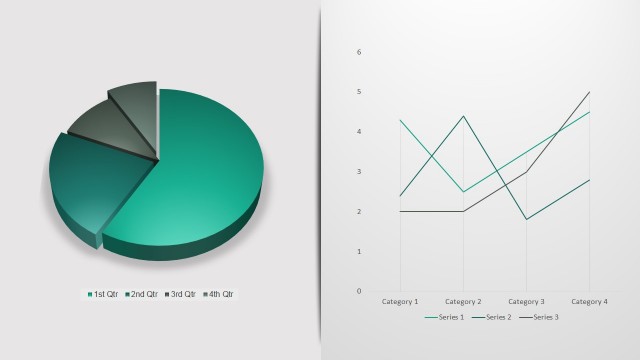
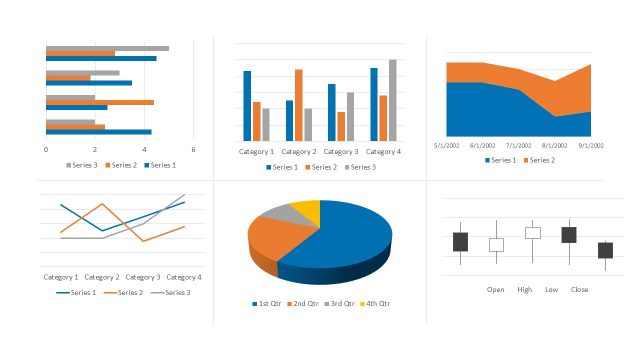
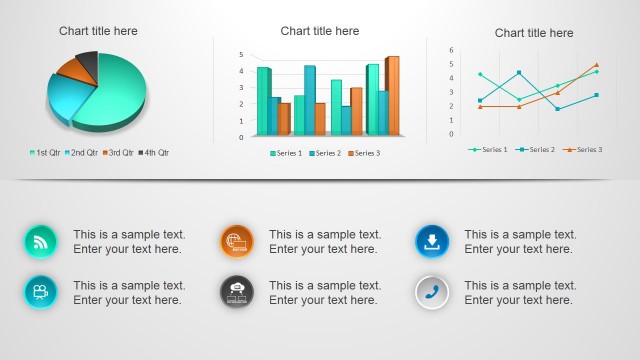
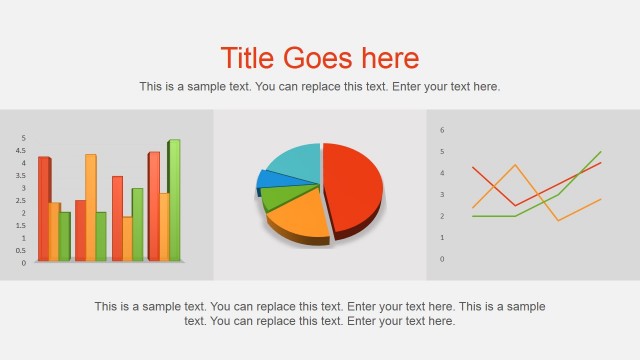
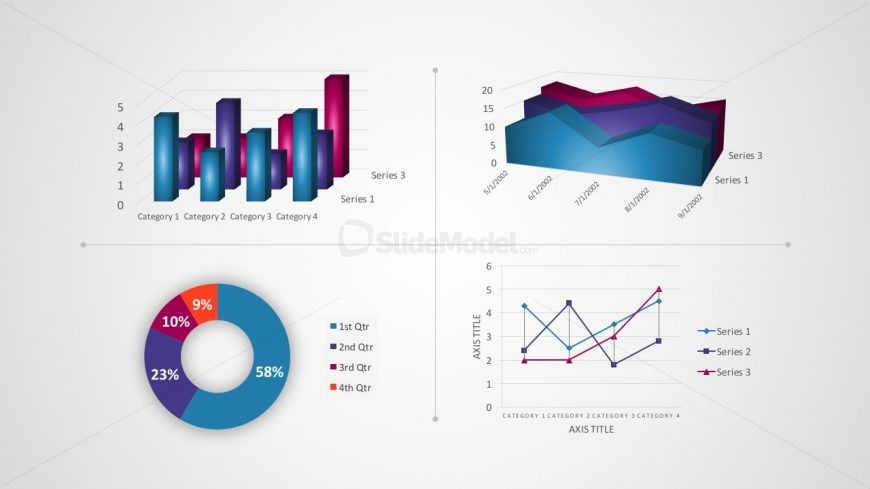
The layout features four distinct chart types arranged in a 2x2 grid. The top left displays a vertical bar chart with four categories and two series, while the top right shows an area chart with three series over time. The bottom left contains a pie chart segmented into four parts, labeled with percentages. The bottom right features a line chart with three series across four categories. Each chart has its own title placeholder, with axis titles and legends positioned appropriately. Color gradients enhance visual separation.
How to Use It
This layout serves as a comprehensive data visualization dashboard, ideal for presenting multiple data sets simultaneously. It fits well in presentations that require comparative analysis or performance tracking. Scenarios include quarterly business reviews, financial performance reports, or marketing analysis. The arrangement allows for easy visual comparison across different metrics, making it suitable for stakeholders needing to grasp complex data quickly. It is effective for summarizing key insights from various data sources in a single view.
Text Placeholders & Capacity
Keep your copy within these limits so it fits without resizing. Chart titles and axis labels are tight, roughly 10-15 characters each.
| Placeholder | Count | Max characters (approx.) |
|---|---|---|
| Chart title | 4 | 20 |
| Axis label | 3 | 15 |
| Legend | 3 | 10 |
Slide Keywords
Download unlimited PowerPoint templates, charts and graphics for your presentations with our annual plan.
DOWNLOADReturn to Free Smart Chart PowerPoint Templates.