Slide 2 of 7 from Free Six Steps Callout Diagram for PowerPoint
PowerPoint Templates Free for Six Steps Process
Six Steps Callout Diagram for PowerPoint
- Diagram
- Other
- Process Slide
- 16:9
- 100% Editable
The Six Steps Callout Diagram slide from the Free Six Steps Callout Diagram for PowerPoint template offers a clear visual process layout ideal for business presentations. This editable slide features a central callout diagram with six distinct nodes, each customizable with vector icons and text placeholders. It supports strategic planning, project phase overviews, and product feature highlights, making it a versatile option within professional slide templates and slide decks.
What’s on This Slide
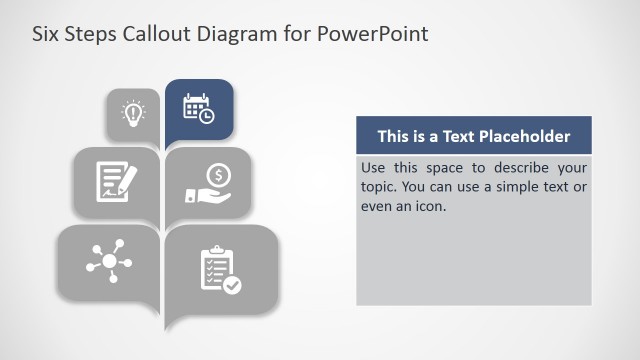
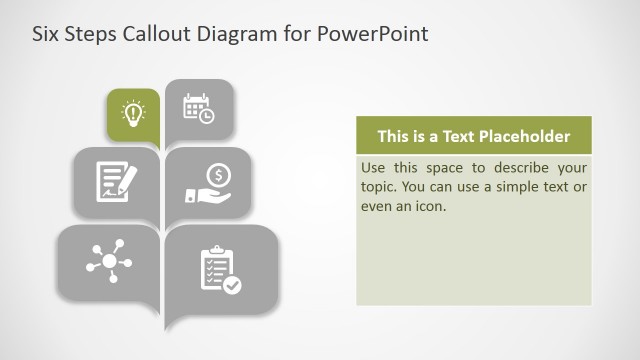
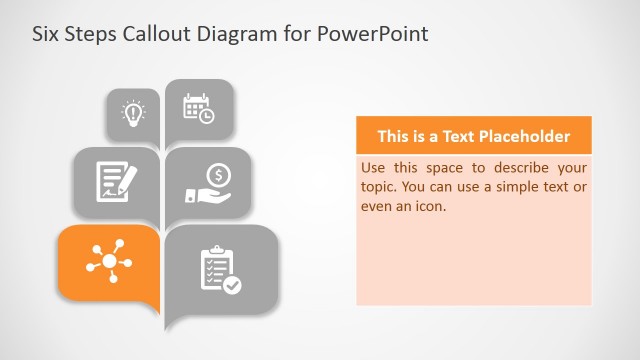
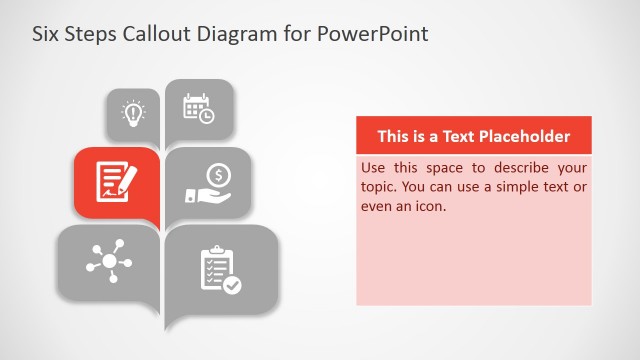
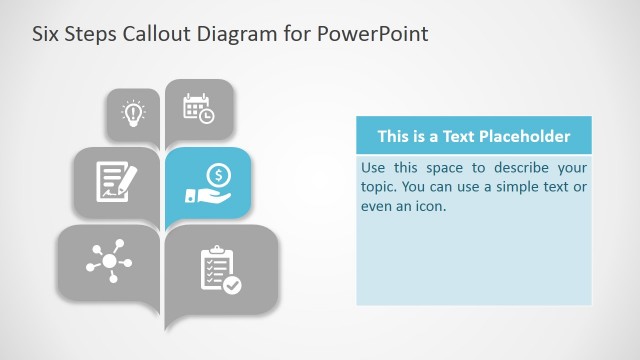
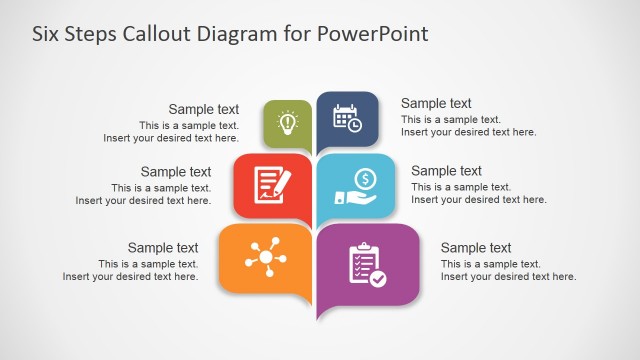
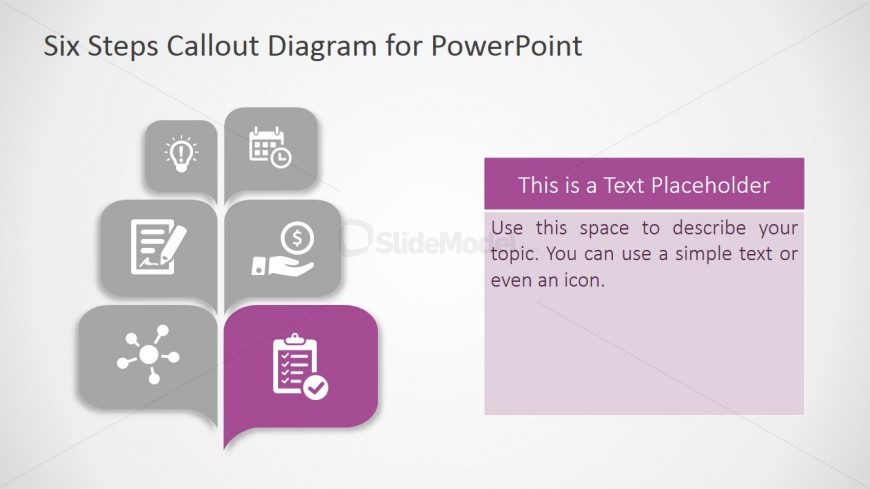
The layout features a central callout diagram with six nodes arranged in a tree-like structure. Each node is represented by a rounded square icon, with the top node containing a light bulb icon, followed by a clock, document, dollar sign, hand, and a network icon. The nodes are in shades of gray, while the bottom node is highlighted in purple. To the right, a text placeholder is positioned vertically, with a purple header and space for body text. The overall composition is balanced, with a clear visual hierarchy emphasizing the callout diagram.
How to Use It
This layout serves as a structured callout diagram to present six related points or steps in a process. It fits well in a presentation sequence after an introductory slide, providing a visual breakdown of a topic. Ideal for business contexts, it can be used to illustrate project phases, strategic steps, or key features in a product overview. The layout allows for easy customization of icons and text to suit various presentation needs.
Text Placeholders & Capacity
Keep your copy within these limits so it fits without resizing. Body slots can hold roughly 25-30 words each.
| Placeholder | Count | Max characters (approx.) |
|---|---|---|
| Slide title | 1 | 30 |
| Item body | 6 | 50 |
| Body paragraph | 1 | 150 |
Slide Keywords
Download unlimited PowerPoint templates, charts and graphics for your presentations with our annual plan.
DOWNLOAD