Slide 5 of 7 from Free Six Steps Callout Diagram for PowerPoint
PowerPoint Template Diagram of Six Steps
Six Steps Callout Diagram for PowerPoint
- Diagram
- Other
- Process Slide
- 16:9
- 100% Editable
The Six Steps Callout Diagram slide from the Free Six Steps Callout Diagram for PowerPoint template offers a clear process visualization ideal for project planning and strategic initiatives. This slide layout features editable shapes and vector icons arranged in a branching structure, making it suitable for business presentations that require detailed explanation of multi-step processes within a professional slide deck.
What’s on This Slide
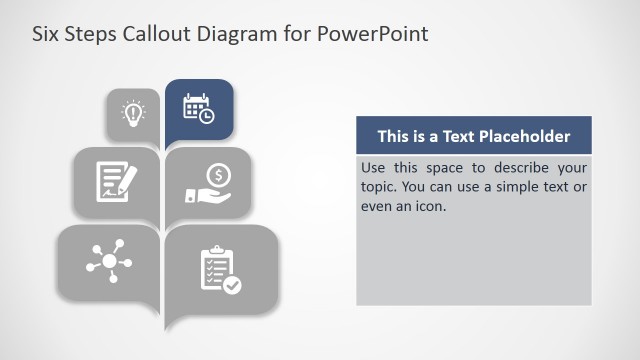
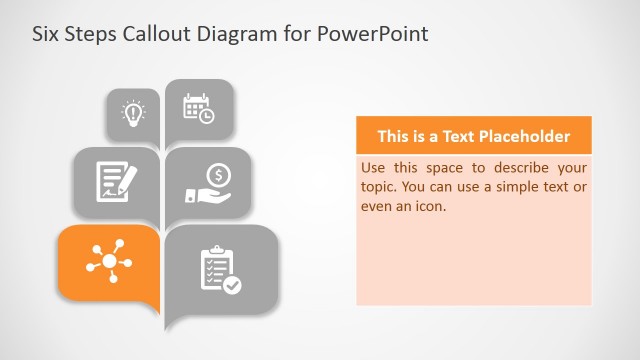
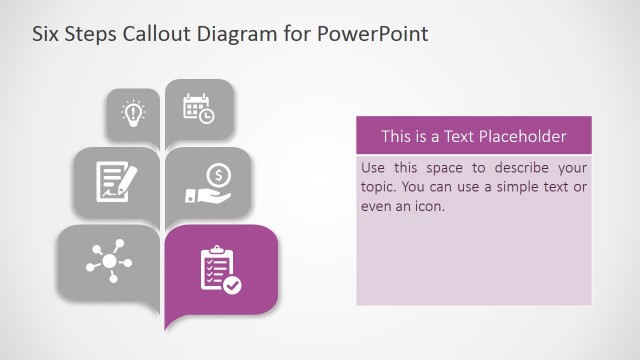
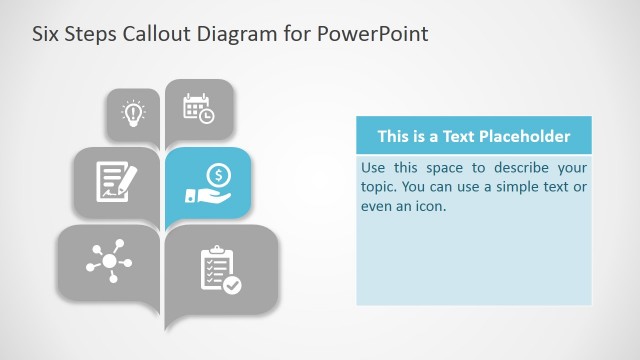
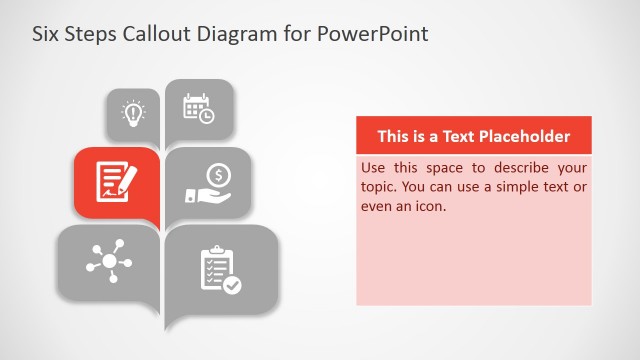
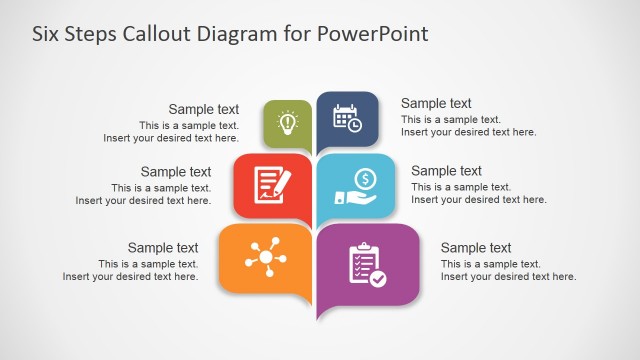
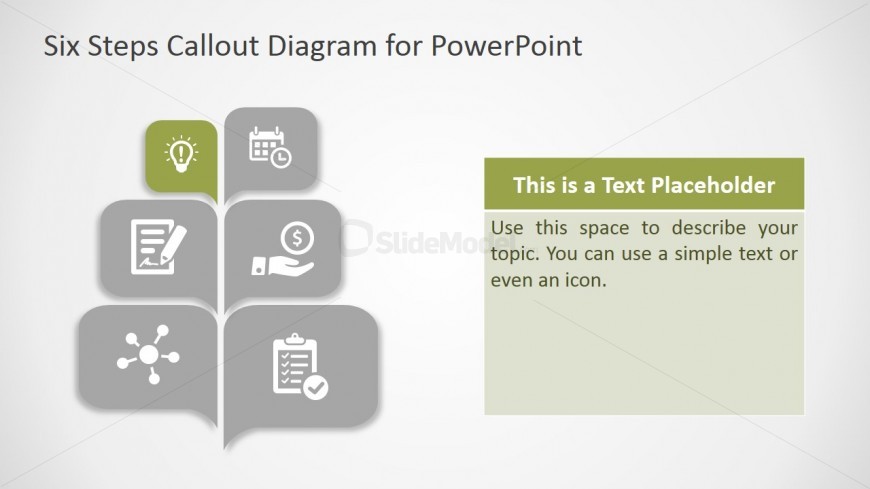
The layout features a central tree-like diagram with six callouts arranged in a branching structure. Each callout contains an icon, with the top callout in green and the others in gray. The icons represent various concepts, such as ideas, schedules, and finances. To the right, there is a text placeholder for a description, aligned vertically and occupying a rectangular space. The background is light with a subtle gradient, enhancing the visual hierarchy. The overall composition emphasizes the callouts while providing space for explanatory text.
How to Use It
This layout serves as a structured diagram to present a six-part process or topic. It fits well in a presentation sequence after introducing a concept, allowing for detailed exploration of each step. Business scenarios include project planning, product development stages, or strategic initiatives. The clear visual separation of each callout helps in conveying distinct ideas while maintaining a cohesive overall message.
Text Placeholders & Capacity
Keep your copy within these limits so it fits without resizing. Text slots can hold concise descriptions, roughly 10-15 words each.
| Placeholder | Count | Max characters (approx.) |
|---|---|---|
| Item body | 6 | 50 |
| Body paragraph | 1 | 150 |
Slide Keywords
Download unlimited PowerPoint templates, charts and graphics for your presentations with our annual plan.
DOWNLOAD