Slide 6 of 8 from Free Simple Semi-circle Diagram for PowerPoint
Semi-Circle Gauge PowerPoint Diagram
Simple Semi-circle Diagram for Presentations
- Diagram
- Segmented Wheel
- Concept Explanation Slide
- 16:9
- 100% Editable
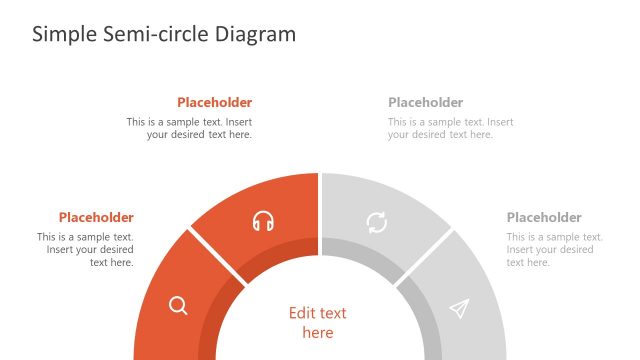
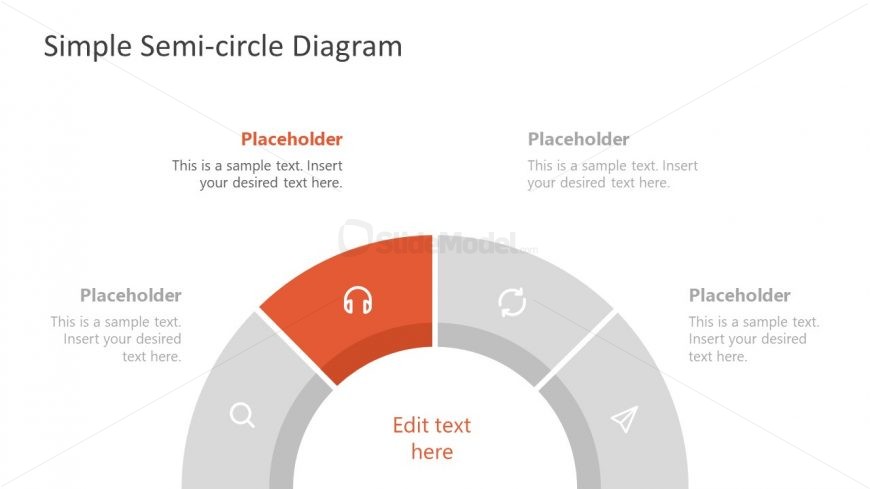
The Semi-circle Diagram with Placeholders slide from the Free Simple Semi-circle Diagram for PowerPoint template offers a clear visual tool for illustrating project phases, product features, or service categories. This editable slide features a segmented wheel design with vector icons and text placeholders, making it suitable for business presentations and pitch deck templates that require a concise breakdown of concepts.
What’s on This Slide
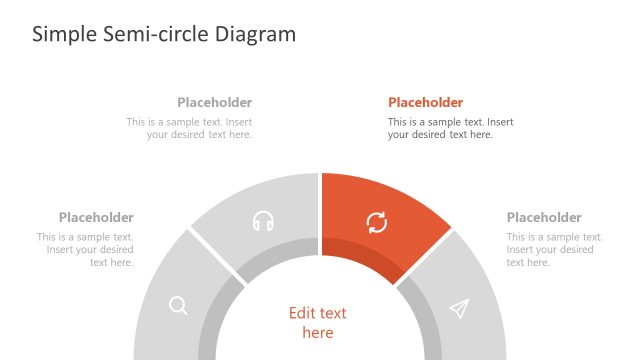
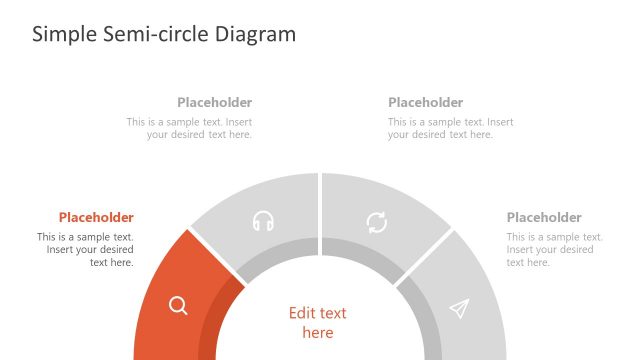
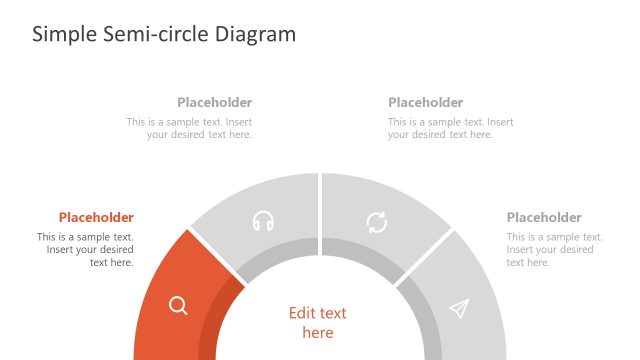
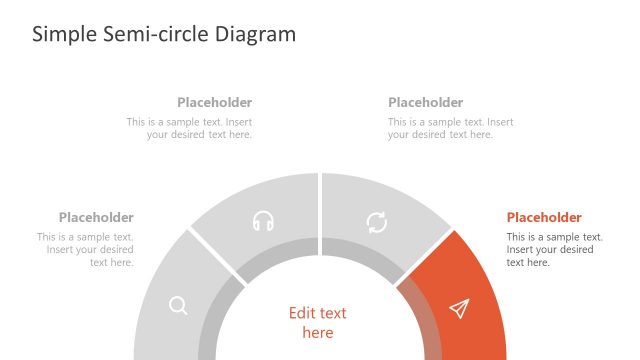
The layout features a semi-circle diagram divided into four segments, each with a placeholder for text. The segments are arranged in a circular fashion, with one segment highlighted in orange and containing an icon. The central area includes a larger placeholder labeled 'Edit text here.' Each segment has a corresponding placeholder positioned above it, aligned centrally. The overall composition is clean, with a white background and a subtle color scheme that emphasizes the highlighted segment. Icons represent different categories within the diagram.
How to Use It
This layout serves as a visual representation of a process or concept, ideal for illustrating categories or stages. It fits well in a presentation sequence after introducing a topic, providing a clear breakdown of components. Real-world applications include project phases, product features, or service categories. The semi-circle structure allows for easy comprehension of relationships between elements, making it suitable for both educational and business contexts.
Text Placeholders & Capacity
Keep your copy within these limits so it fits without resizing. Node labels can accommodate roughly 40 characters each.
| Placeholder | Count | Max characters (approx.) |
|---|---|---|
| Item heading | 4 | 40 |
| Body paragraph | 1 | 50 |
| Body paragraph | 1 | 50 |
Slide Keywords
Download unlimited PowerPoint templates, charts and graphics for your presentations with our annual plan.
DOWNLOAD