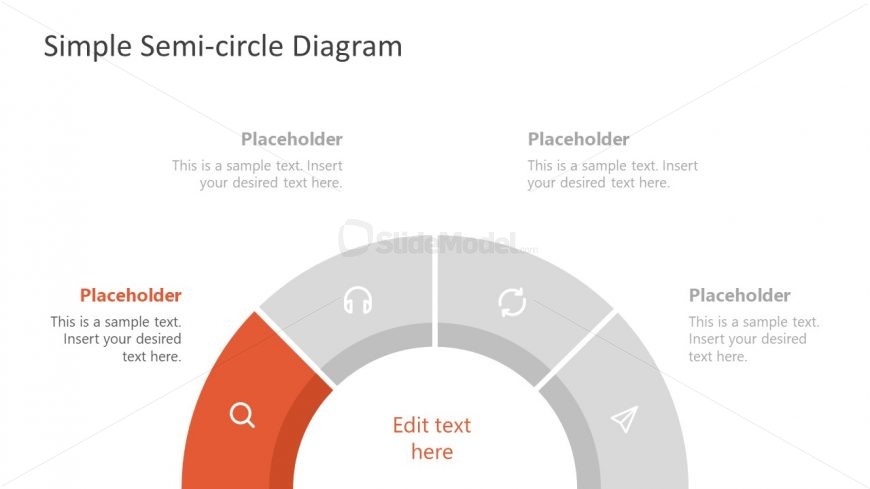
Slide 1 of 8 from Free Simple Semi-circle Diagram for PowerPoint
4 Steps Semicircle Diagram Template
Simple Semi-circle Diagram for Presentations
- Diagram
- Semi Circle
- Process Slide
- 16:9
- 100% Editable
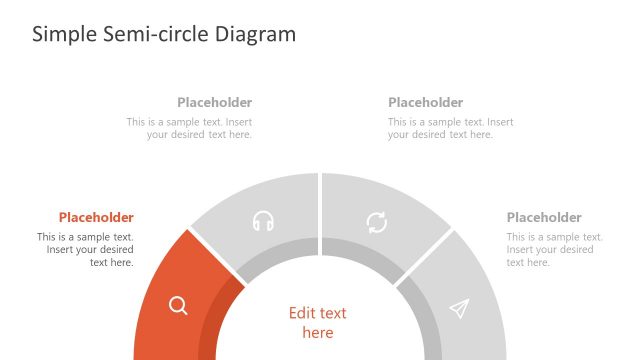
The Semi-circle Diagram slide from the Free Simple Semi-circle Diagram for PowerPoint template offers a clear visual layout for illustrating processes or project phases. This slide uses editable shapes and text placeholders arranged around a segmented semi-circle, making it suitable for business presentations or educational slide decks that require a structured breakdown of concepts or features.
What’s on This Slide
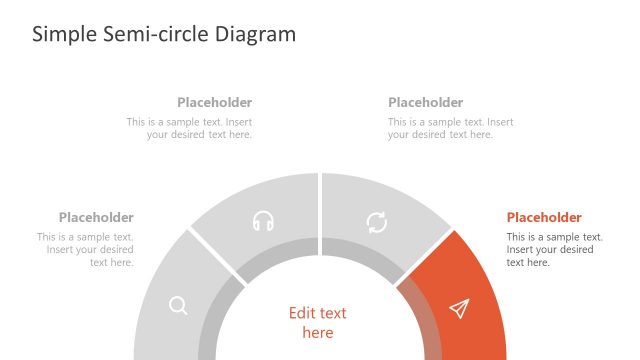
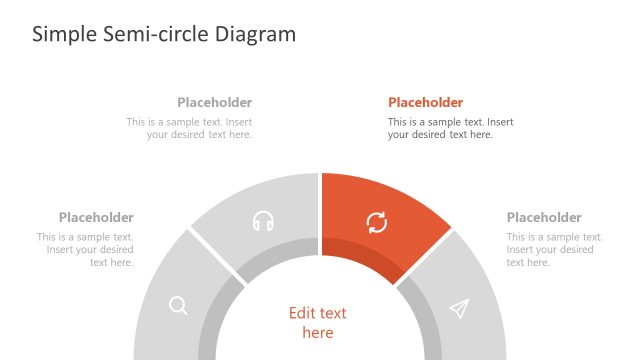
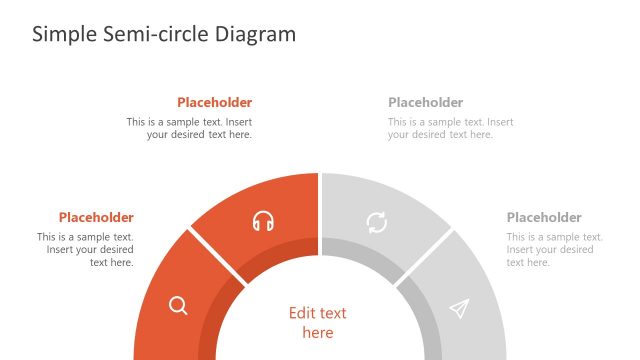
The layout features a semi-circle diagram at the bottom center, divided into four segments. Each segment contains a placeholder for text, positioned evenly around the semi-circle. The left segment is highlighted in orange, indicating a focal point. Above the semi-circle, there are two additional text placeholders aligned to the left and right, each with a light gray background. The visual hierarchy emphasizes the central segment labeled 'Edit text here.' The overall color scheme includes shades of gray and orange, creating a clear and organized structure.
How to Use It
This layout serves as a visual representation of a process or concept, ideal for illustrating stages or categories. It fits well in presentations that require a clear breakdown of information, such as project phases or product features. This diagram can be used in business meetings to summarize key points or in educational settings to explain concepts. It is particularly effective when the content needs to be visually segmented for clarity and engagement.
Text Placeholders & Capacity
Keep your copy within these limits so it fits without resizing. Each segment can hold about 50 characters comfortably.
| Placeholder | Count | Max characters (approx.) |
|---|---|---|
| Item body | 4 | 50 |
| Item body | 1 | 30 |
| Item body | 2 | 50 |
Slide Keywords
Download unlimited PowerPoint templates, charts and graphics for your presentations with our annual plan.
DOWNLOAD