Slide 3 of 8 from Free Simple Semi-circle Diagram for PowerPoint
PPT 4 Items Semicircle Speedometer
Simple Semi-circle Diagram for Presentations
- Diagram
- Segmented Wheel
- Concept Explanation Slide
- 16:9
- 100% Editable
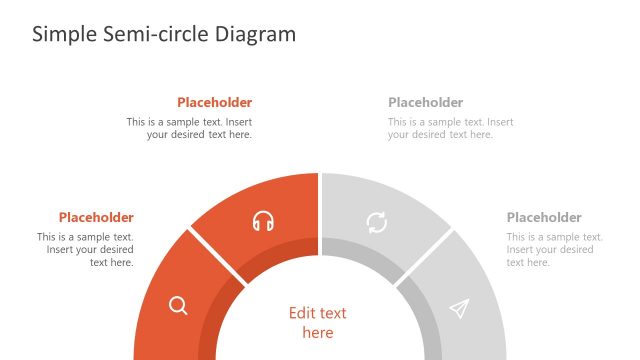
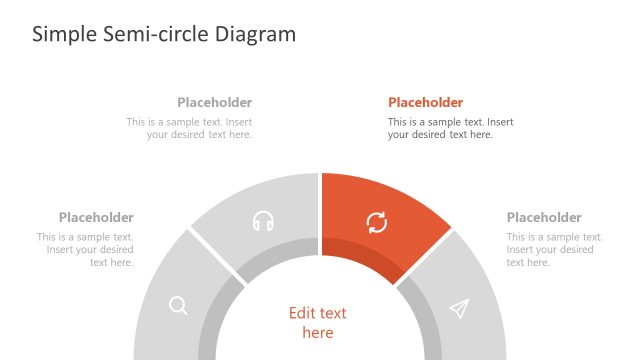
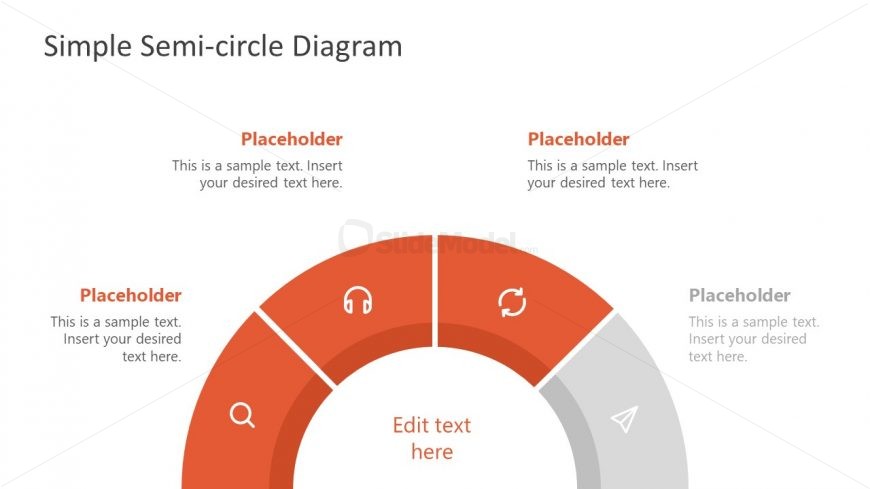
The Semi-circle Diagram with Placeholders slide from the Free Simple Semi-circle Diagram for PowerPoint template offers a clear segmented wheel layout ideal for illustrating processes or feature breakdowns. This slide uses editable shapes and vector icons within a balanced design, making it suitable for business presentations or pitch deck templates that require a visual category overview. Its customizable text placeholders support effective communication in corporate presentations and slide decks.
What’s on This Slide
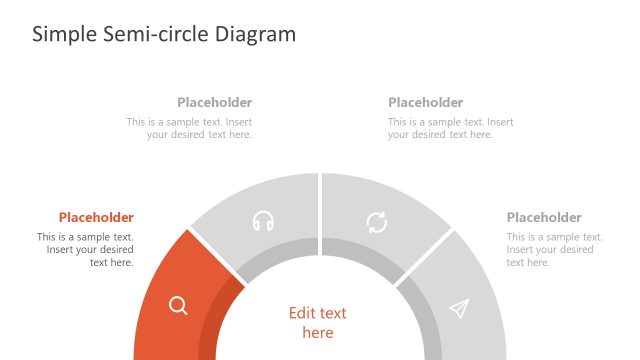
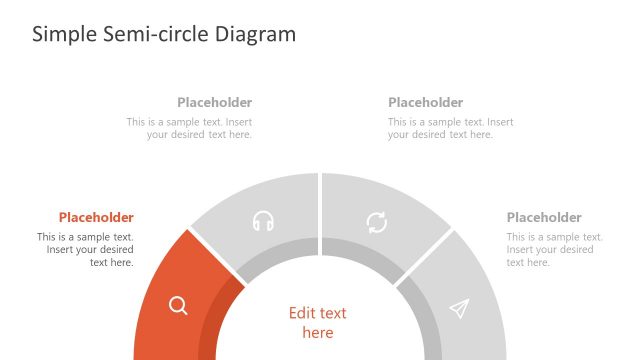
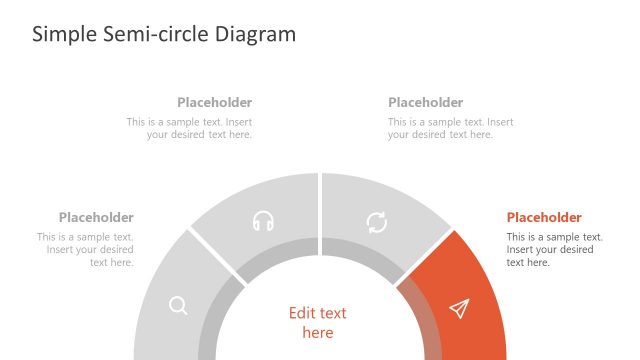
The layout features a semi-circle diagram positioned centrally at the bottom. It consists of four segments, each containing a text placeholder aligned at the top and bottom. The segments are colored in a gradient of orange and gray, with icons placed within the segments. The central area has a prominent text placeholder labeled 'Edit text here.' The overall composition is balanced, with the title 'Simple Semi-circle Diagram' at the top center. The placeholders are evenly spaced, creating a clear visual hierarchy.
How to Use It
This layout serves as a semi-circle diagram, ideal for illustrating processes or categories. It fits well in a presentation sequence after outlining a problem or concept, providing a visual representation of solutions or components. Business scenarios include product feature breakdowns, project phases, or service offerings. The design allows for easy customization of text and icons, making it versatile for various contexts.
Text Placeholders & Capacity
Keep your copy within these limits so it fits without resizing. Node body slots can hold about 10-12 words each.
| Placeholder | Count | Max characters (approx.) |
|---|---|---|
| Slide title | 1 | 30 |
| Item body | 4 | 50 |
| Item body | 1 | 30 |
Slide Keywords
Download unlimited PowerPoint templates, charts and graphics for your presentations with our annual plan.
DOWNLOAD