Slide 2 of 8 from Free Product Roadmap Slides for PowerPoint
Free Segmented Hexagon Roadmap PowerPoint
Hexagon Icon Layout for Presentations
- Diagram
- Matrix Grid
- Product Overview Slide
- 16:9
- 100% Editable
The Hexagon Icon Layout from the Free Product Roadmap Slides for PowerPoint template offers a structured way to present product features or project milestones using editable shapes and vector icons. This slide template is designed for business presentations and pitch decks, enabling clear communication of multiple concepts with a professional arrangement of PowerPoint slides or Google Slides templates.
What’s on This Slide
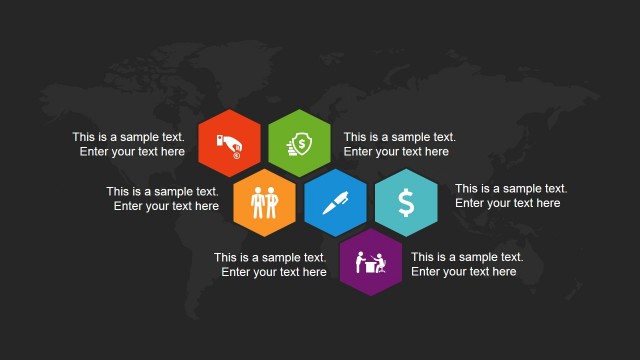
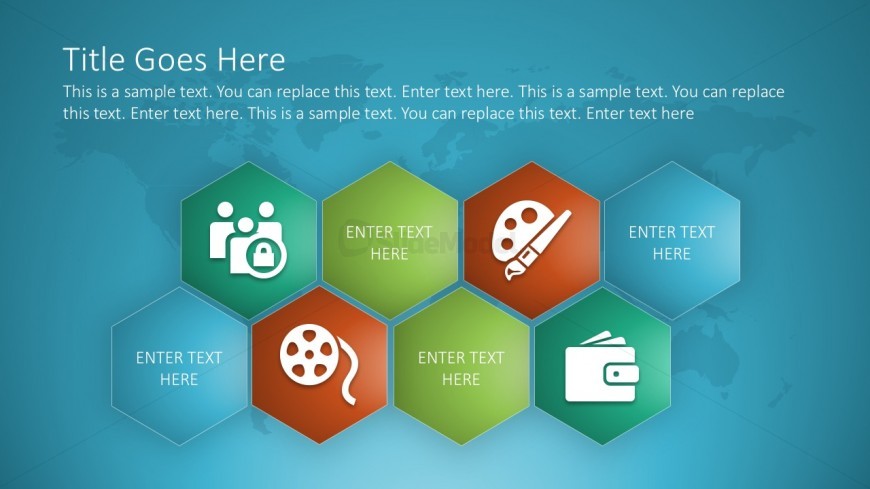
The layout features a large title placeholder at the top center, followed by a body text placeholder beneath it. Below, there are six hexagonal shapes arranged in two rows, with three hexagons in each row. Each hexagon contains an icon on the left and a text placeholder on the right. The icons represent various concepts, including people, film, and finance. The background is a gradient blue with a faint world map. The visual hierarchy emphasizes the title and hexagons, creating distinct sections.
How to Use It
This layout serves as a visual representation of key concepts or features, ideal for summarizing product attributes or project milestones. It fits well in a presentation sequence following an introduction or overview slide. This format is useful in business contexts such as product launches, marketing strategies, or team presentations, where clear visual communication of multiple elements is needed.
Text Placeholders & Capacity
Keep your copy within these limits so it fits without resizing. Body slots can hold roughly 30-40 words each.
| Placeholder | Count | Max characters (approx.) |
|---|---|---|
| Slide title | 1 | 30 |
| Body paragraph | 1 | 180 |
| Item heading | 6 | 30 |
| Item body | 6 | 50 |
Slide Keywords
Download unlimited PowerPoint templates, charts and graphics for your presentations with our annual plan.
DOWNLOADReturn to Free Product Roadmap Slides for PowerPoint.