Slide 5 of 8 from Free Product Roadmap Slides for PowerPoint
Creative PowerPoint Teardrop Shapes For Free
Four Quadrant Diagram for Presentations
- Diagram
- Matrix Quadrant
- Comparison Slide
- 16:9
- 100% Editable
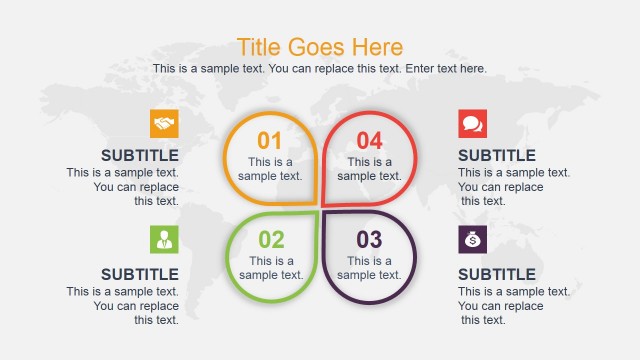
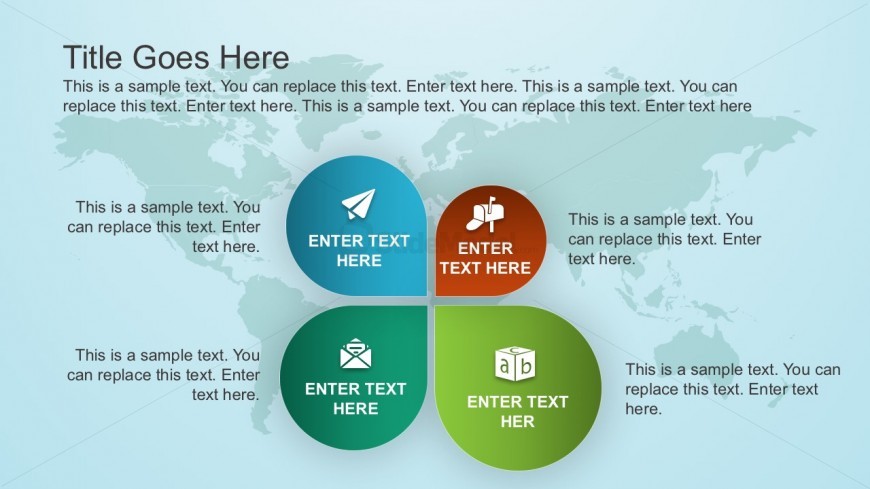
The Four Quadrant Diagram with Icons slide from the Free Product Roadmap Slides for PowerPoint template offers a structured layout ideal for feature comparison and strategic initiatives. This slide uses editable shapes and vector icons within a four-quadrant matrix to clearly present distinct ideas or project phases, making it a practical choice for business presentations and pitch decks that require organized visual analysis.
What’s on This Slide
The slide features a four-quadrant layout with circular nodes positioned in each quadrant. The top left node is blue with an airplane icon, the top right node is orange with a drink icon, the bottom left node is green with an envelope icon, and the bottom right node is teal with a block icon. Each node contains a text placeholder centered within it. A world map serves as the background, providing a subtle context. The title placeholder is at the top center, while additional text placeholders are located below each node, maintaining a balanced visual hierarchy.
How to Use It
This layout serves as a comparative analysis tool, ideal for presenting four distinct ideas or categories. It fits well in a presentation sequence after introducing a problem or concept, allowing for a structured breakdown of solutions or features. Suitable scenarios include product feature comparisons, strategic initiatives, or project phases. It can be used individually to highlight key aspects of a topic in a visually organized manner.
Text Placeholders & Capacity
Keep your copy within these limits so it fits without resizing. Node slots can hold roughly 10-12 words each.
| Placeholder | Count | Max characters (approx.) |
|---|---|---|
| Slide title | 1 | 30 |
| Item body | 4 | 50 |
Slide Keywords
Download unlimited PowerPoint templates, charts and graphics for your presentations with our annual plan.
DOWNLOADReturn to Free Product Roadmap Slides for PowerPoint.