Slide 4 of 6 from Free Multiple Diagrams for PowerPoint
Linear Sequence Chain Diagram Template
Process Flow Diagram with Steps for Presentations
- Diagram
- Process Flow
- Process Slide
- 16:9
- 100% Editable
The Process Flow with Steps slide from the Free Multiple Diagrams for PowerPoint template offers a clear horizontal flow diagram ideal for project management and workflow presentations. This slide template features editable shapes arranged sequentially to visually guide audiences through step-by-step processes, making it a practical addition to any business presentation or pitch deck template.
What’s on This Slide
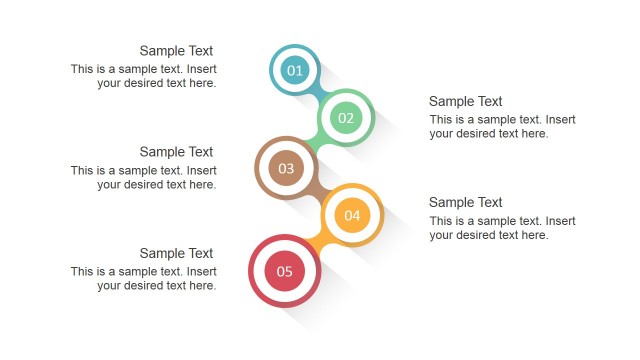
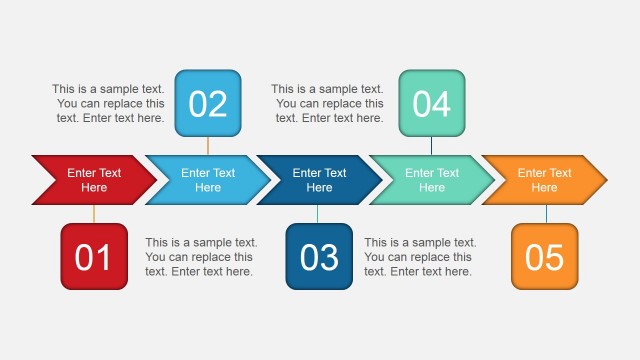
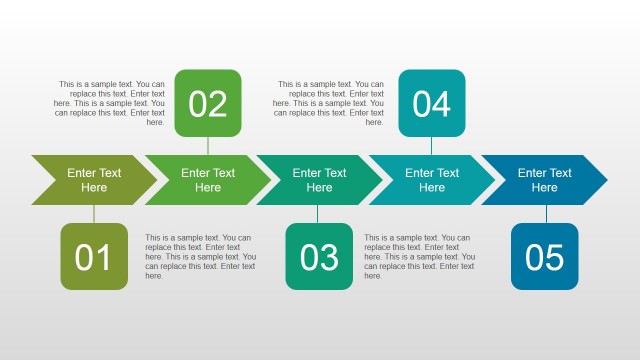
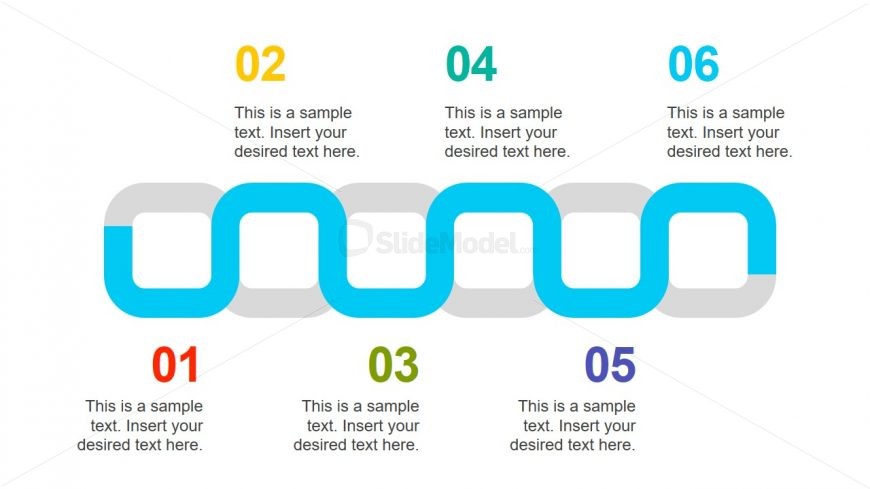
The layout features a horizontal flow diagram composed of six interconnected shapes. Each shape is a rounded rectangle, alternating in color between light gray and blue. The shapes are evenly spaced and contain numbered placeholders at the top, with sample text placeholders below each shape. The visual hierarchy emphasizes the flow from left to right, with the first shape on the left and the last on the right. The background is white, providing contrast to the colored shapes, and the overall composition is clean and organized.
How to Use It
This layout serves as a sequential process flow, ideal for illustrating steps or stages in a project. It fits well within a presentation that outlines a procedure or workflow, making it suitable for business contexts such as project management, product development, or training sessions. The clear visual structure aids in guiding the audience through each step, enhancing understanding and retention of the information presented.
Text Placeholders & Capacity
Keep your copy within these limits so it fits without resizing. Node body slots can hold about 10 words each.
| Placeholder | Count | Max characters (approx.) |
|---|---|---|
| Item heading | 6 | 20 |
| Item body | 6 | 50 |
Slide Keywords
Download unlimited PowerPoint templates, charts and graphics for your presentations with our annual plan.
DOWNLOADReturn to Free Multiple Diagrams for PowerPoint.