Slide 4 of 8 from Free Multi-Purpose PowerPoint Template
Slide Deck of Business Presentation
Summary / Content Layout for Presentations
- Text Layout
- List Blocks
- Agenda Slide
- 16:9
- 100% Editable
The Summary / Content Layout from the Free Multi-Purpose PowerPoint Template offers a structured approach to outlining agenda items and key points. This slide template is designed for clarity and organization, featuring editable shapes and numbered nodes that help present information in a clean, professional manner. It suits business presentations and educational slide decks where summarizing content or highlighting discussion topics is essential.
What’s on This Slide
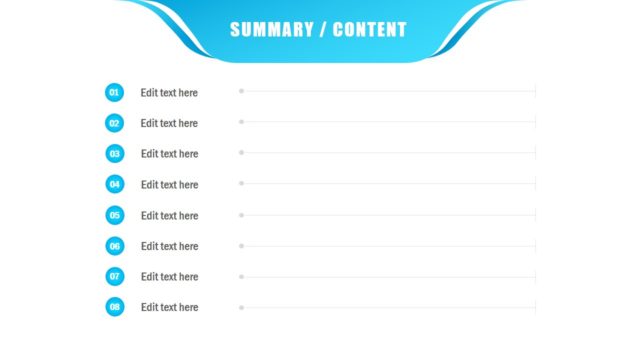
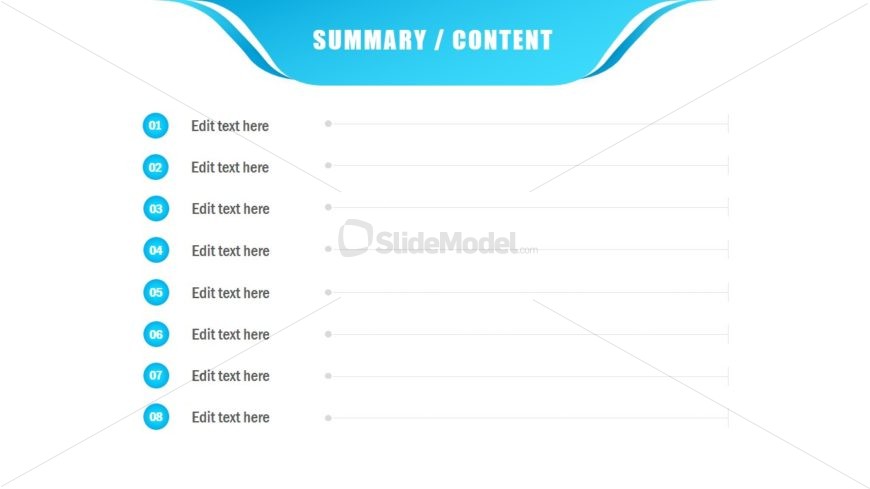
The layout features a title at the top center labeled 'SUMMARY / CONTENT' in bold white text against a blue background. Below the title, there are eight circular nodes aligned vertically on the left side, each labeled with numbers from 01 to 08. Each node has a corresponding text placeholder for content, aligned to the right. The nodes are evenly spaced and visually distinct, with a consistent size. The overall composition is clean, with a light background and a flowing blue design element at the top, creating a structured and organized appearance.
How to Use It
This layout serves as a content summary or outline, ideal for listing key points or topics in a presentation. It fits well after introductory slides and before detailed content sections. This structure is useful in business meetings to summarize agenda items, project highlights, or discussion points. It can also be employed in educational settings to outline lesson objectives or key takeaways, ensuring clarity and focus in communication.
Text Placeholders & Capacity
Keep your copy within these limits so it fits without resizing. Node body slots can hold roughly 10 words each.
| Placeholder | Count | Max characters (approx.) |
|---|---|---|
| Item heading | 8 | 2 |
| Item body | 8 | 50 |
| Slide title | 1 | 30 |
Slide Keywords
Download unlimited PowerPoint templates, charts and graphics for your presentations with our annual plan.
DOWNLOADReturn to Free Multi-Purpose PowerPoint Template.