Slide 1 of 8 from Free Multi Option PowerPoint Slides
Multi Purpose PowerPoint 4 Segments
Multi Option Process Diagram for Presentations
- Diagram
- Comparison Split
- Process Slide
- 16:9
- 100% Editable
The Multi Option Process Diagram slide from the Free Multi Option PowerPoint Slides template offers a structured layout ideal for business presentations involving project planning and decision-making. Featuring editable shapes and vector icons, this slide template helps clearly outline multiple steps or choices in a process, making it suitable for corporate presentations and pitch deck templates that require clear comparison and strategy visualization.
What’s on This Slide
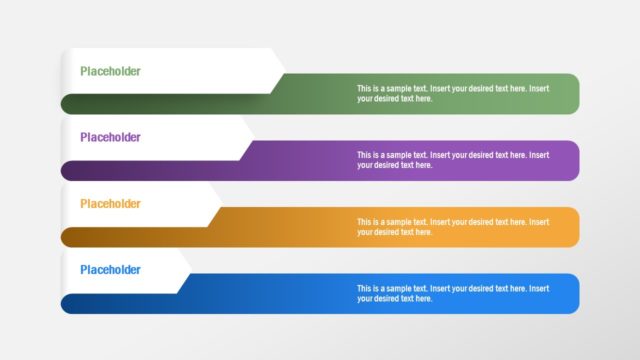
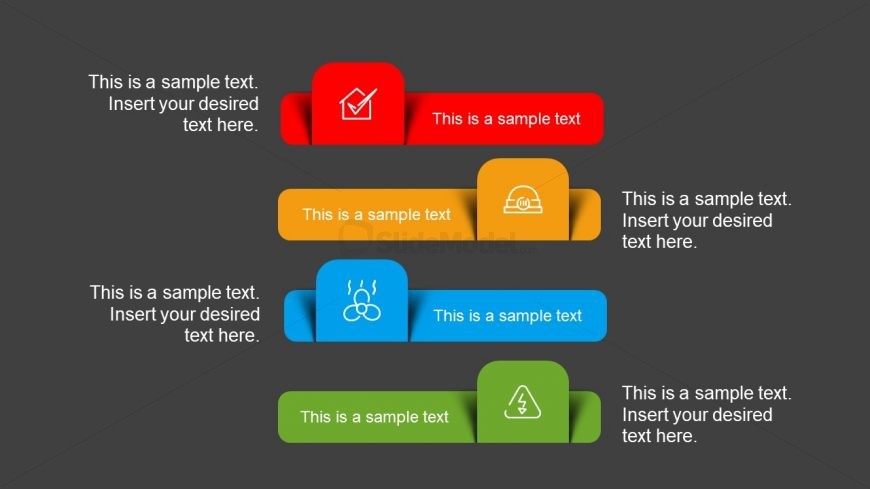
The slide features a dark gray background with four horizontal segments stacked vertically. Each segment contains a colored rectangular shape, with icons placed on the left side of each rectangle. The colors include red, orange, blue, and green. Each rectangle has a text placeholder aligned to the right, allowing for custom text input. The icons represent different concepts, enhancing visual understanding. The overall layout is structured and clear, with a focus on presenting multiple options or steps in a process.
How to Use It
This layout serves as a multi-option process diagram, suitable for presenting various steps or choices in a sequence. It fits well in a presentation sequence after introducing a problem or concept, providing clarity on potential solutions. This structure is useful for business scenarios such as project planning, decision-making processes, or outlining strategies. Each segment can represent a different option or phase, allowing for easy comparison and understanding.
Text Placeholders & Capacity
Keep your copy within these limits so it fits without resizing. Each text slot can hold up to 50 characters comfortably.
| Placeholder | Count | Max characters (approx.) |
|---|---|---|
| Item body | 4 | 50 |
Slide Keywords
Download unlimited PowerPoint templates, charts and graphics for your presentations with our annual plan.
DOWNLOADReturn to Free Multi Option PowerPoint Slides.