Slide 2 of 5 from Free Multi-layered Infographic Slide Template
Multi-Layered Free Infographic PPT Slide
Multi-layered Infographic Slide Structure
- Diagram
- Layered Stack
- Process Slide
- 16:9
- 100% Editable
What’s on This Slide
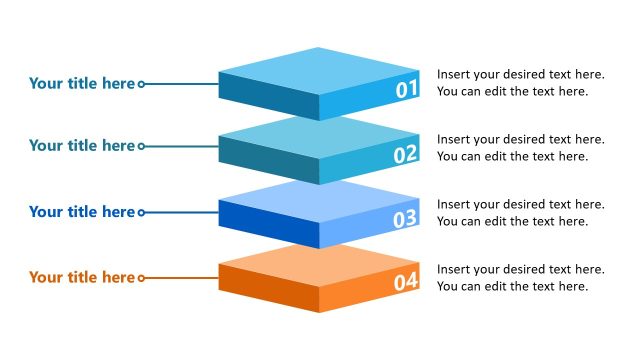
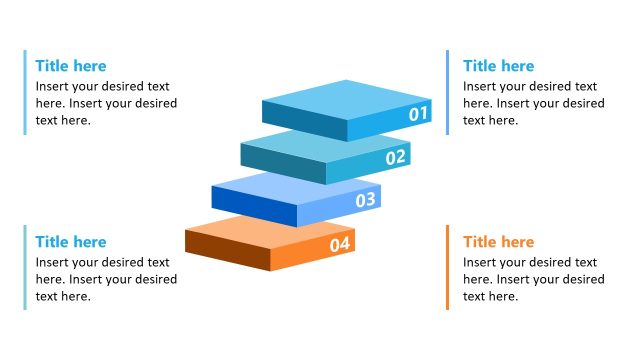
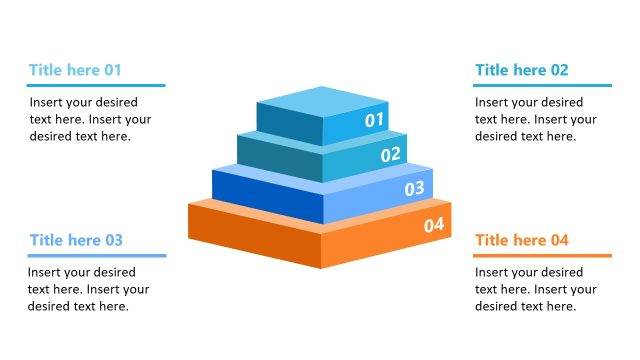
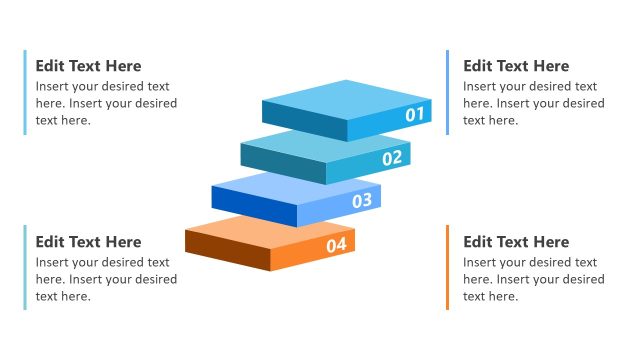
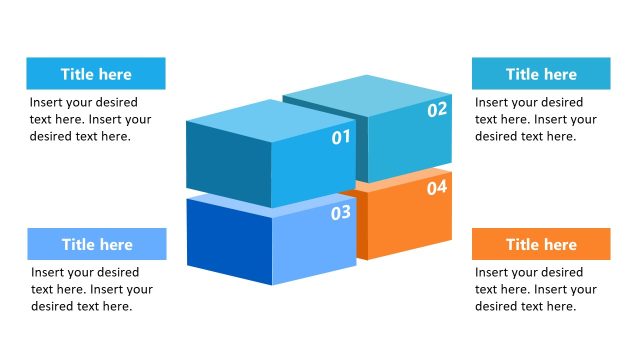
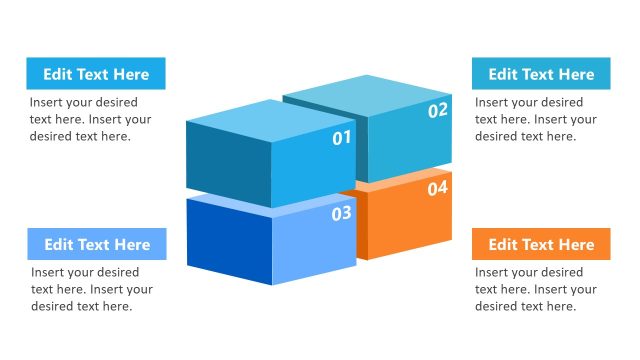
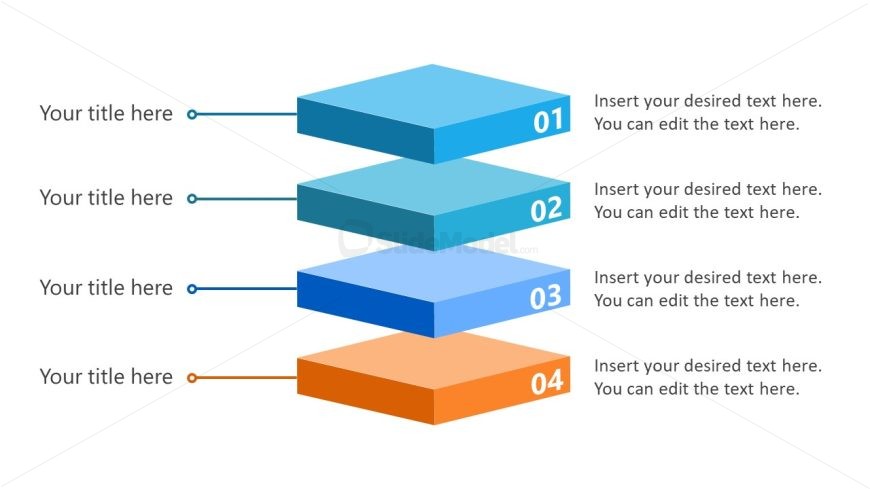
The layout features four stacked rectangular shapes, each representing a layer. The shapes are aligned vertically in the center, with the topmost shape being the largest and colored in a light blue gradient. Each layer has a number label on the left, with corresponding text placeholders for titles and descriptions. The placeholders are aligned to the left of the shapes, maintaining a consistent visual hierarchy. The bottom layer is colored in orange, contrasting with the blue shades of the upper layers. Connecting lines extend from the labels to the shapes, emphasizing the relationship between elements.
How to Use It
This layout serves as a multi-layered infographic, ideal for illustrating processes or hierarchical information. It fits well in presentations discussing project phases, product features, or strategic plans. Each layer can represent a distinct step or component, making it suitable for business scenarios that require clear, structured communication. It is particularly effective in contexts where visual differentiation of stages or elements is needed, such as training sessions or product launches.
Text Placeholders & Capacity
Keep your copy within these limits so it fits without resizing. Node body slots can hold approximately 100 characters each.
| Placeholder | Count | Max characters (approx.) |
|---|---|---|
| Item heading | 4 | 30 |
| Item body | 4 | 100 |
Slide Keywords
Download unlimited PowerPoint templates, charts and graphics for your presentations with our annual plan.
DOWNLOAD