Slide 1 of 4 from Free Multi Layer Cylinder PowerPoint Diagram
Free Four Steps Cylinder Multi Level Diagram
Multi Layer Cylinder Diagram for Presentations
- Diagram
- Layered Stack
- Process Slide
- 16:9
- 100% Editable
The Multi Layer Cylinder Diagram slide from the Free Multi Layer Cylinder PowerPoint Diagram template offers a clear visual for illustrating sequential processes such as project timelines or product development phases. This slide layout includes editable shapes and vector icons arranged in a vertical layered stack, making it suitable for business presentations and training modules that require a structured, step-by-step depiction within a professional slide deck.
What’s on This Slide
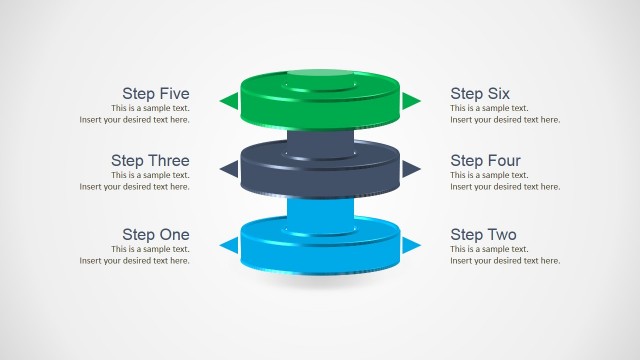
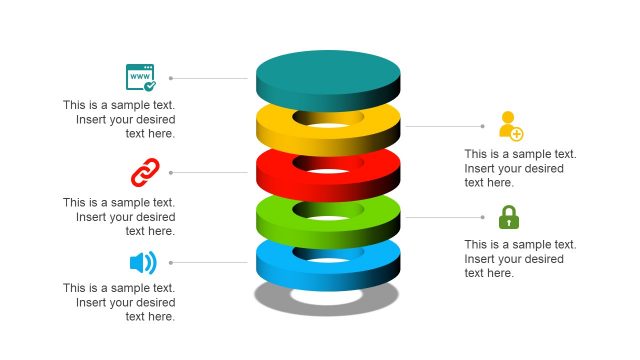
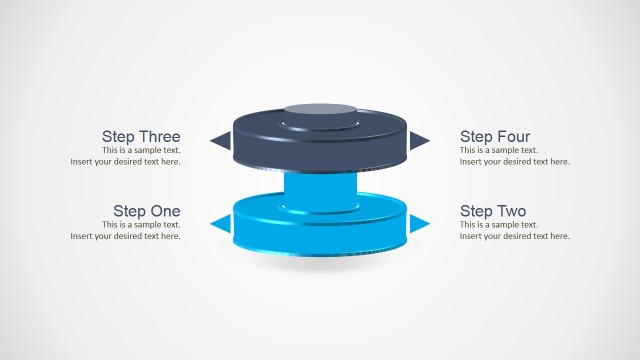
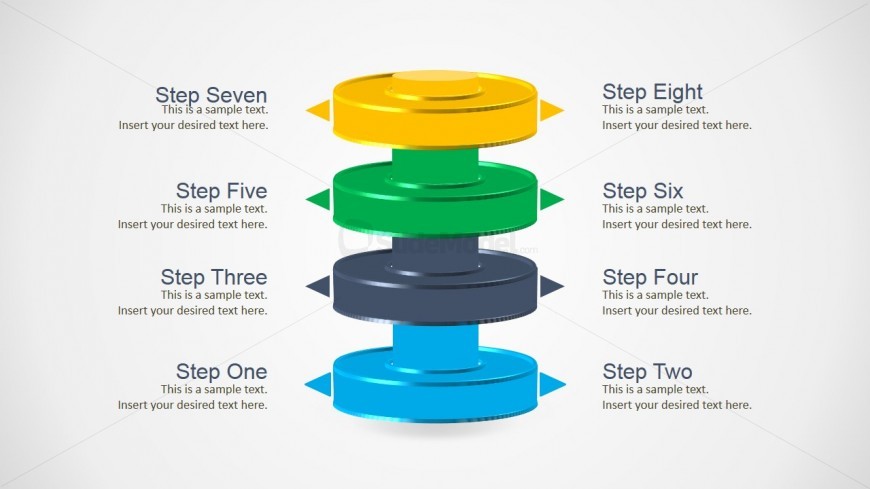
The slide features a vertical arrangement of multi-layered cylinders, each representing a step in a process. The cylinders are colored blue, green, dark gray, yellow, and light gray, with corresponding labels on the left and right. Each layer has a placeholder for text, aligned centrally within the cylinder. The visual hierarchy emphasizes the layers through size and color differentiation. Arrows point outward from the cylinders, indicating flow or progression. The background is light gray, enhancing the visibility of the colored elements.
How to Use It
This layout serves as a step sequence diagram, ideal for illustrating processes or stages in a business context. It fits well in presentations that require a clear, visual representation of sequential steps or layered information. Scenarios include project timelines, product development phases, or training modules. It can be used to present complex information in a digestible format, ensuring clarity and engagement for the audience.
Text Placeholders & Capacity
Keep your copy within these limits so it fits without resizing. Node body slots can accommodate roughly 10-12 words each.
| Placeholder | Count | Max characters (approx.) |
|---|---|---|
| Item heading | 8 | 30 |
| Item body | 8 | 50 |
Slide Keywords
Download unlimited PowerPoint templates, charts and graphics for your presentations with our annual plan.
DOWNLOADReturn to Free Multi Layer Cylinder PowerPoint Diagram.