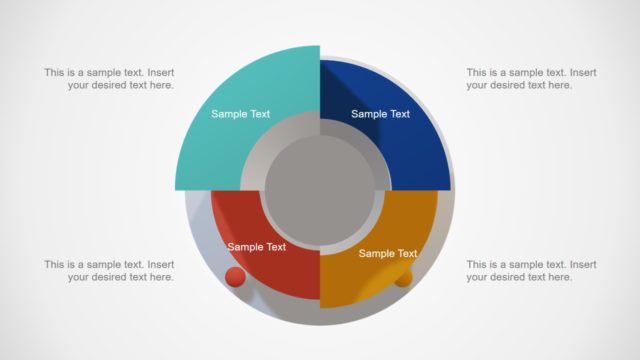
Slide 3 of 4 from Free Multi Layer Cylinder PowerPoint Diagram
3D Two Steps Multi Layer Cylinder Diagram for PowerPoint
Multi Layer Cylinder Diagram for Presentations
- Diagram
- Circular Cycle
- Process Slide
- 16:9
- 100% Editable
The Multi Layer Cylinder Diagram slide from the Free Multi Layer Cylinder PowerPoint Diagram template offers a clear visual for outlining multi-step processes in business presentations. This slide template features editable shapes and vector icons arranged in a circular cycle to effectively communicate project steps or strategic planning stages. Its design supports use in corporate presentations and pitch decks, enhancing clarity in process explanation within professional slide decks.
What’s on This Slide
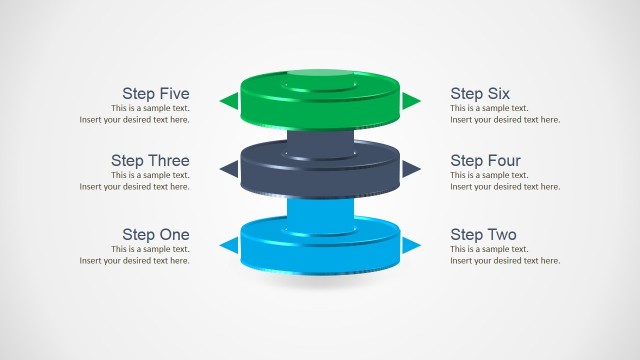
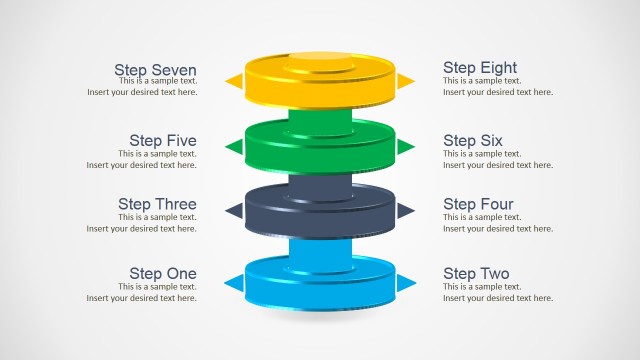
The slide features a three-dimensional cylinder diagram with four distinct layers. The top layer is dark gray, while the middle layer is bright blue, and the bottom layer is also blue. Each layer has an arrow pointing outward, indicating a flow or sequence. Text placeholders are positioned to the left and right of the diagram, aligned vertically, with each placeholder labeled as 'Step One' through 'Step Four.' The overall layout is centered, with ample white space in the background, enhancing visual clarity and focus on the cylinder structure.
How to Use It
This layout serves as a sequential process diagram, ideal for illustrating multi-step procedures or stages in a project. It fits well in a presentation sequence following a problem statement, providing a clear visual representation of steps to be taken. Suitable for business contexts such as project management, product development, or strategic planning, this structure allows for easy communication of complex processes in a visually engaging manner.
Text Placeholders & Capacity
Keep your copy within these limits so it fits without resizing. Node body slots can accommodate roughly 10 words each.
| Placeholder | Count | Max characters (approx.) |
|---|---|---|
| Item heading | 4 | 30 |
| Item body | 4 | 50 |
Slide Keywords
Download unlimited PowerPoint templates, charts and graphics for your presentations with our annual plan.
DOWNLOADReturn to Free Multi Layer Cylinder PowerPoint Diagram.