Slide 4 of 8 from Free Modern Professional Slides for PowerPoint
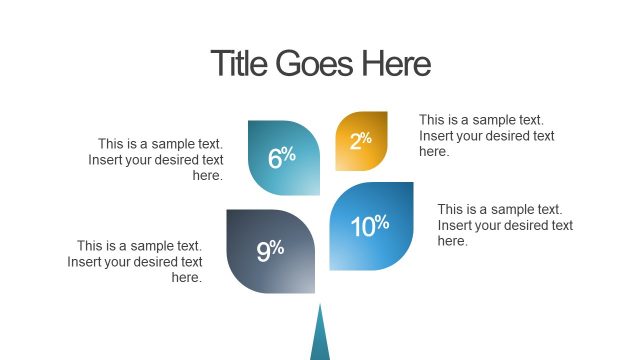
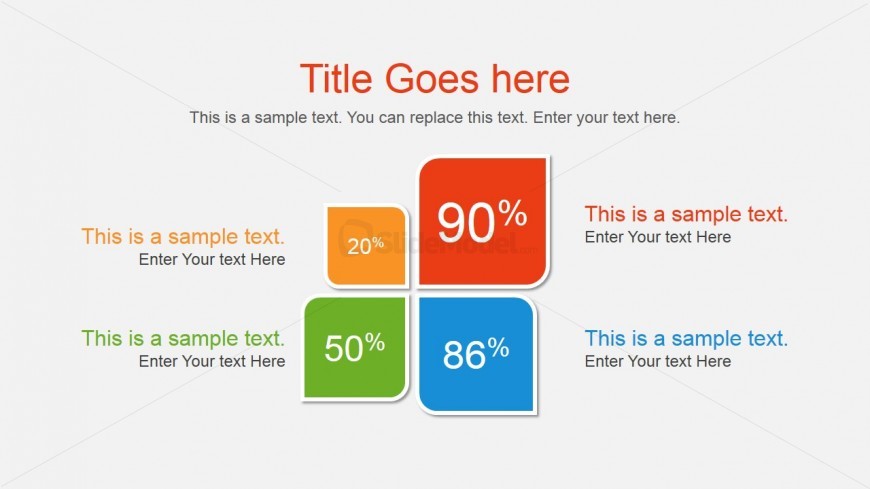
Flower Diagram Design with 4 Components
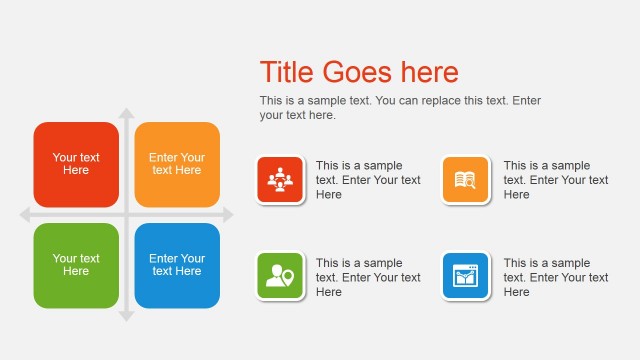
Quadrant Comparison Slide for Presentations
- Diagram
- Matrix Quadrant
- Evaluation Slide
- 16:9
- 100% Editable
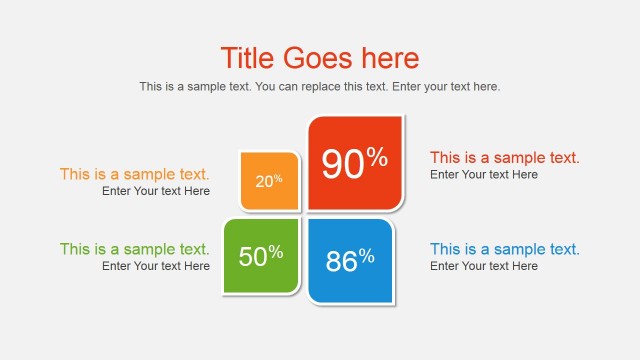
The Quadrant Comparison Layout from the Free Modern Professional Slides for PowerPoint template offers a structured matrix design ideal for performance comparison and metric evaluation. This slide template features four distinct colored quadrants that highlight key data points, making it suitable for business presentations and project status overviews. Its clear visual hierarchy supports easy interpretation, enhancing any corporate presentation or pitch deck template with editable shapes and vector icons for customization.
What’s on This Slide
The layout features a central title area at the top, with four colored quadrants arranged in a 2x2 grid below. Each quadrant contains a percentage value prominently displayed, with accompanying text placeholders positioned below each percentage. The quadrants are colored orange, red, green, and blue, creating a distinct visual separation. The background is light gray, enhancing the contrast of the colored shapes. Text placeholders are centered within each quadrant, while the title is centered above the grid, establishing a clear visual hierarchy.
How to Use It
This layout serves as a comparison tool, ideal for showcasing metrics or performance indicators across four categories. It fits well in a presentation sequence after an introduction or problem slide, providing a clear visual summary of data. Business scenarios include performance reviews, project status updates, or comparative analysis of products or services. The structured format allows for easy interpretation of key metrics at a glance.
Text Placeholders & Capacity
Keep your copy within these limits so it fits without resizing. Node body slots can hold about 3-4 words each.
| Placeholder | Count | Max characters (approx.) |
|---|---|---|
| Slide title | 1 | 30 |
| Item body | 4 | 20 |
| Item heading | 4 | 5 |
Slide Keywords
Download unlimited PowerPoint templates, charts and graphics for your presentations with our annual plan.
DOWNLOAD