Slide 2 of 2 from Free Layered Light Bulb Diagram for PowerPoint
FF0043-01-free-layered-lightbulb-concept-2
Multi-Layered Light Bulb Concept Diagram
- Diagram
- Other
- Concept Explanation Slide
- 16:9
- 100% Editable
The Multi-Layered Light Bulb Concept slide from the Free Layered Light Bulb Diagram for PowerPoint template offers a clear visual framework for presenting complex ideas in business presentations and educational content. This slide layout uses editable shapes and vector icons to differentiate multiple conceptual layers, making it suitable for project planning and strategy discussions within professional slide decks.
What’s on This Slide
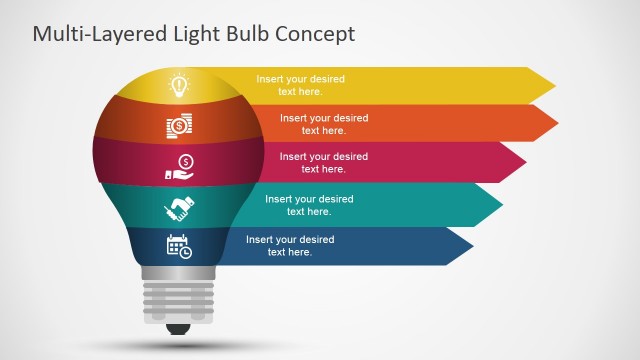
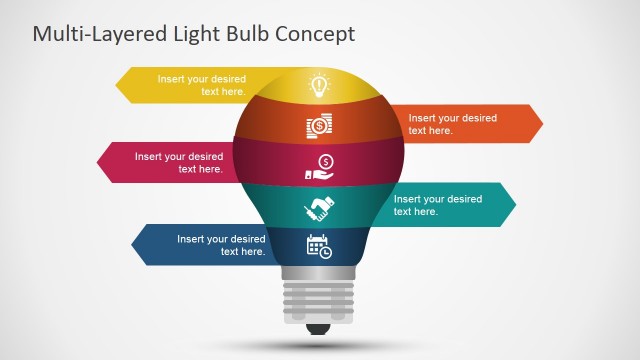
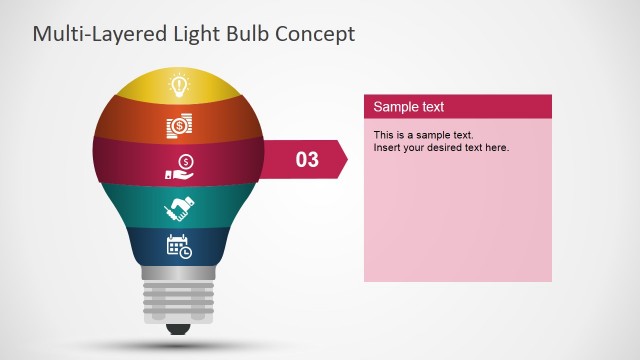
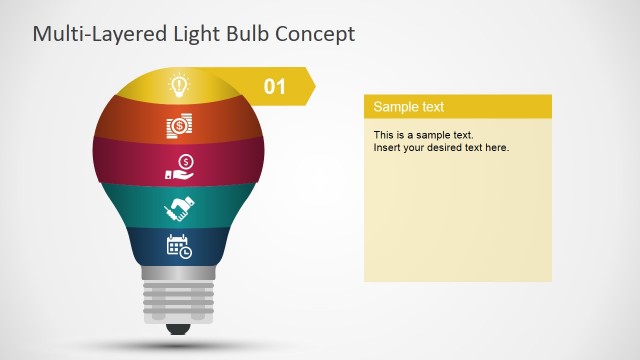
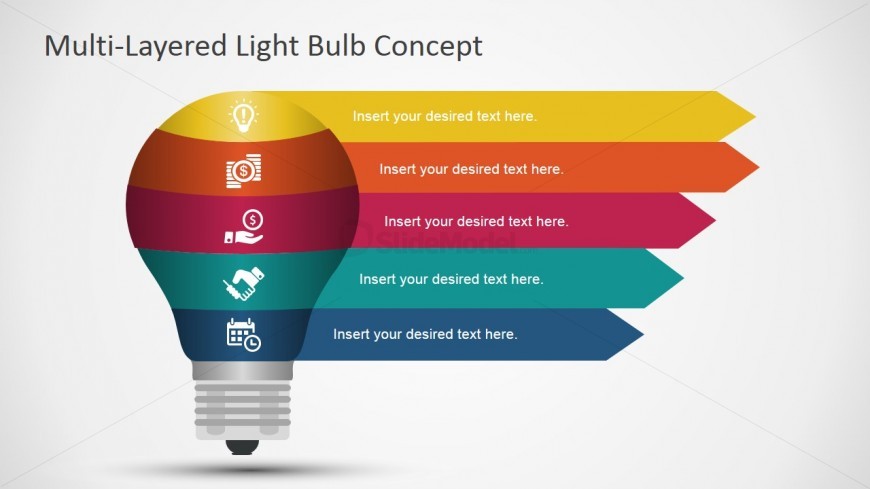
The slide features a layered light bulb diagram positioned centrally, with a light bulb shape at the bottom and horizontal layers extending above it. Each layer is a different color, with icons representing various concepts placed within the layers. There are five horizontal segments, each containing a text placeholder aligned to the left. The top layer contains a light bulb icon, while the others feature icons for finance, partnership, and scheduling. The background is light gray, enhancing the visibility of the colorful layers.
How to Use It
This layout serves as a conceptual diagram to illustrate multi-layered ideas or phases. It fits well in presentations discussing innovation, finance, or project planning. The structure allows for clear visual separation of concepts, making it suitable for business discussions or educational contexts. It can be used to present different aspects of a single topic or to compare various strategies within a cohesive framework.
Text Placeholders & Capacity
Keep your copy within these limits so it fits without resizing. Node slots can accommodate concise text, roughly 6-8 words each.
| Placeholder | Count | Max characters (approx.) |
|---|---|---|
| Slide title | 1 | 30 |
| Item body | 5 | 40 |
Slide Keywords
Download unlimited PowerPoint templates, charts and graphics for your presentations with our annual plan.
DOWNLOAD