Slide 1 of 2 from Free Layered Light Bulb Diagram for PowerPoint
FF0043-01-free-layered-lightbulb-concept-1
Multi-Layered Light Bulb Concept Diagram
- Diagram
- Layered Stack
- Concept Explanation Slide
- 16:9
- 100% Editable
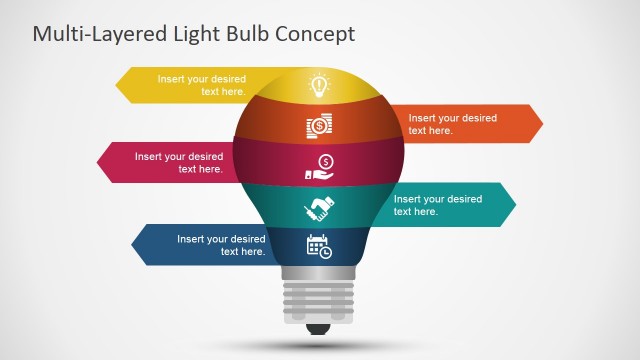
The Multi-Layered Light Bulb Concept slide from the Free Layered Light Bulb Diagram for PowerPoint template offers a clear visual structure for explaining multi-layered ideas. This slide layout uses editable shapes and vector icons arranged in horizontal layers to illustrate project phases or innovation strategies, making it a practical choice for business presentations and pitch decks that require a concise breakdown of complex concepts.
What’s on This Slide
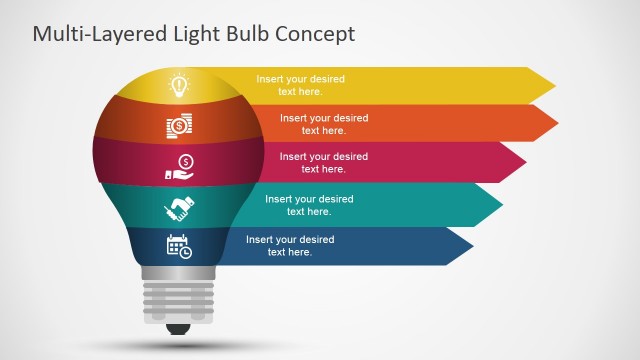
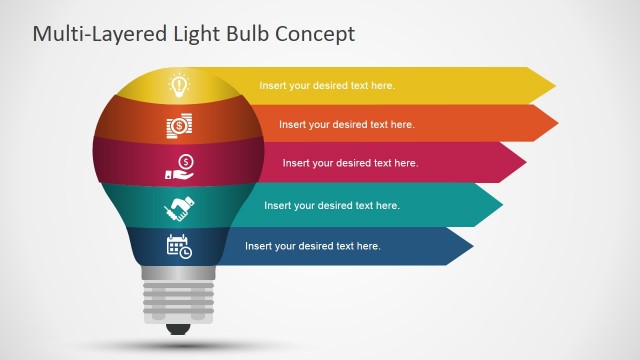
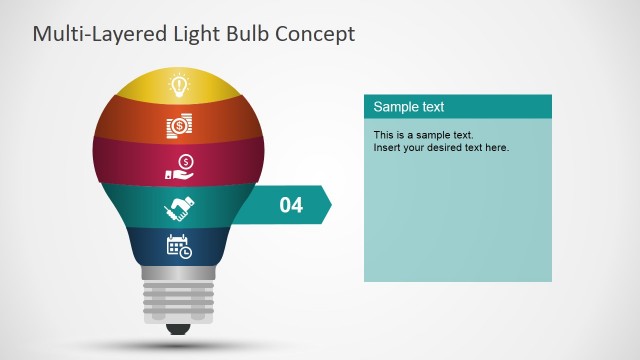
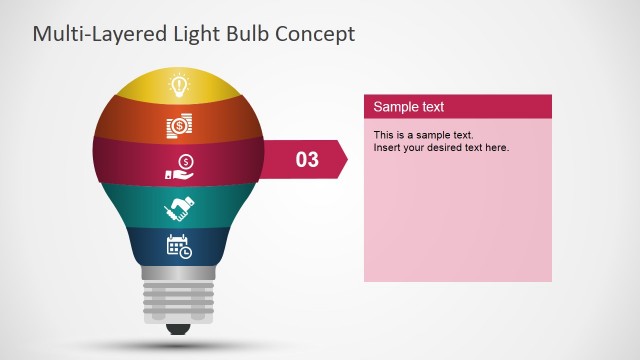
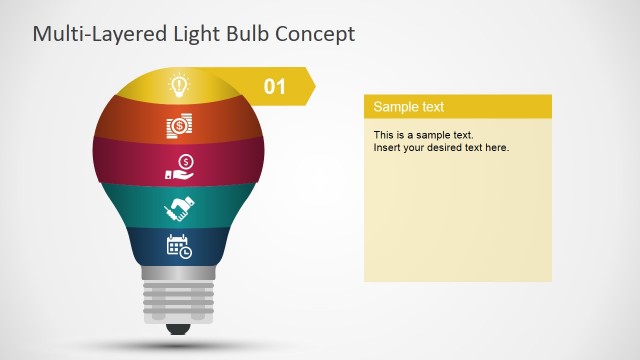
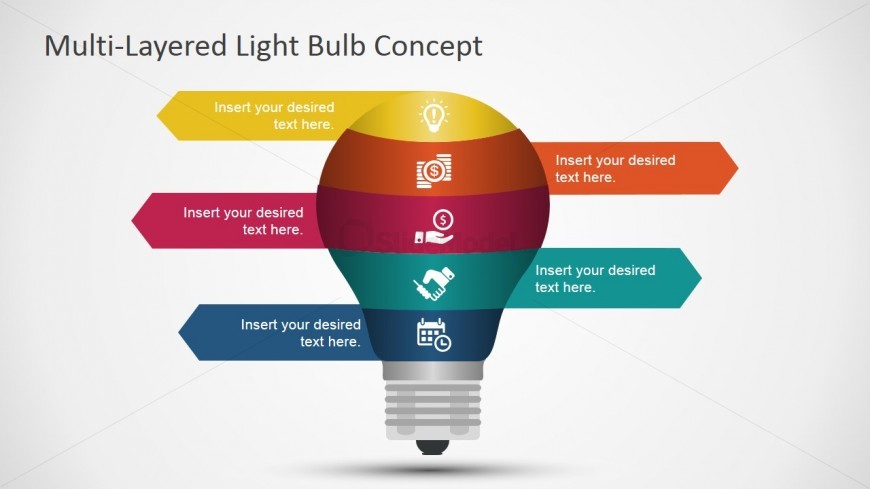
The slide features a central light bulb shape with five horizontal layers, each represented by a colored band. The layers are arranged from top to bottom, with icons placed within each band. Each layer has a corresponding callout arrow pointing to the left, indicating space for text. The top layer is yellow, followed by orange, red, teal, and blue. The background is light gray, enhancing visibility. Text placeholders are centrally aligned within each band, maintaining a consistent visual hierarchy. The overall composition is symmetrical and organized.
How to Use It
This layout serves as a layered diagram, ideal for illustrating concepts, phases, or ideas in a structured manner. It fits well in presentations that require a visual breakdown of topics, such as innovation strategies or project phases. The slide can be used in business contexts to explain multi-faceted concepts, making it suitable for brainstorming sessions or strategic planning discussions. It is effective when presenting complex information in a simplified format, allowing for clear communication of ideas.
Text Placeholders & Capacity
Keep your copy within these limits so it fits without resizing. Each text slot can hold roughly 5-6 words comfortably.
| Placeholder | Count | Max characters (approx.) |
|---|---|---|
| Item body | 5 | 30 |
Slide Keywords
Download unlimited PowerPoint templates, charts and graphics for your presentations with our annual plan.
DOWNLOAD