Slide 2 of 2 from Free Input & Output Concept for PowerPoint
Slide of Technology Input and Output
Input & Output Concept for Presentations
- Diagram
- Process Flow
- Process Slide
- 16:9
- 100% Editable
The Input & Output Concept slide from the Free Input & Output Concept for PowerPoint template offers a clear visual representation of workflows and systems. This slide layout is ideal for business presentations and pitch deck templates, featuring editable shapes and vector icons to illustrate processes effectively. Its design supports explaining data processing or operational flows, making it a practical choice for summarizing complex information in an accessible format.
What’s on This Slide
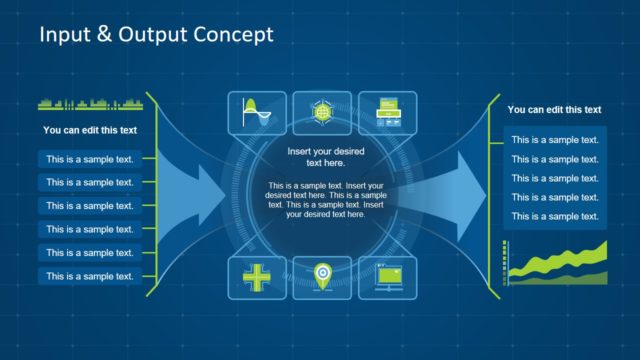
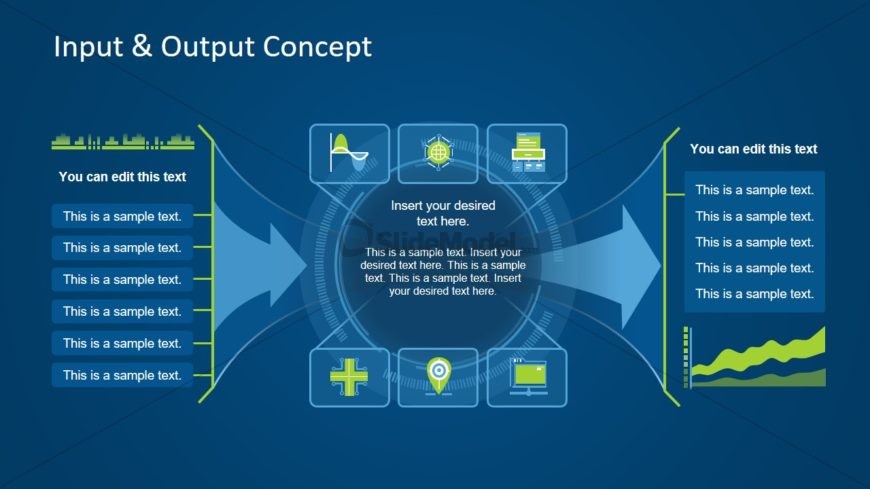
The slide features a central circular graphic with arrows extending outward. On the left and right, there are vertical text boxes for user input. Each side contains five rectangular icons, including a graph, globe, and medical cross, arranged vertically. The central area has a placeholder for text, surrounded by circular design elements. The background is a solid blue color, creating a cohesive look. Text placeholders are aligned to the left and right, with the central text area being larger, emphasizing its importance in the layout.
How to Use It
This layout serves as a visual representation of an input-output process, suitable for illustrating workflows or systems. It can be effectively used in business presentations to explain concepts such as data processing, project management, or operational flows. The slide fits well after a problem statement, leading into a detailed explanation of solutions or processes. It can also be used to summarize findings or recommendations in a clear, structured manner.
Text Placeholders & Capacity
Keep your copy within these limits so it fits without resizing. Body slots are tight, roughly 10-12 words each.
| Placeholder | Count | Max characters (approx.) |
|---|---|---|
| Slide title | 1 | 30 |
| Item body | 10 | 50 |
| Body paragraph | 1 | 100 |
Slide Keywords
Download unlimited PowerPoint templates, charts and graphics for your presentations with our annual plan.
DOWNLOADReturn to Free Input & Output Concept for PowerPoint.