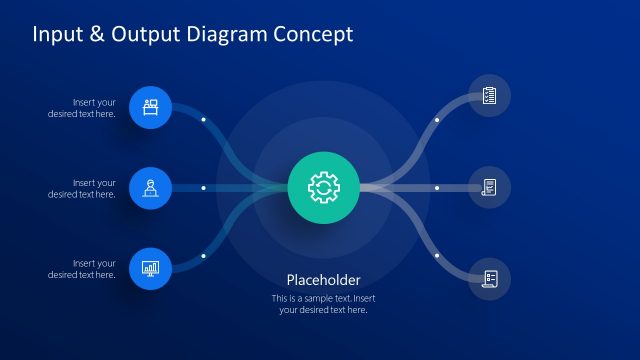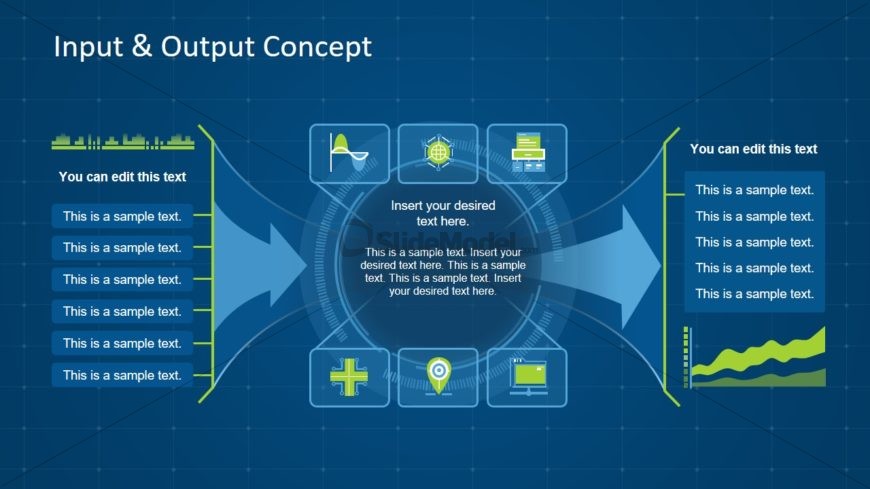
Slide 1 of 2 from Free Input & Output Concept for PowerPoint
Free Input and Output PowerPoint
Input & Output Concept for Presentations
- Diagram
- Process Flow
- Concept Explanation Slide
- 16:9
- 100% Editable
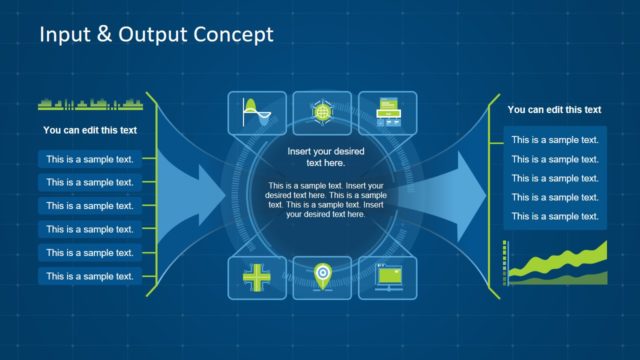
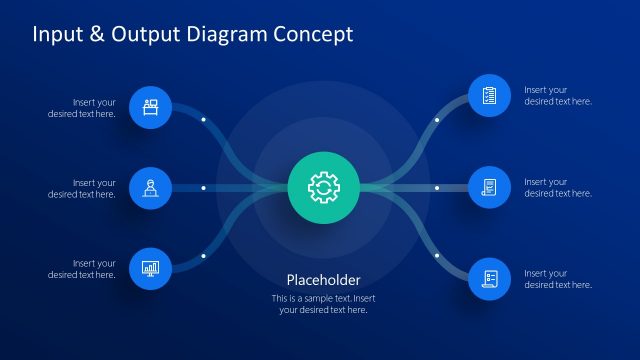
The Input & Output Concept slide from the Free Input & Output Concept for PowerPoint template offers a clear diagram layout ideal for illustrating workflows and system interactions. This slide uses editable shapes and vector icons arranged around a central circular diagram to help explain data processing steps effectively. Suitable for business presentations and pitch deck templates, it supports clear communication of complex processes in a structured slide deck format.
What’s on This Slide
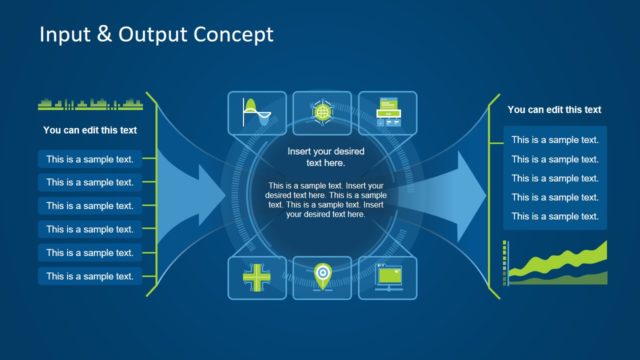
The layout features a central circular diagram with arrows pointing outward. On the left and right sides, there are vertical text containers labeled 'You can edit this text' with multiple text placeholders aligned vertically. The central area contains icons representing various concepts, arranged in a row above a placeholder for additional text. The background is a dark blue grid pattern, providing a structured visual context. The overall composition emphasizes the central diagram, with a clear visual hierarchy guiding the viewer's focus.
How to Use It
This layout serves as a conceptual framework for illustrating input and output processes. It is suitable for presentations discussing workflows, data processing, or system interactions. Positioned at the beginning of a presentation, it can effectively introduce key concepts before delving into detailed discussions. This structure is beneficial in business scenarios where clarity in process visualization is essential, such as project management or operational planning.
Text Placeholders & Capacity
Keep your copy within these limits so it fits without resizing. Body slots can accommodate approximately 6-8 words each.
| Placeholder | Count | Max characters (approx.) |
|---|---|---|
| Slide title | 1 | 30 |
| Body paragraph | 6 | 50 |
| Item body | 1 | 100 |
Slide Keywords
Download unlimited PowerPoint templates, charts and graphics for your presentations with our annual plan.
DOWNLOADReturn to Free Input & Output Concept for PowerPoint.