Slide 2 of 7 from Free Inner Cylinder Diagram PowerPoint
Free Cylinder Process Diagrams PowerPoint
Inner Cylinder Concept Diagram
- Diagram
- Process Flow
- Process Slide
- 16:9
- 100% Editable
The Inner Cylinder Concept slide from the Free Inner Cylinder Diagram PowerPoint template offers a clear process flow visualization ideal for business presentations. This layout uses editable shapes and vector icons to represent sequential steps around a central cylinder, making it suitable for workflows, project management, and step-by-step guides. Its design supports effective communication in corporate presentations and pitch decks, enhancing clarity in complex process explanations.
What’s on This Slide
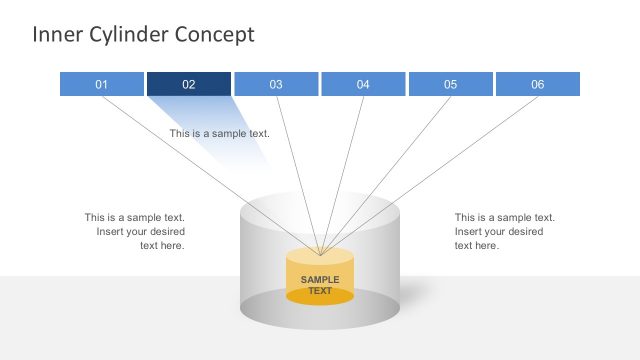
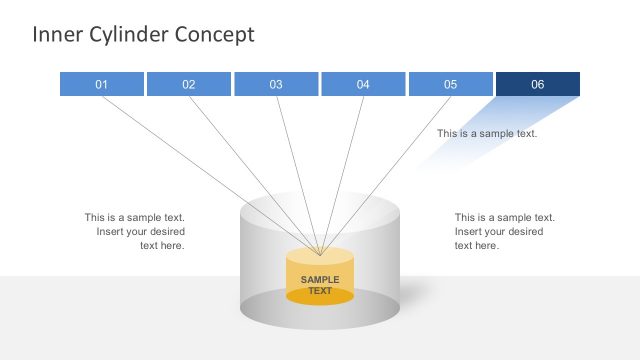
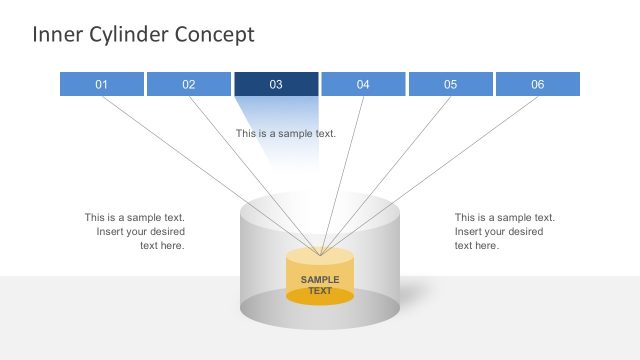
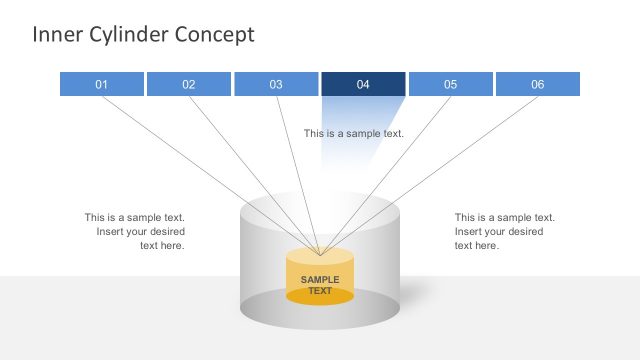
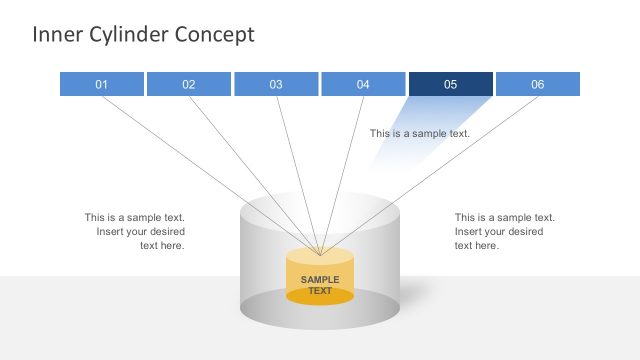
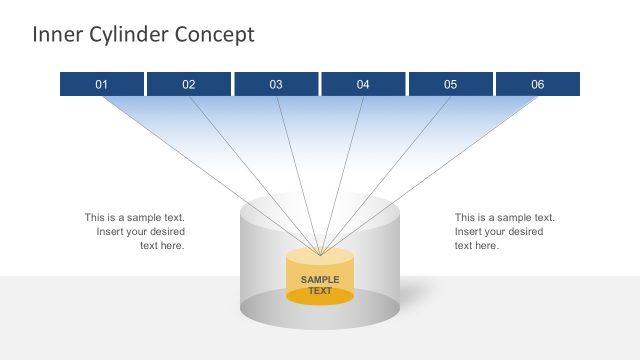
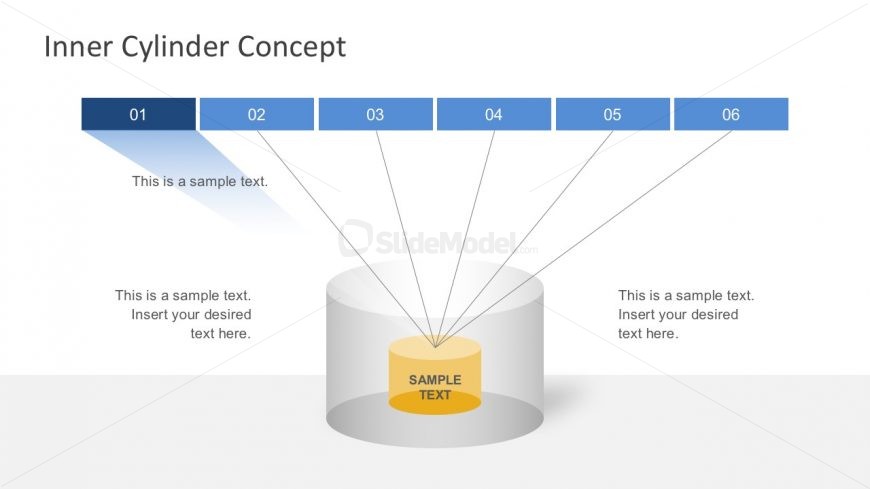
The layout features a central cylinder with a yellow base labeled 'SAMPLE TEXT.' Above, a series of six blue rectangles are arranged horizontally, each containing numbers from 01 to 06. Lines extend from each rectangle to the cylinder, indicating a connection. Below the blue rectangles, there are text placeholders positioned around the cylinder, allowing for additional descriptions. The overall design uses a light background with a gradient effect, emphasizing the central cylinder and its text. The visual hierarchy directs focus to the cylinder and its associated labels.
How to Use It
This layout serves as a process diagram, illustrating a sequence of steps or stages. It fits well in presentations that outline processes, workflows, or methodologies. This structure is useful in business scenarios such as project management, product development, or training sessions, where clear step-by-step guidance is needed. It can effectively communicate complex ideas in a simplified manner, making it suitable for both internal and external presentations.
Text Placeholders & Capacity
Keep your copy within these limits so it fits without resizing. Node labels can hold about 10 characters each, while body text slots can accommodate around 50 characters.
| Placeholder | Count | Max characters (approx.) |
|---|---|---|
| Slide title | 1 | 30 |
| Item heading | 6 | 10 |
| Item body | 6 | 50 |
Slide Keywords
Download unlimited PowerPoint templates, charts and graphics for your presentations with our annual plan.
DOWNLOADReturn to Free Inner Cylinder Diagram PowerPoint.